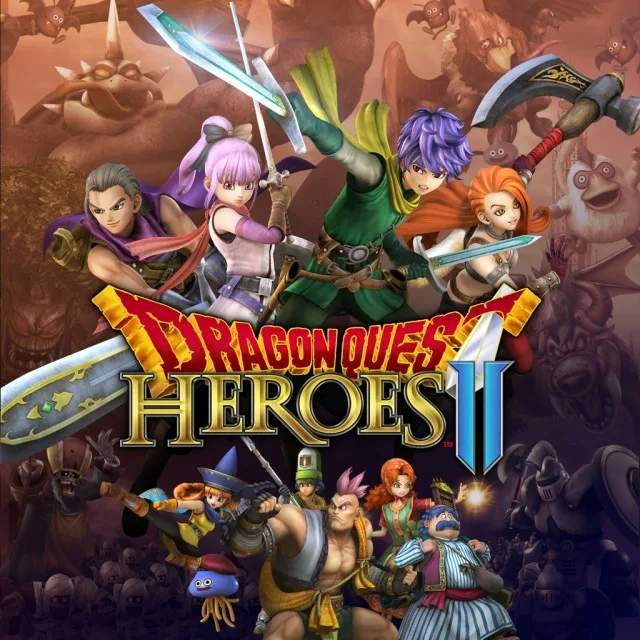
The UI provides vital information during combat and exploration. Familiarize yourself with these elements:
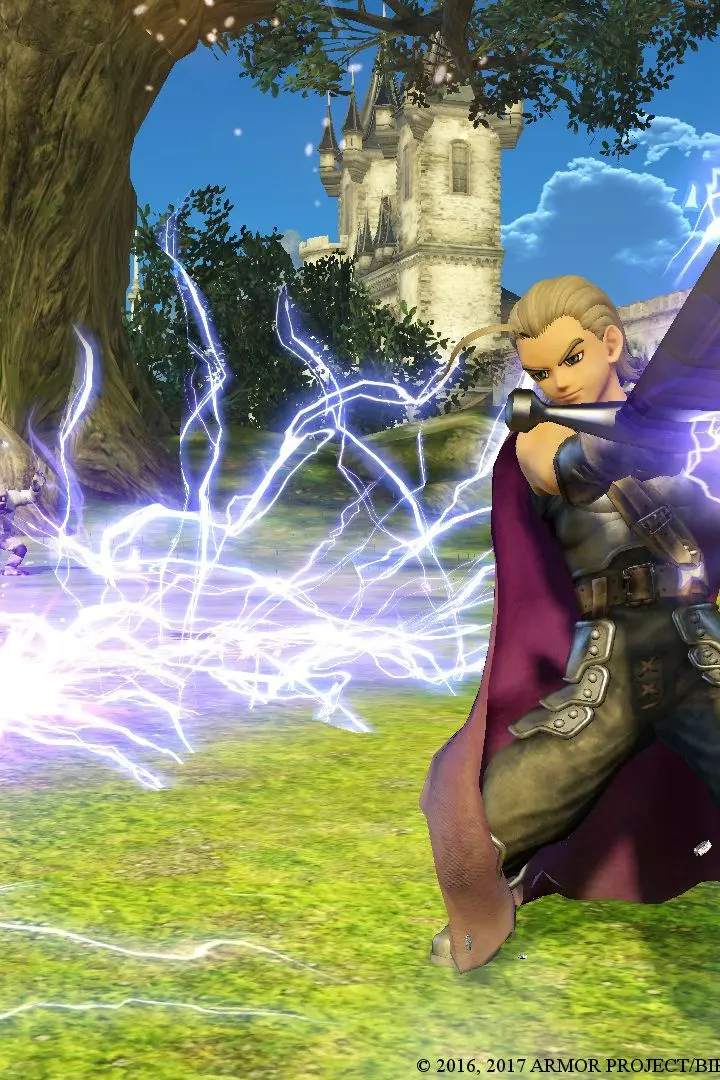
- HP Bar (Green): Your character's health. Depleting this leads to a KO.
- MP Bar (Blue): Your character's magic points, used for special skills.
- Tension Gauge (Yellow): Fills as you deal and take damage. When full, activate Tension Burst for a temporary power boost and an ultimate attack.
- Party Member Portraits: Shows HP and MP of your active party members.
- Mini-Map: Displays your current location, objectives, and nearby enemies/NPCs.
- Objective Marker: Indicates your next main story objective.
- Monster Medal Slots: Shows equipped Monster Medals and their remaining uses.
- Chat Log: Displays dialogue and important notifications.
Keeping an eye on your HP and MP is crucial for survival. Don't be afraid to use healing items or skills when necessary. The mini-map is your best friend for navigation, especially in larger areas. Pay attention to the objective marker to stay on track with the main story.
Compare understanding the user interface inDragon Quest Treasures