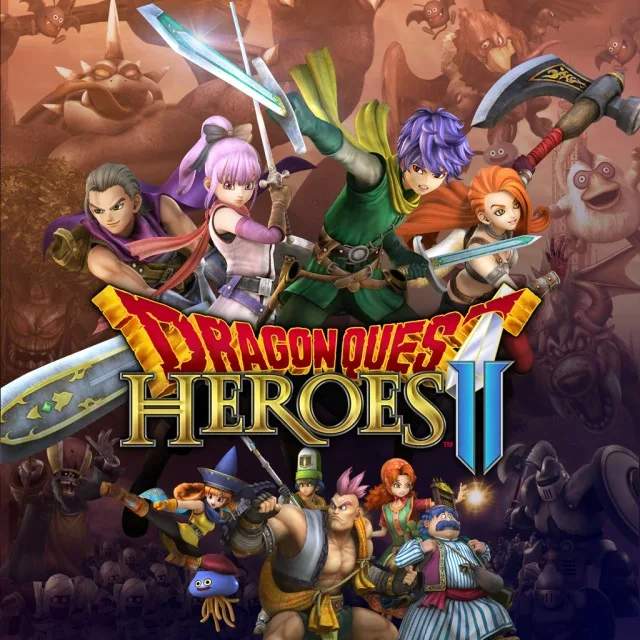
The User Interface (UI) in Dragon Quest Heroes provides crucial information during gameplay. In the top-left corner, you'll find your character's health bar (HP) and magic points (MP), along with the health bars of your active party members. Keeping an eye on these is essential for survival. Below your HP/MP, you'll see your current character's portrait and level. The bottom-left displays your current skill palette, showing which abilities are assigned to which buttons when R1/RB is held.
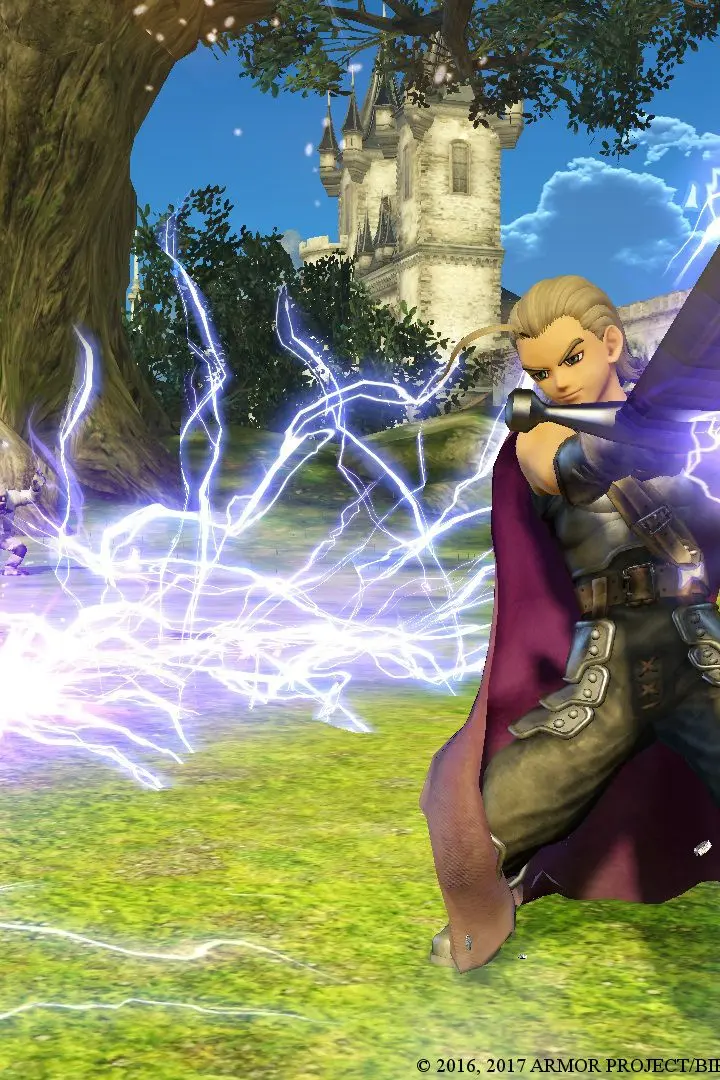
The bottom-right corner often shows the mini-map, which helps with navigation and identifying enemy positions. Important quest objectives or tutorial prompts will appear in the top-right. During combat, enemy health bars will appear above their heads, and special status effects will be indicated by icons near their health. Pay attention to the 'Tension' gauge, which builds up as you deal and take damage. Once full, you can unleash a powerful Coup de Grâce by pressing R2/RT, which can turn the tide of battle. Understanding these UI elements will significantly improve your battlefield awareness and strategic decision-making.
Compare understanding the user interface (ui) inDragon Quest Treasures