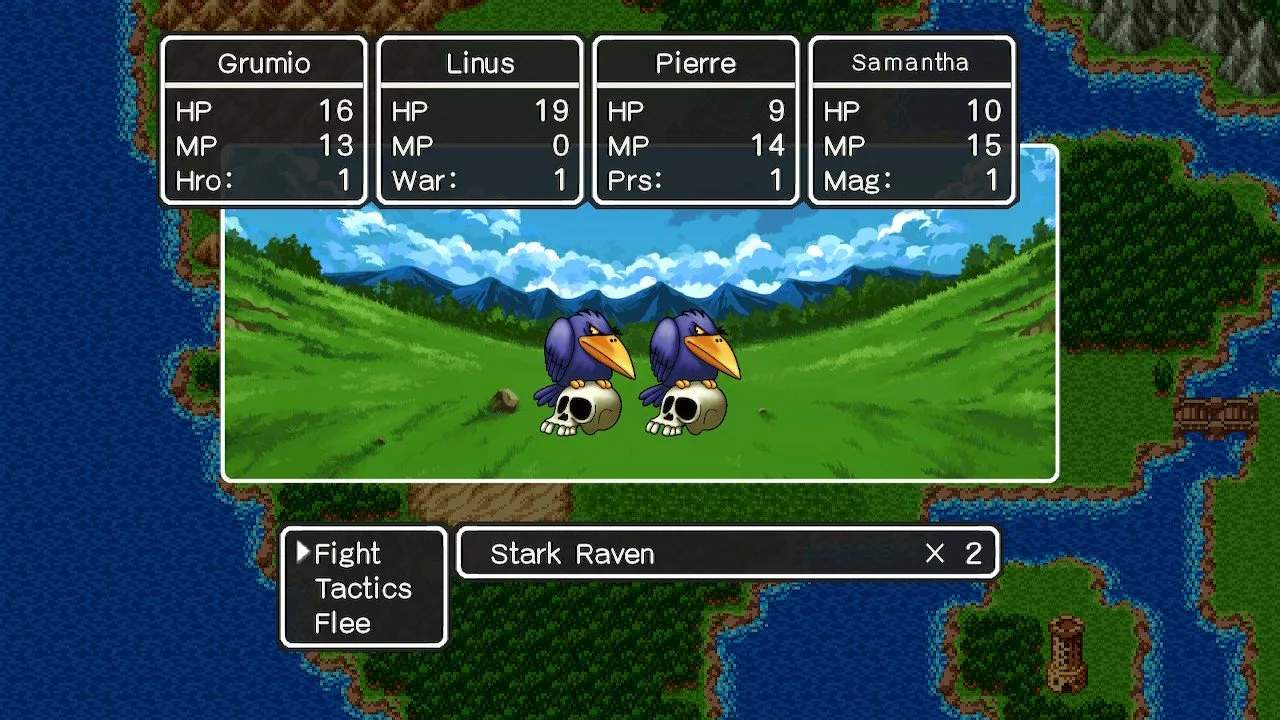
Mastering the controls and understanding the User Interface (UI) is your first step to becoming a legendary hero. While controls can vary slightly between different versions (NES, SNES, GBC, Mobile), the core functionality remains consistent. Typically, the 'A' button (or equivalent) is used to confirm actions, talk to NPCs, and open doors. The 'B' button (or equivalent) is used to cancel actions or open the main menu. The directional pad (D-Pad) or analog stick is used for movement.
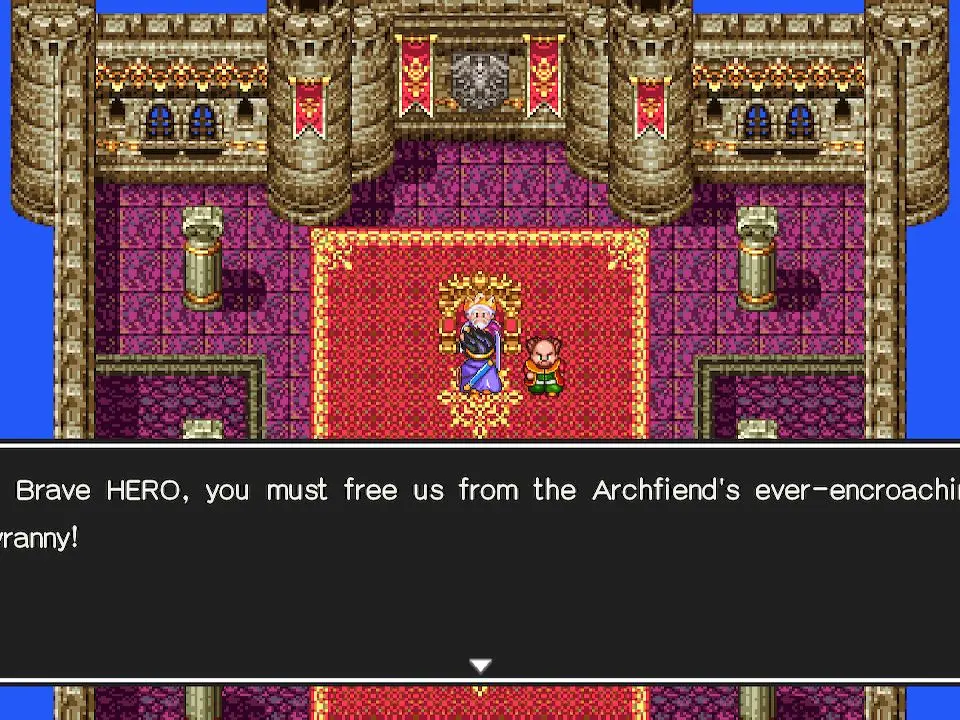
Main Menu Options:
- Talk: Initiate conversations with non-player characters.
- Spell: Cast spells learned by your magic-users.
- Item: Use items from your inventory, equip gear, or discard unwanted items.
- Equip: Change a character's weapons, armor, shields, and accessories.
- Status: View a character's current stats, equipment, and experience points.
- Order: Change the battle formation or the order of characters in your party.
- Search: Examine the ground for hidden items or interact with objects.
- Door: Open locked doors (requires a Thief's Key or Magic Key).
- Stairs: Ascend or descend staircases in dungeons and towns.
- Save: Save your game at a King or Queen's castle (or via Quick Save in some versions).
Understanding these basic commands will allow you to navigate the world, interact with its inhabitants, and manage your party effectively. Pay attention to the on-screen prompts, especially during battles, to make informed decisions.
Compare controls and user interface inDragon Quest Heroes II