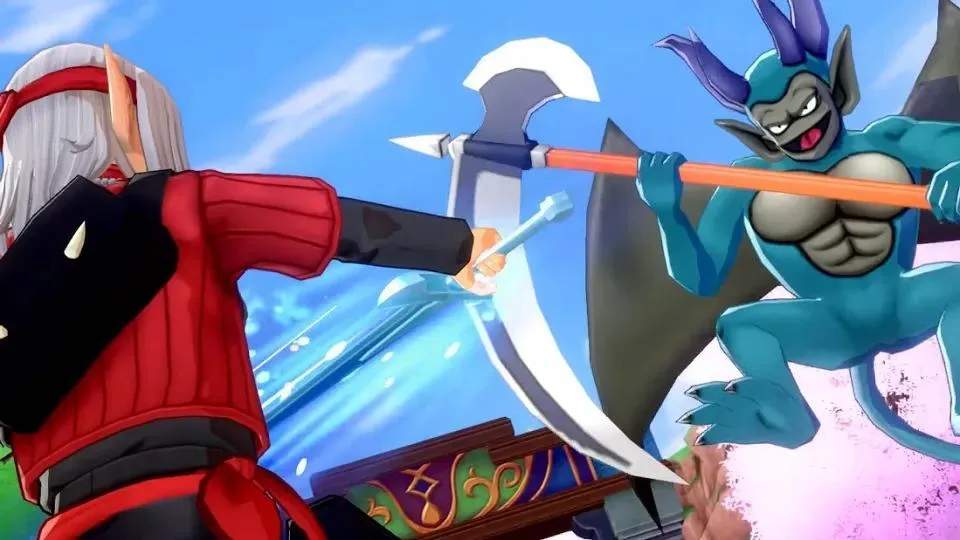
Navigating Nadiria is straightforward. Use the Left Analog Stick to move Psaro. The Right Analog Stick controls the camera, allowing you to survey your surroundings for hidden items or approaching monsters. Press A to interact with NPCs, objects, and to confirm menu selections. The B button is used to cancel actions or close menus. The X button opens your main menu, providing access to your party, items, monsterpedia, and more. The Y button is a quick-access button, often used for scouting monsters in the field. Remember to experiment with these controls early on to get a feel for the game's flow.
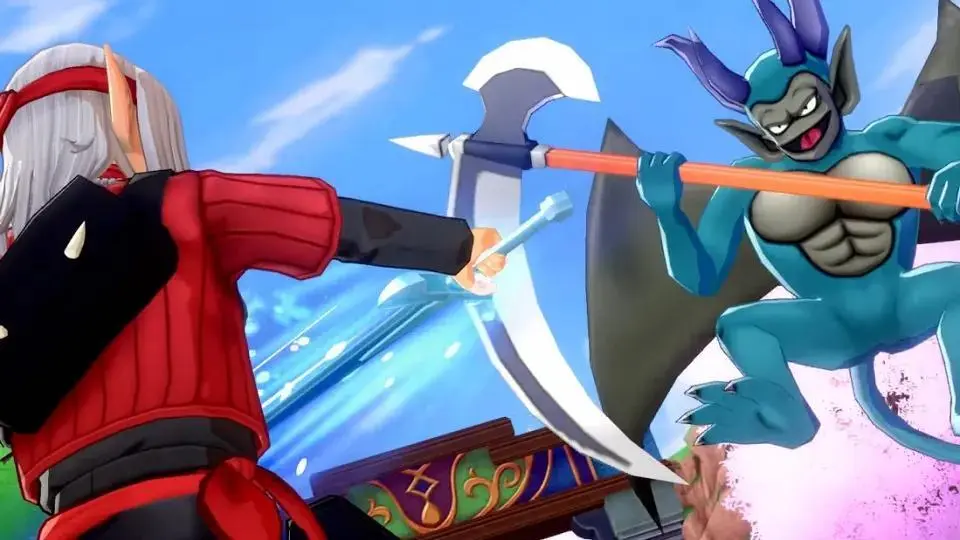
Dashing is an essential movement technique for covering ground quickly. Hold down the L button while moving to sprint. This is particularly useful when traversing large areas or escaping from unwanted monster encounters. Keep an eye on your surroundings for sparkling spots, which indicate gatherable materials, and interact with them using the A button. Mastering movement will significantly improve your exploration efficiency.
Compare controls & basic movement inDragon Quest Builders 2