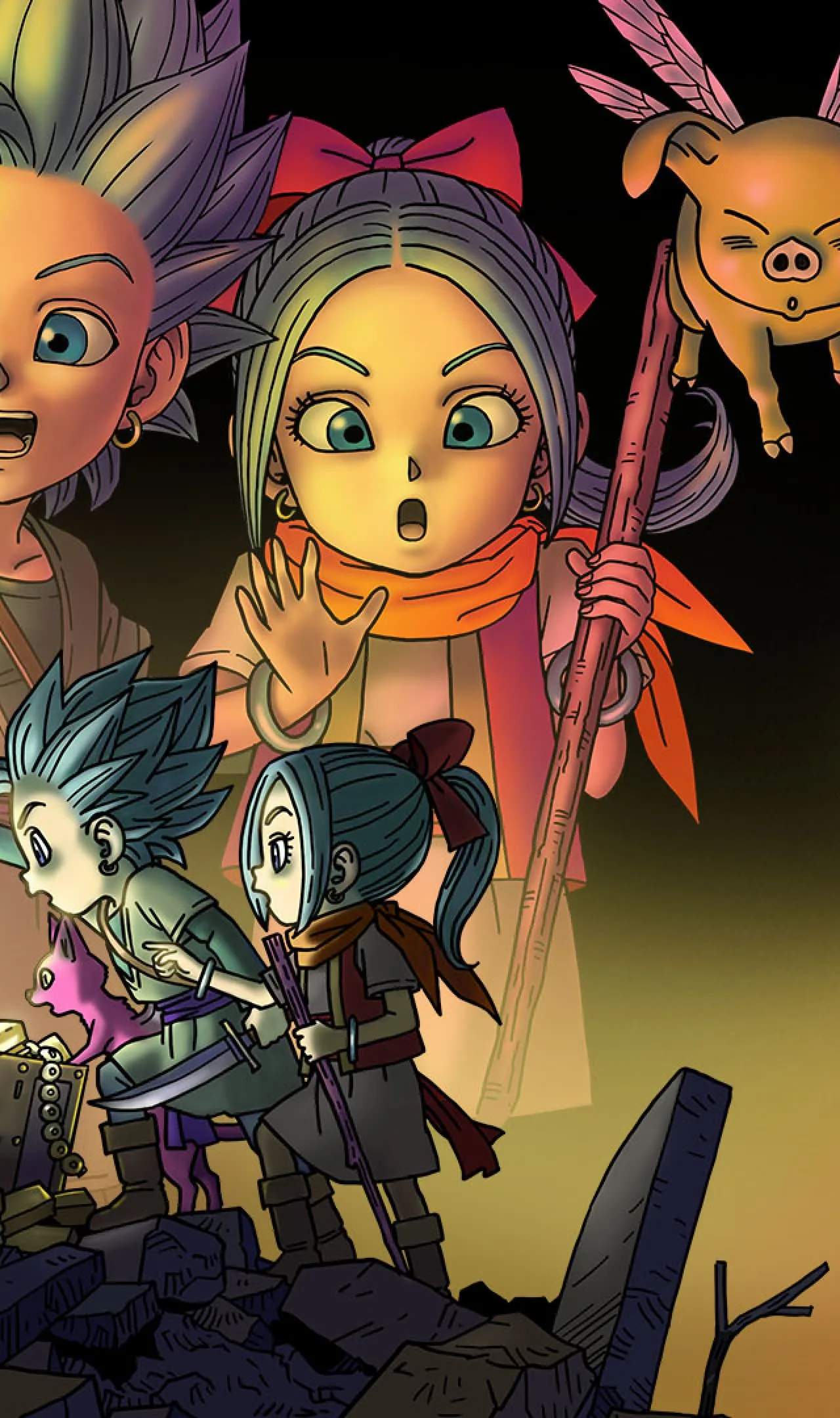
Mastering the controls is crucial for efficient treasure hunting and combat. Here's a breakdown of the default controls:
- Left Stick: Move Erik/Mia.
- Right Stick: Control Camera.
- A Button: Interact, Confirm, Attack (in combat).
- B Button: Jump, Cancel.
- X Button: Use Fortes (Erik/Mia's special abilities, like Glide or Launch).
- Y Button: Use Monster Fortes (context-sensitive, like Sprint or Stealth).
- L Button: Target Lock (in combat).
- R Button: Dodge/Dash.
- ZL Button: Open Compass (shows treasure direction).
- ZR Button: Use Slingshot.
- Minus Button (-): Open Menu.
- Plus Button (+): Open Map.
Experiment with these controls in the tutorial area to get a feel for movement and interaction before diving into the main adventure. Remember that precise movement and camera control are key to spotting hidden treasures and navigating tricky environments.