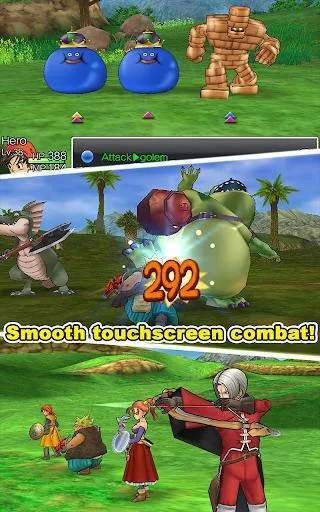
Understanding the controls is your first step to mastering Dragon Quest VIII. The game utilizes a straightforward control scheme that is easy to pick up. On PlayStation 2, the left analog stick or D-pad controls character movement. The 'X' button is used for interaction (talking to NPCs, opening doors, examining objects), while the 'Circle' button is typically used to cancel actions or open the main menu. The 'Triangle' button opens the main menu directly, allowing access to items, spells, equipment, and more. The 'Square' button is context-sensitive and often used for quick actions like checking your current objective or zooming the camera. In battle, the D-pad or left analog stick navigates menus, 'X' confirms, and 'Circle' cancels. Familiarize yourself with these basic inputs before venturing out into the world.
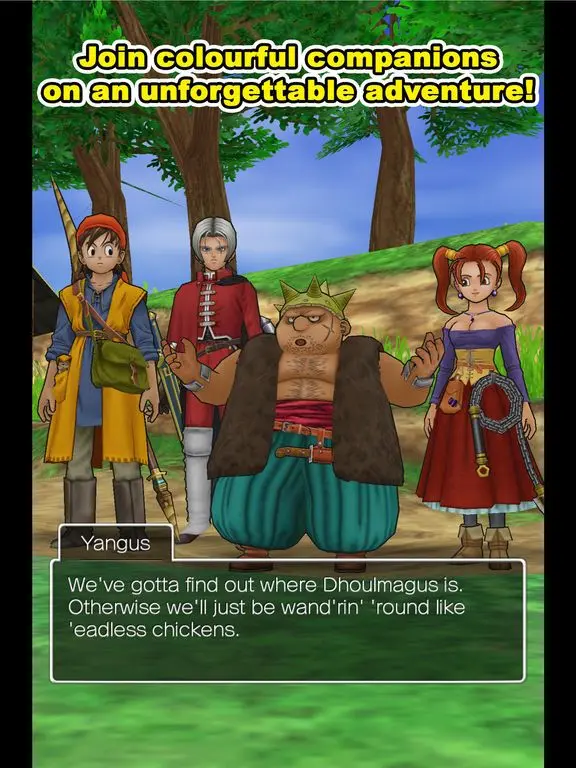
When exploring, remember to rotate the camera with the right analog stick to get a better view of your surroundings. This can help you spot hidden pathways, treasure chests, or enemies. Pay attention to the mini-map in the corner of your screen, which indicates your current location, nearby towns, and important landmarks. Running into enemies on the field initiates a battle, so be prepared for combat at all times. The game also features a 'Dash' ability, usually by holding down a specific button while moving, which allows for faster traversal across larger areas. Mastering movement and interaction will make your exploration much more efficient.