
The UI provides vital information about Lily's status and the environment. Familiarize yourself with these elements:
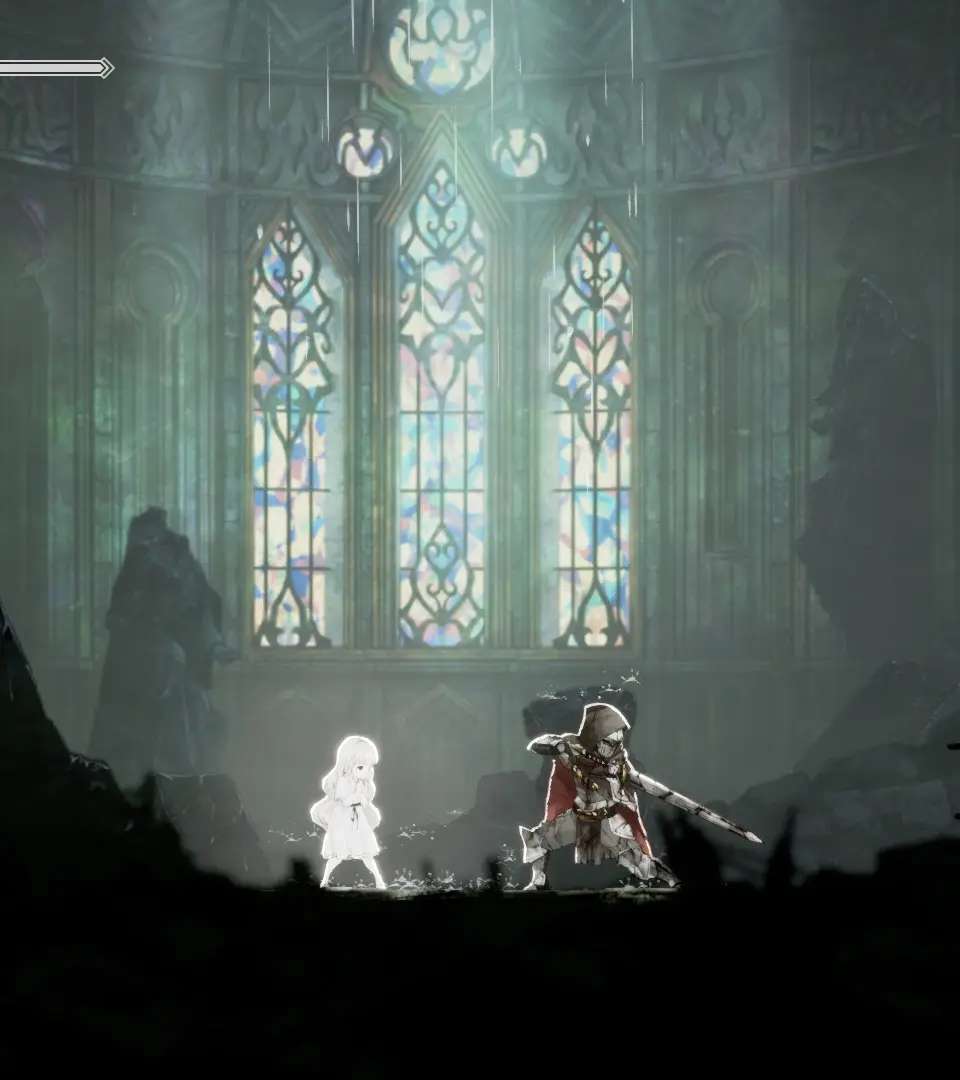
- HP Bar (Top Left): Displays Lily's current health. If it reaches zero, you'll return to the last Respite.
- Prayer Charges (Below HP Bar): Shows how many times you can heal. These refill at Respite points.
- Spirit Slots (Bottom Left): Displays your currently equipped Main Spirit and two Sub Spirits, along with their cooldowns.
- Blight Gauge (Top Right, during boss fights): Indicates the boss's health.
- Map (Accessed via Select/Touchpad): Shows your current location, discovered areas, Respite points, and locked doors.
- Menu (Accessed via Start/Options): Contains several crucial sub-menus:
- Spirits: Equip and upgrade your Spirits.
- Relics: Equip and manage your Relics, which provide passive bonuses.
- Skills: View and upgrade Lily's passive skills.
- System: Adjust game settings, save, and load.
Keep an eye on your HP and Prayer charges, especially in challenging areas. Managing your Spirit cooldowns effectively is key to sustained combat.