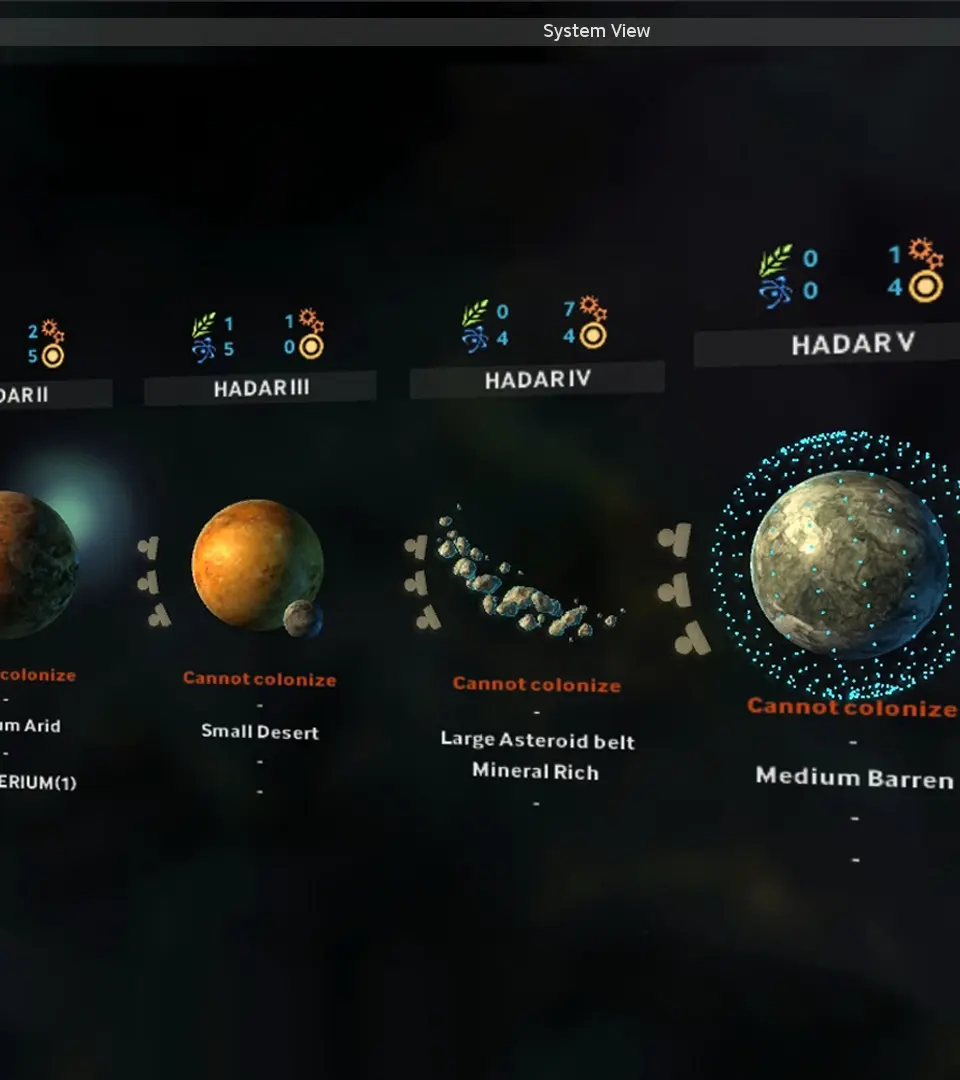
Navigating the galaxy in Endless Space is straightforward. Use the W, A, S, D keys or click and drag with the right mouse button to pan the camera across the star map. The mouse wheel allows you to zoom in and out, providing a closer look at individual star systems or a broader view of your empire. To select a star system, simply left-click on it. This will open the system management screen, where you can manage construction queues, population, and planetary improvements. To select a fleet, left-click on its icon on the star map. Once selected, you can issue movement orders by right-clicking on a destination system or attack orders by right-clicking on an enemy fleet. The Spacebar advances the turn, and the Escape key opens the game menu. Familiarize yourself with these basic controls before diving into complex strategies.