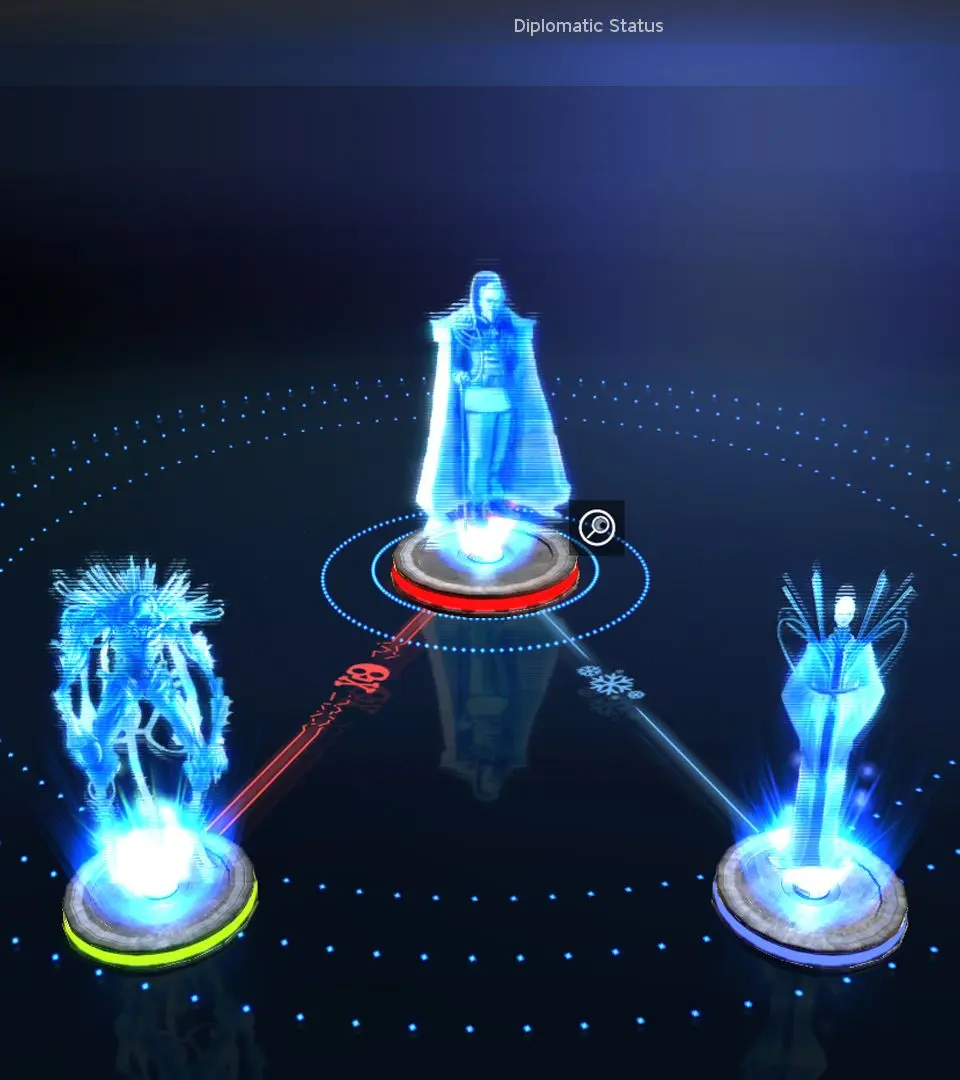
The Endless Space UI is comprehensive but intuitive once you understand its layout. At the top of your screen, you'll find your primary resource indicators: Dust (currency), Science (research points), Industry (production), Food (population growth), and Influence (diplomacy/expansion). The bottom left houses your empire management tabs: Empire (overall statistics), Systems (colony management), Fleets (military control), Heroes (hero management), Research (tech tree), Diplomacy (relations with other factions), and Market (resource trading). The mini-map is located in the bottom right, showing explored systems and fleet positions. Pay close attention to the notifications that appear on the right side of the screen, as they alert you to important events like completed research, new colony opportunities, or enemy movements. Mastering the UI is key to efficient empire management.