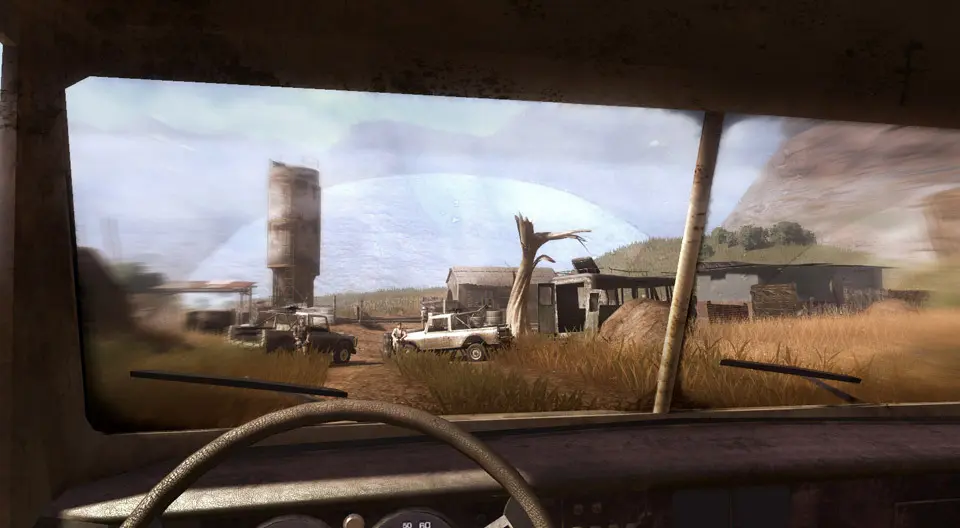
Mastering the controls is crucial for survival in Far Cry 2. The game utilizes a standard first-person shooter control scheme. Movement: W, A, S, D (PC) / Left Analog Stick (Console). Aim: Right Mouse Button (PC) / Left Trigger (Console). Shoot: Left Mouse Button (PC) / Right Trigger (Console). Reload: R (PC) / X (Xbox) / Square (PlayStation). Melee: V (PC) / Right Analog Stick Click (Console). Use/Interact: E (PC) / X (Xbox) / Square (PlayStation). The UI is minimalist, focusing on immersion. Your health bar is represented by a series of segments at the bottom of the screen, regenerating slowly over time. The mini-map in the top-left corner shows your immediate surroundings, enemy positions (when spotted), and objectives. Weapon information (ammo count, current weapon) is displayed in the bottom-right. Pay close attention to the malaria indicator, a pulsating red effect on the screen, which signals an impending attack.