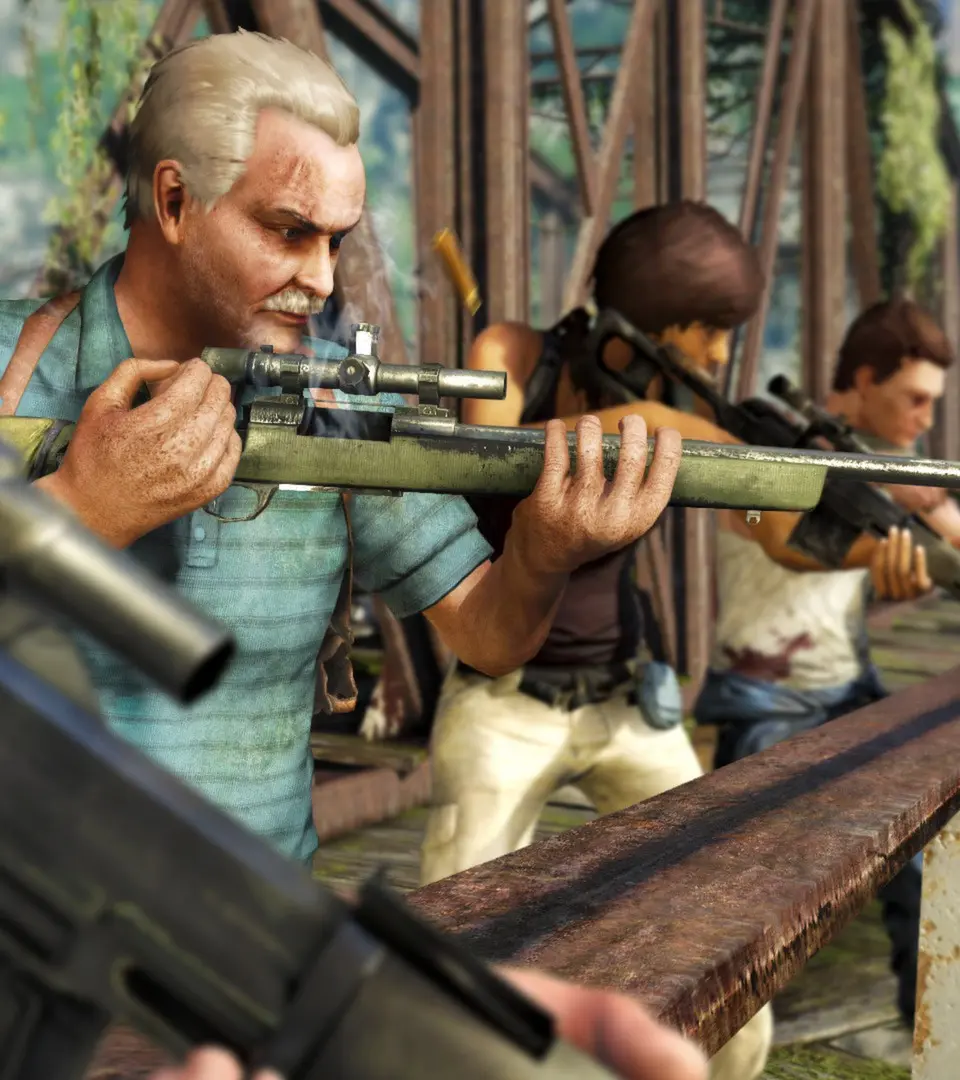
Mastering the controls is crucial for survival. Familiarize yourself with movement (WASD/Left Stick), aiming (Right Click/Left Trigger), shooting (Left Click/Right Trigger), and interacting (E/Square). The UI provides vital information: your mini-map shows objectives and enemies, the health bar indicates your current well-being, and the ammo counter keeps track of your rounds. Pay attention to the stealth indicator – a white arrow means you're hidden, while a red one means you've been spotted. Understanding these elements will significantly improve your combat effectiveness and stealth capabilities.