
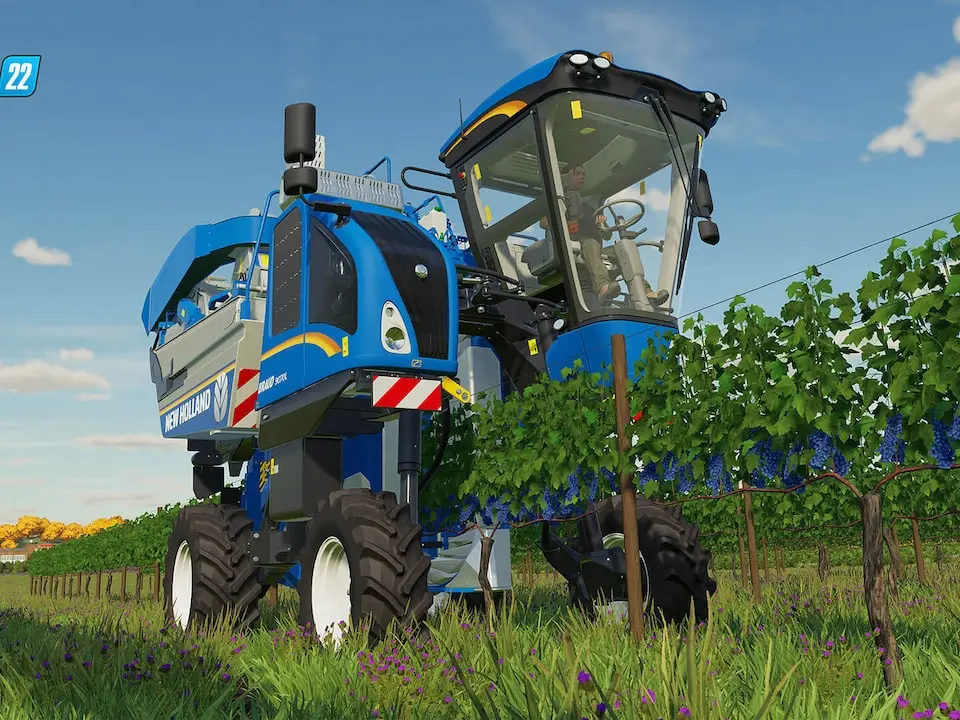
Learn how to hire workers and utilize the Courseplay feature in Farming Simulator 25. Enhance your farm management and automate tasks for maximum efficiency.
Farming Simulator 25 introduces enhanced AI Workers and the Courseplay system to help automate your farming operations. This guide covers how to hire workers and set up Courseplay for various tasks.
Walkthrough
- 1Hiring Workers: Access the 'Worker' menu by pressing the corresponding button (check your keybinds). Select a worker and assign them to a task, such as driving a vehicle or operating equipment. Workers have a daily cost, so manage your budget accordingly.
- 2Courseplay Basics: Courseplay is a mod that allows for advanced field route generation and automation. Once installed, you can create field courses for tasks like plowing, seeding, fertilizing, and harvesting.
- 3Creating Field Courses: With a vehicle equipped for a specific task (e.g., a tractor with a plow), activate Courseplay. The system will guide you through generating a field course by driving a few passes around the field.
- 4Assigning Tasks: Once a course is generated, you can assign it to an AI worker or control the vehicle yourself. Courseplay handles the navigation and execution of the task, allowing you to focus on other aspects of your farm.
- 5Advanced Features: Courseplay offers numerous advanced options, including multi-tool support, headland turns, and optimized pathfinding. Explore the Courseplay menu to customize settings for specific needs.
Tips
- Ensure your hired workers have the necessary equipment and fuel.
- For complex fields, consider creating multiple courses or adjusting settings for optimal coverage.
- Regularly check the worker's progress and budget to avoid unexpected costs.
- Keep Courseplay updated to the latest version for bug fixes and new features.
- Experiment with different Courseplay settings to find what works best for your playstyle and farm layout.
100% Human-Written. AI Fact-Checked. Community Verified. Learn how AntMag verifies content