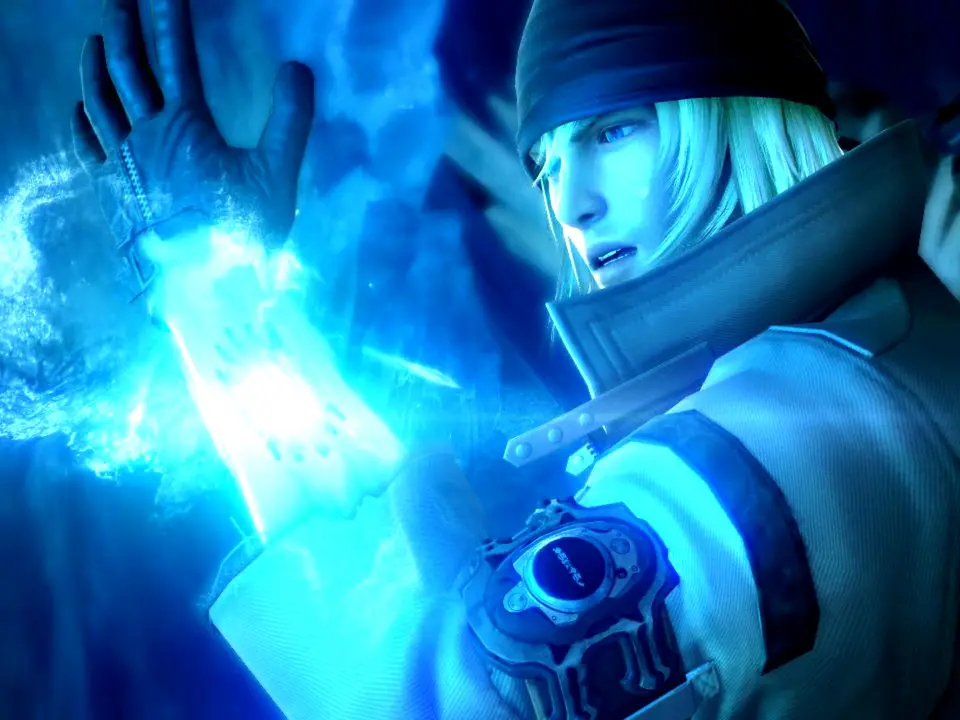
The UI in Final Fantasy XIII is designed to provide all necessary information without cluttering the screen. In exploration mode, you'll see a mini-map in the top-right corner, indicating your current location, objectives, and nearby enemies. Your current party members' HP and TP (Technical Points) are displayed in the bottom-left. During combat, the UI transforms to show the ATB (Active Time Battle) gauge for each character, their current HP, status effects, and the enemy's HP and stagger bar. The command menu appears at the bottom-center, allowing you to select actions. Pay close attention to the enemy's target information, which displays their weaknesses and resistances once scanned. Understanding these elements is key to making informed decisions both in and out of battle.