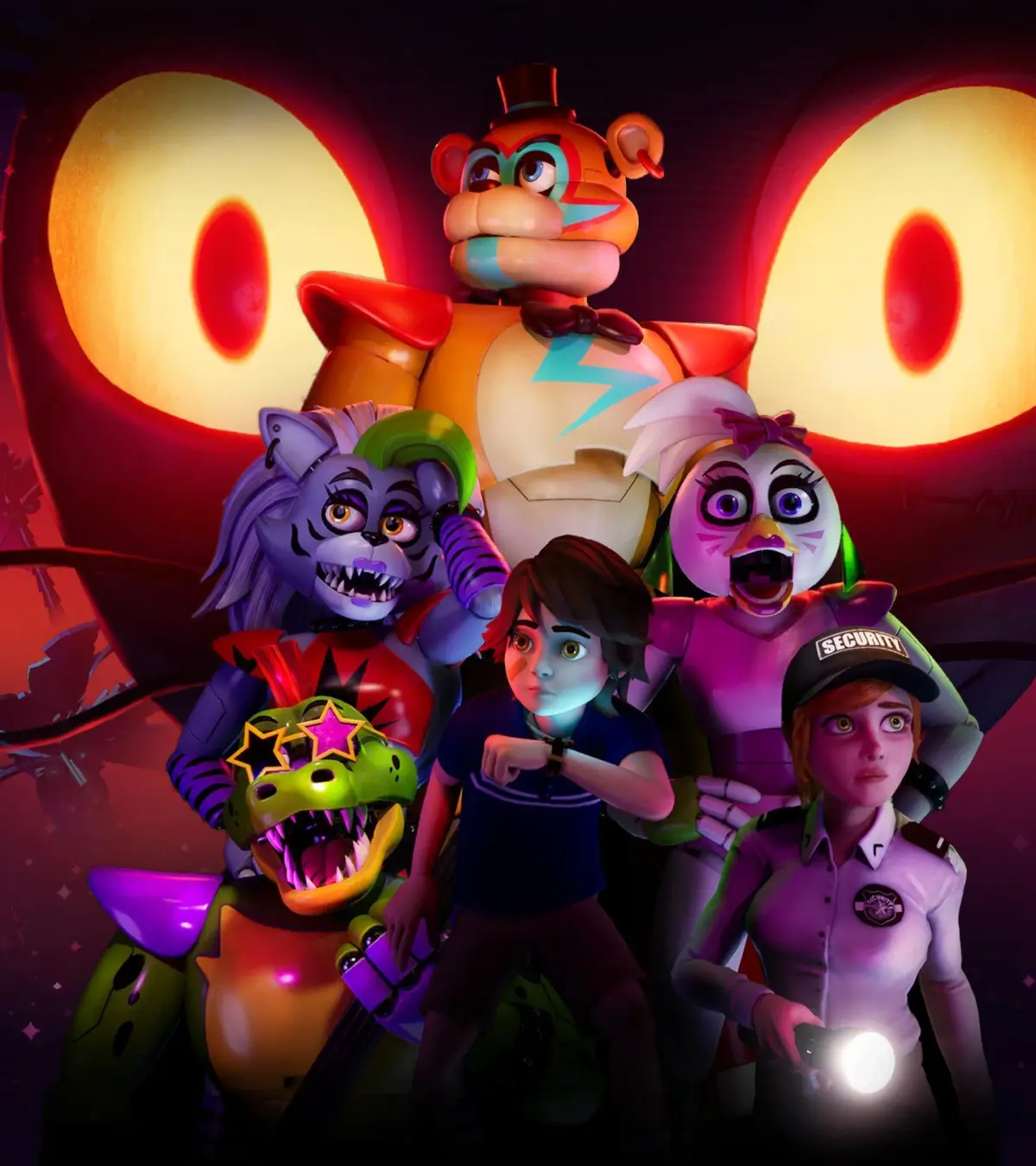
Install Chica's Voice Box into Freddy in Five Nights at Freddy's: Security Breach. This upgrade enables Freddy to perform powerful vocal distractions.
Having successfully retrieved Chica's Voice Box from the depths of the Mazercise, your next critical objective is to return to the Parts and Service area to install this vital component into Freddy. This upgrade is not merely a plot progression point; it significantly enhances Freddy's utility, granting him the ability to emit a powerful vocal distraction that can disorient and temporarily incapacitate other animatronics. This new skill is indispensable for navigating later, more challenging stealth sections and accessing previously unreachable areas.
Location: Parts and Service (Basement Level)
Objective: Install Chica's Voice Box into Freddy Fazbear.
Step-by-Step Installation Guide
- Return to Parts and Service: From Mazercise, retrace your steps back to the main Atrium. Head towards the elevator that leads down to the basement level where Parts and Service is located. Be mindful of patrolling animatronics like Roxy and Monty on your way.
- Locate Freddy: Upon entering Parts and Service, Freddy will be waiting in his designated charging station, usually in the central chamber. Approach him and interact to initiate the upgrade sequence.
- Initiate the Upgrade: A prompt will appear to "Install Voice Box." Confirm your action to begin the mini-game.
- The Voice Box Installation Mini-Game: This sequence requires precision and careful timing. The goal is to correctly align and secure the voice box components within Freddy's internal mechanisms.
- Phase 1: Component Alignment (Circuit Board): You will see a holographic projection of Freddy's internal wiring and a circuit board. Use the on-screen controls (typically WASD/Left Stick for movement, Mouse/Right Stick for rotation, E/X/Square for interaction) to carefully maneuver the circuit board into its correct slot. Look for glowing outlines or indicators that show the proper position. This often involves rotating the component to match the orientation of the slot.
- Phase 2: Wiring Connection (Color-Coded Wires): Once the circuit board is in place, several color-coded wires will appear. Your task is to connect each wire to its corresponding port. This is usually a drag-and-drop or click-and-connect mechanic. Pay close attention to the color and the shape of the connector. Incorrect connections can result in a minor shock (visual/audio cue) and require you to retry that specific connection. There's no major penalty for failure, but it prolongs the sequence.
- Phase 3: Calibration (Sound Wave Synchronization): The final phase involves calibrating the voice box. A visualizer will appear, displaying sound waves. You'll need to adjust sliders or dials to match the incoming sound wave pattern. This often involves matching amplitude (height) and frequency (density) of the waves. Listen for an auditory cue of successful synchronization. A steady, clear tone indicates success.
- Completion: Successfully completing all phases of the mini-game will finalize the installation. Freddy will power down briefly and then reactivate, indicating the upgrade is complete.
New Ability Unlocked: Vocal Distraction
With the Voice Box installed, Freddy gains a powerful new ability: Vocal Distraction.
- Activation: This ability is typically activated by a dedicated button press when you are inside Freddy (e.g., F on PC, L1/LB on consoles).
- Effect: When activated, Freddy emits a loud, distorted vocalization that acts as a powerful lure. Nearby animatronics (Roxy, Monty, Chica) will be drawn to Freddy's location, investigating the source of the noise.
- Strategic Use:
- Clearing Paths: Use Vocal Distraction to pull animatronics away from critical pathways or objectives, allowing Gregory to slip by unnoticed.
- Creating Diversions: If you're cornered or need to buy time, a well-placed vocal distraction can save you from being caught.
- Luring into Traps: In some areas, you might be able to lure animatronics into environmental hazards or specific rooms to temporarily incapacitate them.
- Cooldown: Be aware that this ability usually has a cooldown period after each use, so plan your activations strategically.
This upgrade is absolutely crucial for progressing through the latter half of the game, especially in areas with high animatronic density or where direct confrontation is impossible. Master its use to make your journey through the Pizzaplex significantly smoother.
100% Human-Written. AI Fact-Checked. Community Verified. Learn how AntMag verifies content