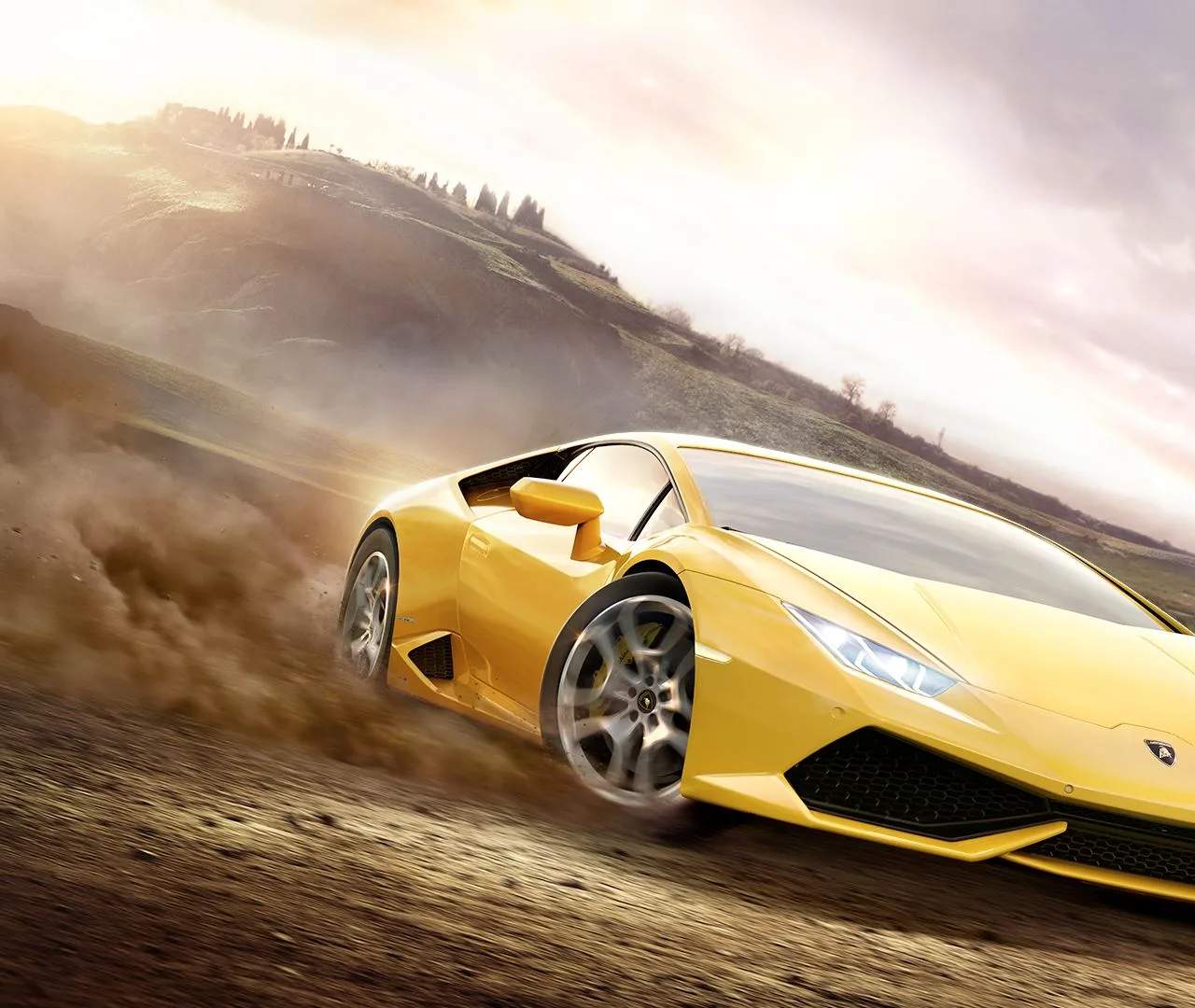
Car Customization (Visual)
Forza Horizon 2 offers an unparalleled level of visual customization, allowing you to truly make your mark on the beautiful European landscape. From subtle paint changes to wild liveries, this guide will walk you through transforming your ride into a unique masterpiece.
Accessing the Customization Garage
To begin customizing your vehicle visually, you'll need to visit a Garage. Garages are conveniently located throughout the game world, often marked on your map with a wrench icon. You can also access customization options directly from the Festival Hub by selecting "My Cars" and then choosing the car you wish to modify.
- Drive to any Garage location or the Festival Hub.
- Enter the Garage/Festival Hub.
- Select "My Cars" from the main menu.
- Choose the vehicle you want to customize.
- Navigate to the "Customize" option.
- Select "Paint & Decals" to access visual modifications.
Paint & Colors
The most fundamental visual change you can make is altering your car's paint. Forza Horizon 2 provides a vast palette and several finish types to choose from.
- Paint Car: This is where you select the primary color for your vehicle.
- Standard Colors: A wide range of basic colors.
- Special Colors: Includes metallic, matte, chrome, and two-tone finishes. Experiment with these for a truly distinctive look.
- Manufacturer Colors: Recreate factory-accurate paint schemes for an authentic touch.
- Paint Rims: Don't forget your wheels! You can paint your rims independently of the car's body. Consider contrasting or complementary colors for maximum impact.
- Paint Brake Calipers: For cars with visible brake calipers, you can often paint these as well, adding a subtle but impactful detail.
- Paint Interior: Some vehicles allow for interior color customization, letting you match or contrast with your exterior.
Applying Decals and Vinyls
This is where your creativity can truly shine! The Vinyl Editor is a powerful tool for creating custom designs, logos, and liveries.
- From the "Paint & Decals" menu, select "Apply Vinyls."
- You'll be presented with different sections of your car (e.g., Hood, Roof, Left Side, Right Side, Front Bumper, Rear Bumper, Wing). Choose the section you want to work on.
- Vinyl Groups:
- Add Shape: Start with basic geometric shapes (circles, squares, triangles, lines) and manipulate them.
- Add Pre-made Vinyls: The game offers a library of pre-designed logos, numbers, and patterns.
- Import Vinyl Group: If you've saved a custom vinyl group or downloaded one from the storefront, you can import it here.
- Manipulation Tools: Once a shape or vinyl is selected, you can:
- Move: Position the vinyl precisely.
- Scale: Adjust the size.
- Rotate: Change its orientation.
- Skew: Distort the shape for unique effects.
- Flip: Mirror the vinyl horizontally or vertically.
- Change Color: Select from the full color palette.
- Layer Order: Crucially, you can change the order of layers. This allows you to place vinyls on top of or beneath others to create complex designs. Think of it like stacking stickers.
- Saving and Sharing:
- Save Vinyl Group: If you create a complex design from multiple shapes, save it as a "Vinyl Group." This allows you to easily apply it to other parts of your car or other vehicles.
- Save Car Livery: Once you're satisfied with your entire design, save the "Car Livery." This saves all paint and decal settings for that specific car.
- Share Livery: Head to the "Storefront" from the Festival Hub to share your creations with the Forza community and even earn credits if other players download them!
Strategy Tip: Start with a base color, then use larger shapes for background elements of your design. Gradually add smaller, more detailed shapes on top, adjusting layer order as needed. Don't be afraid to experiment with transparency and different finishes for your vinyls!
Body Kits & Aero
Beyond paint, you can dramatically alter your car's silhouette with body kits and aerodynamic parts.
- Front Bumper: Change the entire front fascia, often including new grilles and air intakes.
- Rear Bumper: Modify the back of your car, sometimes incorporating diffusers or exhaust cutouts.
- Side Skirts: Add extensions along the sides of your vehicle for a lower, more aggressive stance.
- Hood: Replace the stock hood with vented or carbon fiber options.
- Spoilers/Wings: A wide array of spoilers and wings are available, from subtle lip spoilers to massive GT-style wings. These also have functional benefits in terms of downforce, affecting handling.
- Roll Cages: For a race-ready look, you can install a roll cage in many vehicles.
Note: Not all body kit options are available for every car. Availability depends on the specific vehicle and licensed aftermarket parts.
Wheels & Rims
A new set of wheels can completely transform the look of your car. Forza Horizon 2 boasts a massive selection from real-world manufacturers.
- Wheel Style: Browse through hundreds of designs from brands like BBS, OZ Racing, HRE, Volk Racing, and many more.
- Wheel Size: Increase or decrease the diameter of your wheels. Larger wheels often fill the wheel wells better but can sometimes impact handling or ride comfort.
- Rim Width: Adjust the width of your rims, which also affects tire width and grip.
- Offset: Change how far the wheels stick out from the body. A wider offset can give a more aggressive stance but be careful not to cause rubbing.
Strategy Tip: When choosing wheels, consider the overall style of your car. Classic cars often look best with period-correct wheels, while modern sports cars can pull off more aggressive, contemporary designs.
Window Tint
A simple yet effective visual modification, window tint can add a touch of privacy and aggression to your vehicle.
- Tint Level: Choose from various levels of tint, from light to very dark.
- Color: While most tints are black or dark grey, some cars may offer colored tint options.
By using all these visual customization options, you can create a truly unique and personalized car that stands out in the vibrant world of Forza Horizon 2. Don't be afraid to experiment and let your imagination run wild!