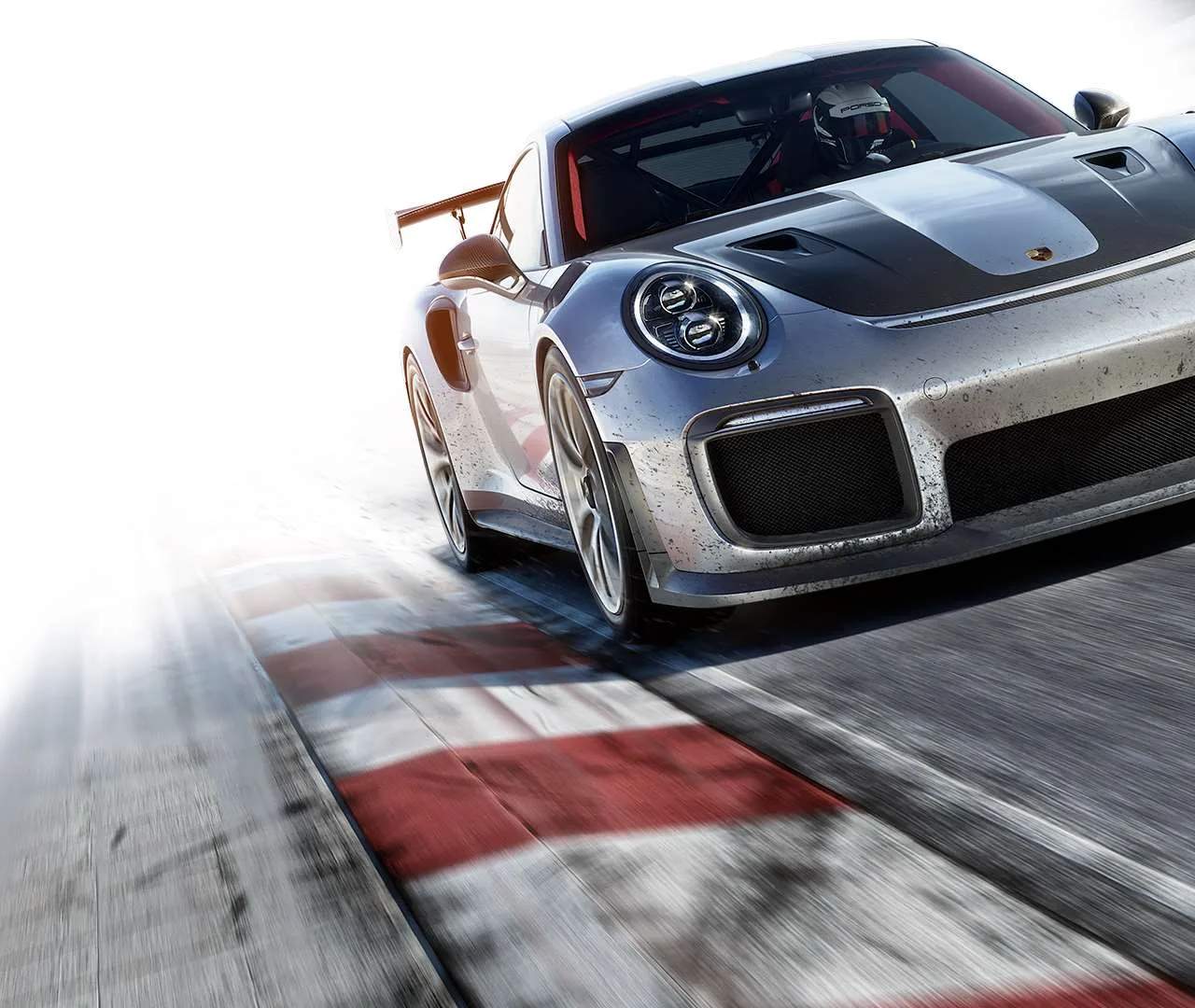
Car Customization: Aesthetics
Welcome, fellow gearheads, to the ultimate guide to making your ride truly your own in Forza Motorsport 7! Beyond the roar of the engine and the precision of your tuning, the visual appeal of your car is paramount. This section will walk you through every aesthetic customization option, ensuring your vehicle stands out on the track and in your garage.
Accessing the Customization Garage
Before you can unleash your inner artist, you need to navigate to the customization options. From the main menu:
- Select "Cars."
- Choose "My Cars" to view your current garage.
- Select the specific vehicle you wish to customize.
- From the car's individual menu, select "Upgrade & Tune."
- Finally, choose "Paint & Customize" to enter the aesthetic modification suite.
Paint Shop: Colors, Finishes, and Special Effects
The paint shop is where your car's primary identity is forged. You have an incredible array of options to choose from.
- Body Paint: This is your car's main color.
- Standard Colors: A vast palette of solid hues. Use the color picker to fine-tune your selection.
- Special Colors: These offer unique finishes beyond standard gloss.
- Metallic: Adds a shimmering, reflective quality. Great for showcasing body lines.
- Pearlescent: Provides a subtle, shifting color effect depending on the light. Often seen on luxury vehicles.
- Matte: A non-reflective, flat finish that gives a stealthy, aggressive look.
- Chrome: A highly reflective, mirror-like finish. Use sparingly for maximum impact.
- Two-Tone: Allows you to select two distinct colors for different sections of the body. Experiment with contrasting or complementary shades.
- Rim Paint: Don't neglect your wheels! Matching or contrasting your rims can dramatically alter your car's presence. All the same paint types (Standard, Metallic, Pearlescent, Matte, Chrome) are available for rims.
- Caliper Paint: A small detail that can make a big difference, especially with open-spoke wheels. Choose a bold color to highlight your braking system.
- Window Tint: Adds a touch of privacy and aggression. Options range from light to dark tints.
- Interior Paint: For cars with visible interiors, you can often customize the color of certain elements like roll cages or seat backs.
Decals & Vinyls: Your Canvas on Wheels
This is where true artistry comes into play. The Vinyl Editor is a powerful tool, allowing for intricate designs.
- Applying Vinyls:
- Select "Apply Vinyls" from the "Paint & Customize" menu.
- Choose a specific section of the car (e.g., Hood, Roof, Left Side, Right Side, Front Bumper, Rear Bumper, Wing).
- Select "Add Layer" to begin placing shapes, letters, and pre-made designs.
- Vinyl Library: Browse through a massive collection of geometric shapes, stripes, flames, tribal designs, and letters.
- Layering: Each vinyl is a separate layer. You can stack, resize, rotate, and skew layers to create complex designs. Use the layer management tools to move layers forward or backward.
- Coloring Vinyls: Each vinyl can be colored independently using the full spectrum of standard and special paint finishes.
- Grouping: Once you've created a complex element (e.g., a logo), you can group multiple layers together. This allows you to move, resize, or copy the entire group as a single unit, saving immense time.
- Mirroring: For symmetrical designs, use the mirroring option to automatically apply your design from one side of the car to the other, ensuring perfect alignment.
- Community Designs: Don't have the time or patience to create your own masterpiece?
- From the "Apply Vinyls" screen, select "Find New Designs."
- Browse through thousands of user-created liveries, ranging from replica race car designs to abstract art.
- You can filter by car model, keyword, or creator.
- Once found, select "Apply Design" to instantly transform your vehicle. Remember to "Like" designs you appreciate to support the creators!
Manufacturer Colors & Special Liveries
Some vehicles come with unique manufacturer-specific paint options or special liveries that are not available through the standard paint shop. These are typically found under the "Manufacturer Colors" or "Special Liveries" tab within the "Paint & Customize" menu. Always check here first, as these can offer authentic and exclusive looks for your chosen car.
Saving Your Masterpiece
Once you're satisfied with your aesthetic changes, it's crucial to save your work:
- From the "Paint & Customize" menu, select "Save Current Car."
- You'll be prompted to save your paint job as a "Design." This allows you to reapply it later or share it with the community.
- Give your design a descriptive name and add relevant keywords to help others find it if you choose to share.
With these tools at your disposal, the only limit is your imagination. Go forth, experiment, and create a vehicle that truly reflects your style and dominance on the track!