
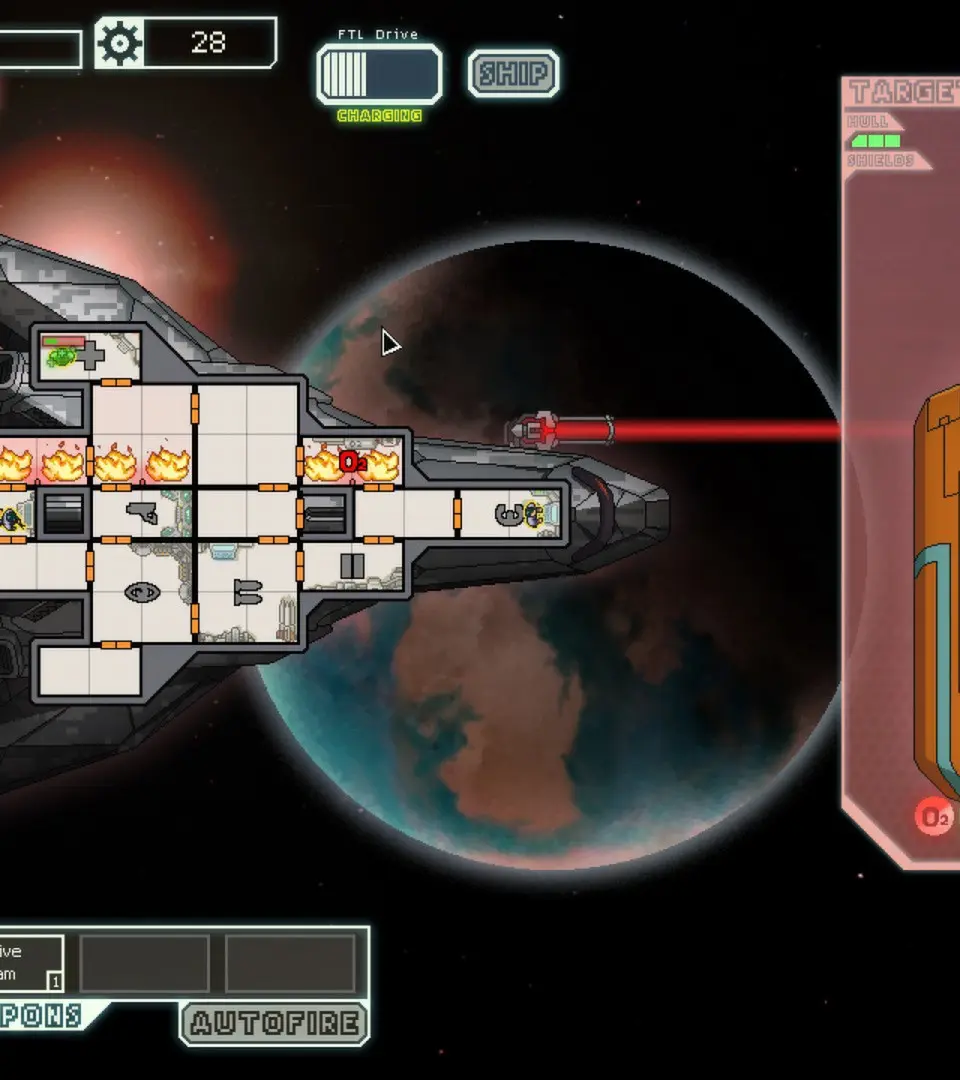
Mastering the controls and understanding the UI are crucial for efficient gameplay. Most actions are performed with the mouse: clicking on systems to power them, dragging crew members, and selecting targets. The top bar displays your resources (Scrap, Fuel, Missiles, Drone Parts), while the bottom bar shows your ship's systems and crew. Pay close attention to system power levels and enemy ship status during combat.
- Left Click: Select, interact, move crew.
- Right Click: Deselect, cancel.
- Spacebar: Pause/Unpause (essential for tactical decisions).
- Number Keys (1-8): Power/depower systems.
- Q/W/E/R: Target enemy systems with weapons.