Optimize your graphics settings in Ghost of Yōtei for the best performance and visual experience. Our guide helps you balance fidelity and frame rates for smooth gameplay on PS5.
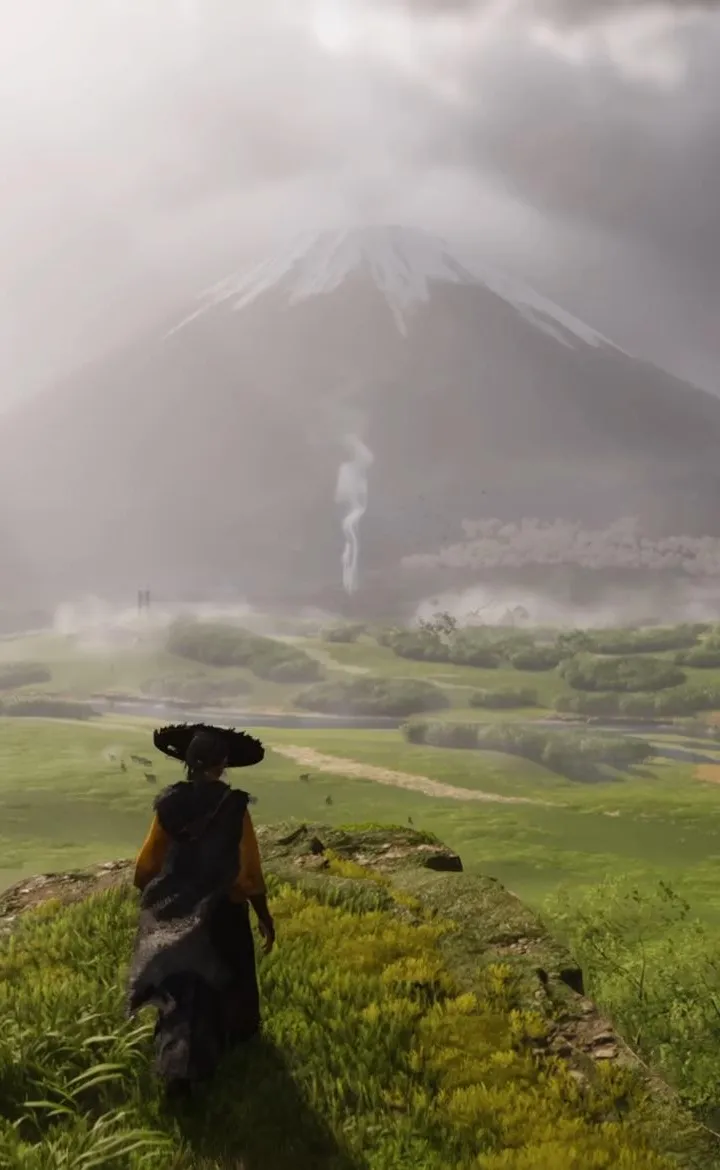
Hey there! So, you're diving into the world of Ghost of Yōtei and want to make sure it looks as stunning as it plays? Awesome! While this guide is more about the adventure and story, getting your graphics settings just right can make a huge difference. Think of it like tuning your katana – you want it sharp and ready for anything! Since Ghost of Yōtei is a PlayStation 5 exclusive, it's already built to look amazing. However, every player's setup is a bit different, and sometimes tweaking a few things can really smooth out the experience, especially if you're aiming for a consistent frame rate during those intense moments. While there aren't specific 'graphics settings' menus like you might find on a PC, the game does offer a few options that can impact performance and visuals. You'll usually find these in the main settings menu, often under a 'Display' or 'Graphics' tab. Keep an eye out for options that might let you choose between 'Performance Mode' and 'Fidelity Mode'. * Performance Mode: This usually prioritizes a higher frame rate, which is super important for fast-paced combat. You might notice a slight dip in resolution or visual effects, but the smoother gameplay can be a game-changer. * Fidelity Mode: If you want the absolute best visual quality, this is the way to go. Expect sharper details, better lighting, and more immersive effects. However, it might run at a slightly lower frame rate. Pro-Tip: For a game like Ghost of Yōtei, where timing and reaction are key, especially in the multiplayer expansion, I'd lean towards Performance Mode. That buttery-smooth 60 FPS (frames per second) can really give you an edge. Also, remember that the game itself is quite large, coming in at 85GB at launch. Make sure you have enough space on your PS5's storage! Don't forget to explore the different modes like Samurai Cinema Mode, Kurosawa Mode, Miike Mode, and Watanabe Mode. While these are primarily for aesthetic and audio choices, they can also subtly affect how the game runs. Experiment and see which one you prefer! Ultimately, the best settings are the ones that feel right for you. Play around with them, see what works best on your setup, and enjoy your journey as the Ghost!100% Human-Written. AI Fact-Checked. Community Verified. Learn how AntMag verifies content