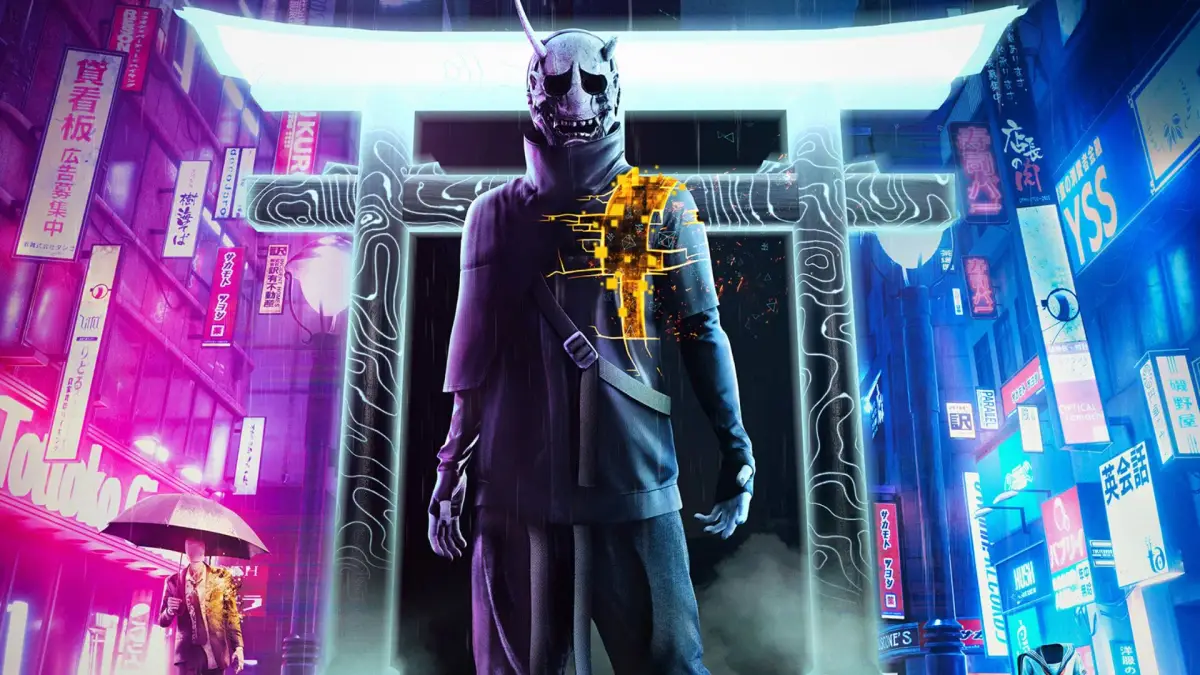
Master Ghostwire: Tokyo's controls and UI. Learn button prompts, combat mechanics, and how to navigate the supernatural world of Tokyo with this comprehensive guide.
Ghostwire: Tokyo features a unique control scheme that blends traditional action-adventure elements with supernatural abilities. Understanding the UI is crucial for navigating the deserted streets of Tokyo and combating the spectral Visitors.
| Action | Button/Input |
|---|---|
| Move | Left Stick |
| Camera Control | Right Stick |
| Jump | A (Xbox) / X (PlayStation) |
| Crouch | B (Xbox) / Circle (PlayStation) |
| Interact / Pick Up | X (Xbox) / Square (PlayStation) |
| Ethereal Weaving (Wind) | RT (Xbox) / R2 (PlayStation) |
| Ethereal Weaving (Fire) | LT (Xbox) / L2 (PlayStation) |
| Ethereal Weaving (Water) | LB (Xbox) / L1 (PlayStation) |
| Melee Attack | RB (Xbox) / R1 (PlayStation) |
| Focus/Aim | Left Trigger (Xbox) / L2 (PlayStation) |
| Sprint | Left Stick Click (Xbox) / L3 (PlayStation) |
| Open Map | View Button (Xbox) / Touchpad (PlayStation) |
| Open Inventory/Skills | Y Button (Xbox) / Triangle (PlayStation) |
| Use Talisman | D-Pad Down |
| Use Food/Consumables | D-Pad Left/Right |
| Special Ability 1 | LB + RB (Xbox) / L1 + R1 (PlayStation) |
| Special Ability 2 | LB + Y (Xbox) / L1 + Triangle (PlayStation) |
| Special Ability 3 | RB + Y (Xbox) / R1 + Triangle (PlayStation) |
The UI displays vital information such as your health, available spectral abilities (Wind, Fire, Water), ammo for each, Talisman count, and equipped consumables. Enemy health bars are visible when targeted, and environmental cues highlight interactable objects and points of interest.
100% Human-Written. AI Fact-Checked. Community Verified. Learn how AntMag verifies content