Basic Movement & Navigation
Mastering movement and navigation is crucial for surviving the treacherous streets of Liberty City. Whether on foot or behind the wheel, efficient travel will save you time, health, and valuable drug stashes. This section details all the fundamental controls and strategies you'll need to get around.
On-Foot Movement
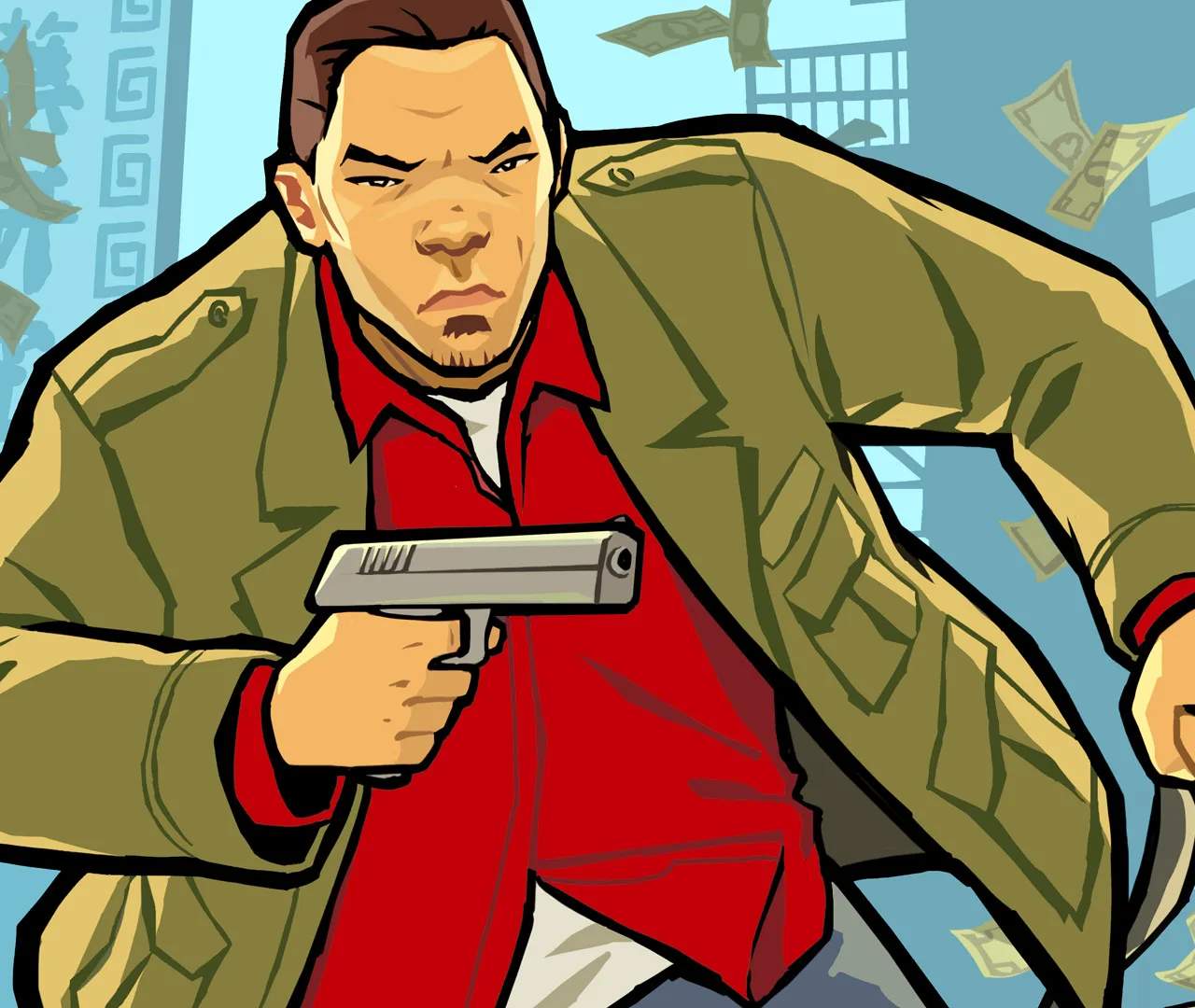
As Huang Lee, your primary method of traversing the city when not in a vehicle is on foot. Understanding these controls is vital for quick escapes, mission objectives, and general exploration.
- Movement: Use the D-Pad or Analog Stick (depending on your device) to move Huang in any direction. Pushing lightly will make him walk, while pushing fully will make him run.
- Sprinting: For a burst of speed, tap the 'B' button (DS) or the designated sprint button on other platforms. Be mindful that prolonged sprinting will deplete Huang's stamina, indicated by a small bar above his head. Once depleted, he'll slow down significantly until it recharges.
- Jumping: Press the 'Y' button (DS) to make Huang jump. This is useful for clearing small obstacles, hopping over fences, or reaching slightly elevated areas.
- Rolling/Dodging: While running, tap the 'B' button twice quickly to perform a combat roll. This is an excellent maneuver for evading enemy fire or quickly changing direction during a chase.
- Entering Vehicles: Stand next to any unoccupied vehicle and press the 'Y' button (DS) to enter it. If the vehicle is occupied, pressing 'Y' will initiate a carjacking, which may attract police attention.
Vehicle Navigation
Vehicles are your bread and butter in Liberty City, offering speed, protection, and a means to transport goods. Learning to drive effectively is paramount.
- Steering: Use the D-Pad or Analog Stick to steer your vehicle. Left and right control direction.
- Acceleration: Hold down the 'A' button (DS) to accelerate. The longer you hold it, the faster you'll go.
- Braking/Reverse: Hold down the 'B' button (DS) to brake. If you're stationary and continue to hold 'B', the vehicle will begin to reverse.
- Handbrake: Press the 'R' button (DS) for a quick handbrake turn. This is invaluable for sharp corners, quick U-turns, and evading pursuers.
- Exiting Vehicles: Press the 'Y' button (DS) to exit your current vehicle. Be careful not to exit in dangerous areas or directly into traffic.
- Vehicle Health: Keep an eye on the vehicle's health bar, displayed on the bottom screen. Sustained damage will eventually lead to the vehicle catching fire and exploding.
The GPS and Map System
Your in-game GPS and map are your best friends for navigating the sprawling urban landscape of Liberty City. Always consult them!
- Minimap (Top Screen): The top screen constantly displays a minimap, showing your current location, nearby roads, mission objectives (yellow icons), safehouses (green house icons), and other points of interest.
- Full Map (Bottom Screen): Tap the map icon on the bottom screen, or press the 'Start' button (DS) to bring up the full, interactive map. This map allows you to:
- Set Waypoints: Tap any location on the map to set a GPS waypoint. A purple line will then appear on your minimap, guiding you to your destination. This is crucial for efficient travel and mission completion.
- Identify Points of Interest: The full map highlights various important locations, including:
- Safehouses: Your personal residences where you can save the game, change clothes, and access your stash.
- Drug Dealers: Marked with specific icons (e.g., a pill bottle for pharmacists, a leaf for weed dealers). Essential for your drug dealing business.
- Weapon Shops (Ammu-Nation): Purchase new firearms and ammunition.
- Pay 'n' Spray: Get your vehicle repaired and lose wanted levels.
- Mission Start Points: Yellow icons indicating where to begin the next story mission.
- Zoom In/Out: Use the stylus to pinch or spread on the touchscreen to zoom in and out of the map for more detailed or broader views.
- GPS Voice Prompts: Pay attention to the GPS voice prompts, which will verbally guide you with directions like "Turn left" or "Turn right" when a waypoint is active.
By mastering these basic movement and navigation techniques, you'll be zipping through Liberty City like a seasoned pro in no time, ready to tackle any challenge the Triads throw your way.