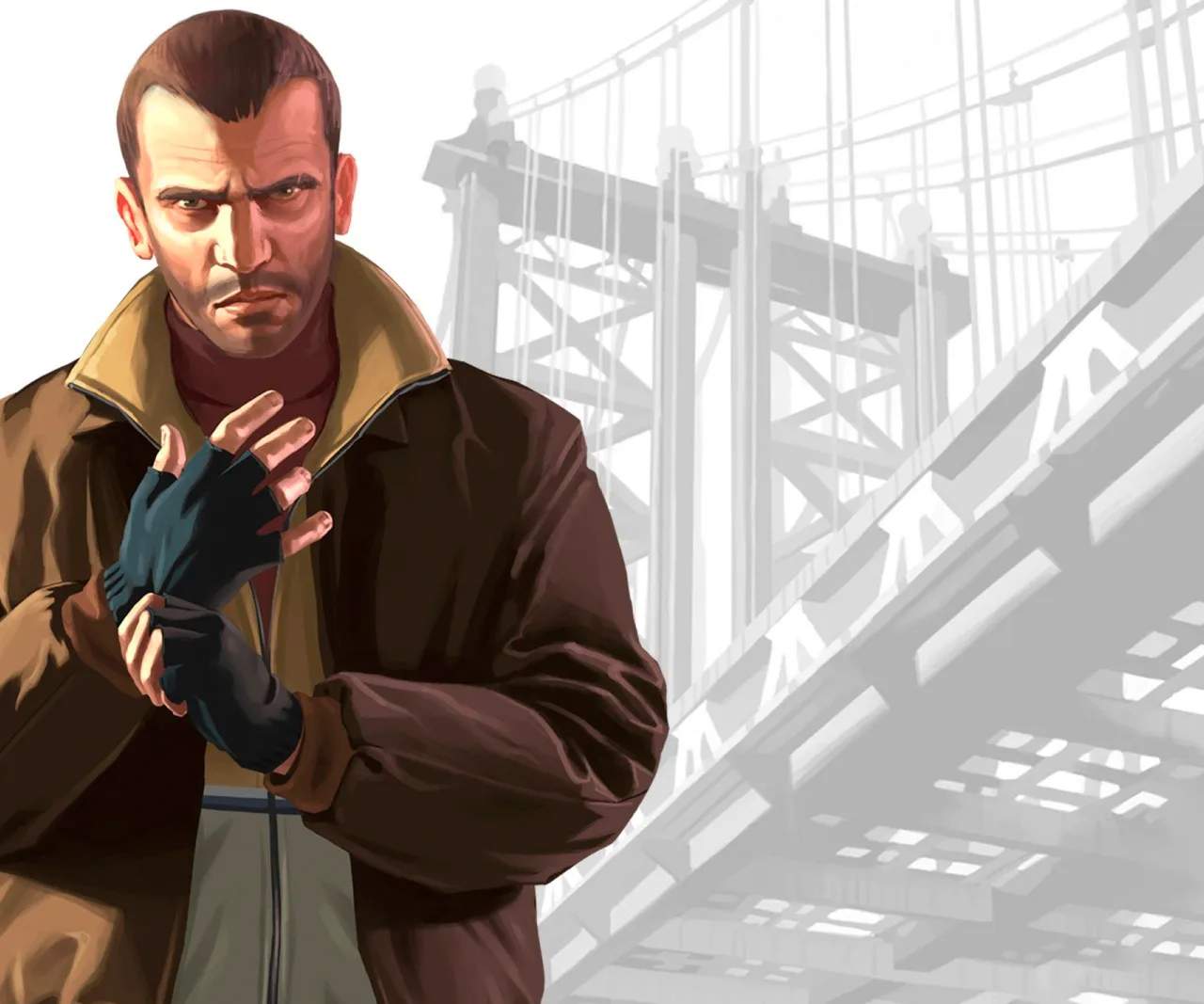
The User Interface (UI) in Grand Theft Auto IV provides crucial information about Niko's status, objectives, and the surrounding environment. Familiarizing yourself with these elements will help you navigate Liberty City and manage your resources effectively.
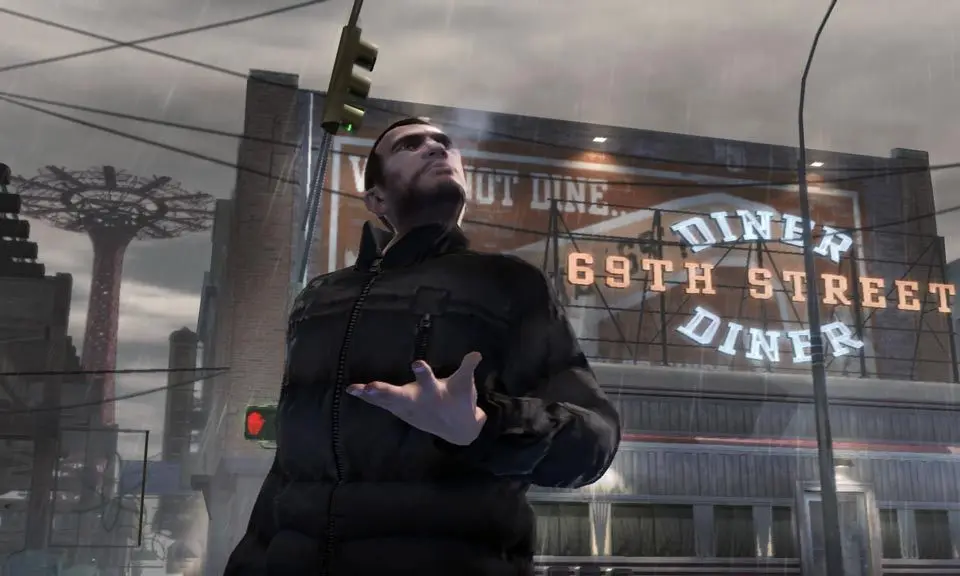
Key UI Elements:
- Minimap (Bottom Left): Displays your current location, mission objectives (yellow markers), safehouses (green house icon), weapon shops (gun icon), and other points of interest. Red dots indicate enemies during combat.
- Health Bar (Top Left, Green): Shows Niko's current health. If it depletes, Niko will be 'Wasted' and respawn at a hospital, losing some money.
- Armor Bar (Top Left, Blue): Indicates the amount of armor Niko is currently wearing. Armor absorbs damage before it affects health.
- Weapon Icon & Ammo Count (Top Right): Shows your currently equipped weapon and the remaining ammunition for it.
- Wanted Level Stars (Top Right): Displays your current wanted level, ranging from 1 to 6 stars. The more stars, the more aggressive and numerous the police response.
- Money (Top Right): Your current cash balance.
- Mission Objective Text (Top Left): Provides instructions and updates for your current mission.
- Phone Icon (Bottom Right): Indicates incoming calls or messages.
Keep an eye on the minimap for navigation and enemy locations, especially during chases or shootouts. Managing your health and armor is vital, so always look for opportunities to replenish them at fast food joints or by picking up health packs.
Compare user interface (ui) explained inGTA: Liberty City Stories