The User Interface (UI) provides crucial information about Toni's status, mission objectives, and the surrounding environment. Keeping an eye on the UI elements will help you stay aware of your health, ammunition, and wanted level, allowing you to make informed decisions during gameplay. Understanding each component is key to effective play.
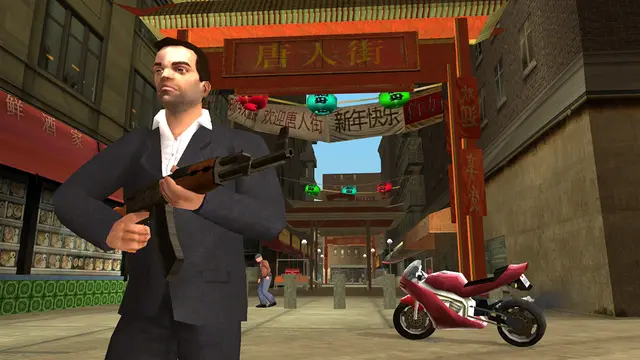
Key UI Elements:
- Top Left Corner:
- Health Bar (Green): Indicates Toni's current health. If it depletes, you'll be Wasted.
- Armor Bar (Blue): Shows the amount of armor Toni currently has, absorbing damage before health.
- Weapon Icon & Ammo Count: Displays the currently equipped weapon and the remaining ammunition.
- Top Right Corner:
- Money Counter: Shows your current cash balance.
- Wanted Level Stars: Indicates your current wanted level (1-6 stars). The more stars, the more aggressive the police response.
- Bottom Left Corner:
- Radar/Minimap: A circular map showing your current location, mission objectives (yellow markers), safehouses (green houses), and other points of interest. Red dots indicate enemies, blue dots are allies.
- Bottom Right Corner:
- Mission Objective Text: Displays your current mission objective or important in-game messages.
Pay close attention to the radar during chases and combat, as it can reveal enemy positions and escape routes. The wanted level stars are critical; if you reach 3 stars or more, consider finding a Pay 'n' Spray or a police bribe to reduce your heat.
Compare user interface (ui) explained inGTA IV