Customization Options (Beyond Characters/Guitars/Outfits)
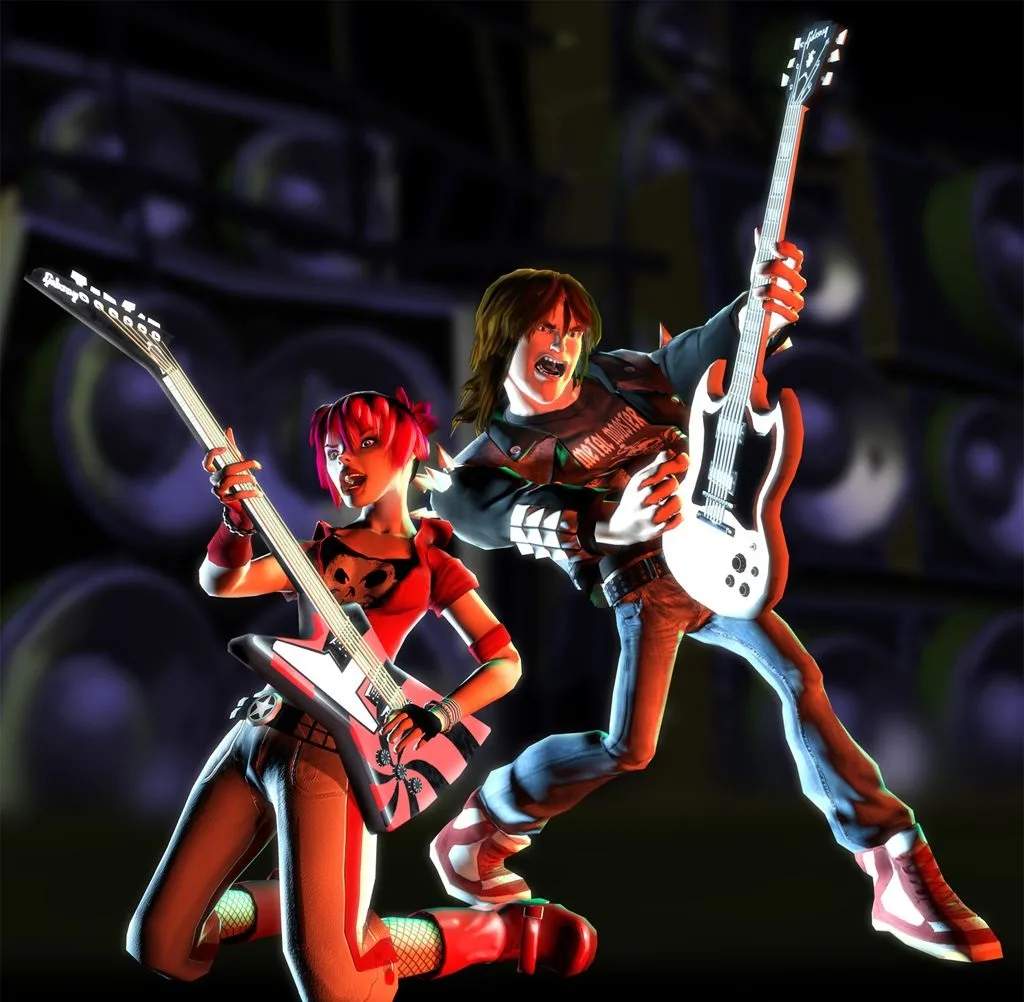
While selecting your rock star, axe, and threads is a blast, Guitar Hero II offers even deeper customization to truly make your stage presence unique. These options allow you to tweak your visual flair and even some gameplay elements, ensuring every performance is distinctly yours. Unlocking these items often requires earning cash in Career Mode or achieving specific milestones. while the core customization features are consistent across the Xbox 360 and PlayStation 2 console versions, the Guitar Hero II Arcade version may have a more streamlined or pre-unlocked selection due to its coin-op nature. The unlock conditions detailed below primarily apply to the console versions, where a persistent save file allows for progression and purchases.
Venues
Transform your concert backdrop to match your band's vibe! Each venue offers a distinct atmosphere, from gritty clubs to massive arenas. Changing venues not only alters the visual aesthetic but can also subtly influence the crowd's reaction animations.
- Accessing Venues: From the Main Menu, navigate to "Options," then select "Customize." Choose "Venues."
- Unlocking Venues (Console Versions):
- The Old Skool: This classic dive bar is available from the start.
- The Rock Club: Unlock by completing the first tier of songs in Career Mode on any difficulty. Cost: $500.
- The Arena: Achieve a 4-star rating or higher on all songs in the second tier of Career Mode on Medium difficulty or above. Cost: $1,500.
- The Stadium: Earn a 5-star rating on all songs in the third tier of Career Mode on Hard difficulty or above. Cost: $3,000.
- The Colossus: This ultimate stage is unlocked by completing all songs in Career Mode on Expert difficulty with at least a 4-star rating. Cost: $5,000.
- Arcade Version Note: In the Guitar Hero II Arcade version, venues are typically pre-selected based on the song or tier, or a limited selection might be available from the start without specific unlock conditions. The concept of earning cash to purchase venues is generally exclusive to the console's Career Mode.
- Strategy: Experiment with different venues to find which best complements your chosen character and guitar. A punk rocker might feel more at home in The Rock Club, while a metal god demands The Colossus.
FX Pedals (Visual Effects)
These aren't just for show – FX Pedals in Guitar Hero II allow you to apply various visual filters and effects to your gameplay screen, adding a unique aesthetic to your performance. Think of them as visual enhancements that change the look of the game without affecting your score or gameplay mechanics.
- Accessing FX Pedals: From the Main Menu, select "Options," then "Customize," and then "FX Pedals."
- Unlocking FX Pedals (Console Versions):
- Standard View: The default, clear gameplay screen.
- Black & White: Play 5 songs in a row without using Star Power. Cost: $300.
- Sepia Tone: Achieve a 3-star rating on any song in Career Mode. Cost: $300.
- "Old Film" Grain: Complete 20 songs in total across all modes. Cost: $500.
- "Wobbly" Screen: Successfully hit 200 notes in a single song. Cost: $750.
- "Psychedelic" Filter: Activate Star Power 15 times in a single play session. Cost: $1,000.
- Arcade Version Note: Visual filters in the Guitar Hero II Arcade version are less common as purchasable options. If present, they are usually activated via specific button combinations or are tied to certain gameplay modes rather than a persistent unlock system.
- Strategy: The "Psychedelic" Filter is particularly fun for more upbeat or trippy songs, while "Black & White" can give a classic rock video feel. These are purely cosmetic, so choose what you find most enjoyable!
Crowd Reactions
Influence your audience! While the core crowd behavior is dynamic, you can unlock different "crowd types" that subtly alter their appearance and general enthusiasm levels. This is a subtle but cool way to personalize your concert experience.
- Accessing Crowd Reactions: From the Main Menu, navigate to "Options," then "Customize," and finally "Crowd Reactions."
- Unlocking Crowd Reactions (Console Versions):
- Standard Crowd: Your typical, enthusiastic audience.
- Mosh Pit: Achieve a 5-star rating on any song on Hard difficulty. Cost: $700. This crowd is more animated and prone to moshing.
- Reserved Audience: Fail a song 3 times in a row. (Yes, sometimes failing has perks!) Cost: $200. This crowd is less energetic, offering a different vibe.
- Super Fans: Complete all songs in a single tier of Career Mode on Expert difficulty with at least 4 stars. Cost: $1,500. These fans are incredibly reactive and always cheering.
- Arcade Version Note: Crowd reactions in the Guitar Hero II Arcade are typically dynamic and tied to player performance, rather than being a customizable, purchasable option. The arcade experience is designed for quick play sessions, making persistent unlocks less relevant.
- Strategy: For a truly immersive rock experience, the "Mosh Pit" or "Super Fans" crowds are highly recommended. The "Reserved Audience" can be a humorous change of pace if you want to feel like you're playing to a tough crowd.
Important Distinction: Console vs. Arcade Customization
It's crucial for players to understand the differences in customization philosophy between the console versions (Xbox 360, PlayStation 2) and the Guitar Hero II Arcade machine:
- Console Versions (Xbox 360, PS2): These versions feature a robust Career Mode, persistent save files, an in-game store (The Shop), and a comprehensive customization menu. Players earn in-game cash by performing well in songs, which can then be spent to unlock characters, guitars, outfits, venues, visual effects, and other bonus content. The unlock conditions listed above are primarily applicable to these versions.
- Arcade Version: The arcade machine is designed for immediate, high-energy gameplay. Customization options are significantly more limited, if present at all. Players typically select a song and a difficulty, and the game focuses on the core rhythm-action experience. Features like purchasing venues, visual filters, or crowd types with earned in-game currency are generally not part of the arcade experience. The emphasis is on quick, accessible play rather than long-term progression and personalization. Any visual variations in the arcade version are usually pre-determined or tied to specific game modes or high scores, rather than player-purchased unlocks.
Therefore, if you're looking to dive deep into personalizing your Guitar Hero II experience with a wide array of visual tweaks, the console versions are where these extensive customization options truly shine.