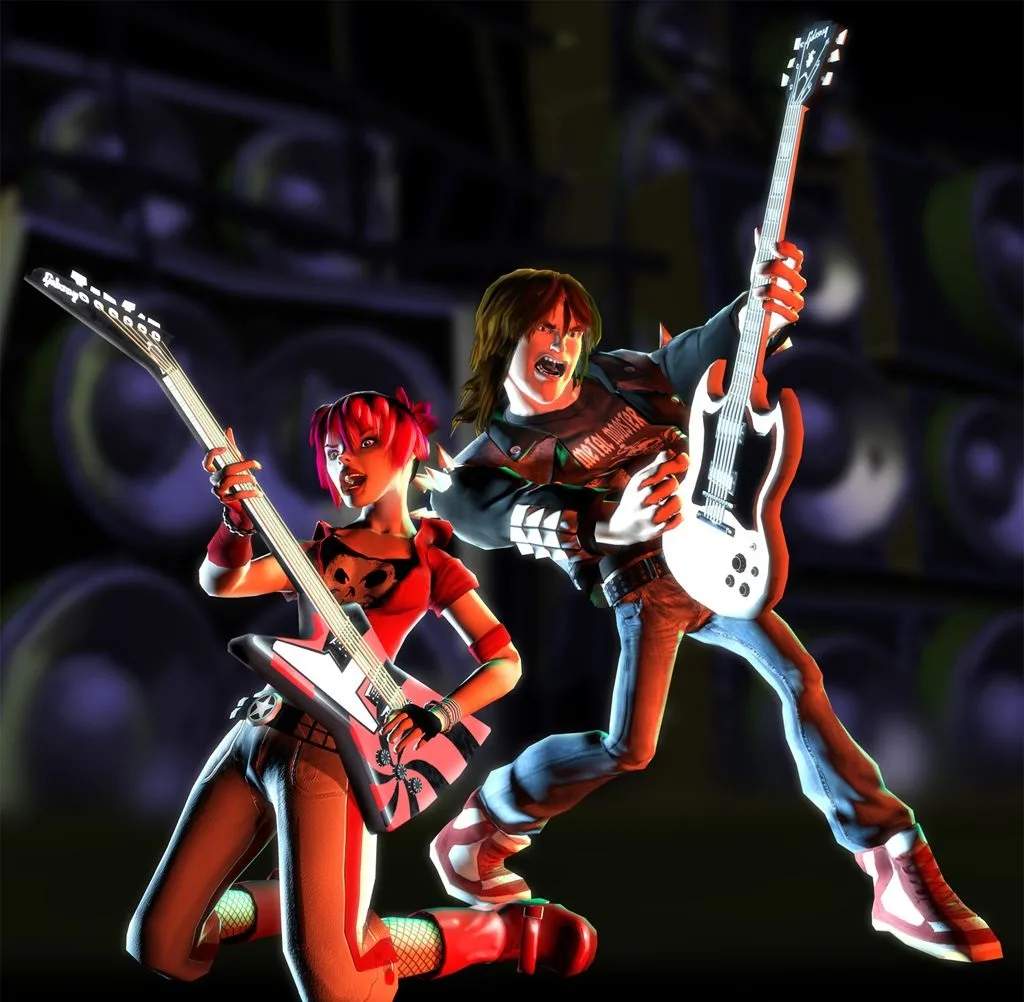
Guitar Hero II Version Differences
While the core gameplay of Guitar Hero II remains consistent across platforms, the arcade version, in particular, features several key distinctions that be aware of. Understanding these differences can significantly impact your strategy and overall experience, especially if you're transitioning from the console versions (PlayStation 2 or Xbox 360).
Arcade vs. Console: Core Gameplay & Mechanics
The fundamental mechanics of strumming, fretting, and using Star Power are identical. However, the arcade cabinet often introduces subtle yet impactful changes:
- Guitar Controller Feel: Arcade cabinets typically feature robust, heavy-duty guitar controllers built for durability. The strum bar might have a different tension, and the fret buttons could feel more rigid or have a distinct click compared to consumer-grade controllers.
- Actionable Tip: Before diving into a song, take a moment to familiarize yourself with the arcade guitar's feel. Play through the tutorial or a very easy song to get accustomed to the strum bar's responsiveness and the fret button travel. This quick calibration can prevent missed notes later.
- Audio Output: Arcade machines boast powerful, often bass-heavy sound systems. This can make certain drum beats or bass lines more prominent, potentially affecting your rhythm if you're used to a different audio balance.
- Actionable Tip: Pay close attention to the visual cues on the note highway rather than relying solely on audio, especially for complex sections. The visual timing of notes hitting the strike line is your most reliable indicator.
- Visual Display: Arcade monitors can vary in size and refresh rate. While generally high quality, some older cabinets might exhibit slight input lag or a different visual clarity compared to a modern home TV setup.
- Actionable Tip: If you notice any visual lag, try to adjust your timing slightly to compensate. Some experienced players learn to hit notes a fraction of a second *before* they visually reach the strike line on certain arcade setups.
Song List Variations
One of the most significant differences lies in the song selection. Due to licensing agreements and the nature of arcade releases, the arcade version of Guitar Hero II does not feature the exact same tracklist as its console counterparts. While many fan favorites are present, expect some omissions and potentially a few exclusive tracks.
- Checking the Tracklist: Always check the song selection screen before inserting credits. The arcade version often displays the full list of available songs prominently.
- Actionable Tip: If you're aiming for high scores or specific achievements, confirm that your target songs are indeed available on the arcade machine you're playing. Don't assume a song from the PS2 or Xbox 360 version will be here.
- No Downloadable Content (DLC): Unlike the Xbox 360 version, which offered additional downloadable songs, the arcade version is a static release. What you see on the song selection screen is what you get.
Scoring and Leaderboards
Arcade machines often feature local leaderboards, encouraging competitive play among patrons. However, these are distinct from any online leaderboards found on console versions.
- Local High Scores: Your high scores will typically be saved directly to the arcade cabinet, often under a three-initial entry.
- Actionable Tip: If you achieve a particularly impressive score, enter your initials promptly before the machine resets or another player starts a game.
- No Online Integration: The arcade version lacks any form of online connectivity for leaderboards, multiplayer, or content updates. Your achievements are purely local to that specific machine.
Difficulty and Progression
While the difficulty settings (Easy, Medium, Hard, Expert) are consistent, the arcade experience often streamlines progression.
- No Career Mode: The arcade version typically omits the extensive career mode found in console versions, where you unlock venues, songs, and characters. Instead, all available songs are usually accessible from the start.
- Actionable Tip: This means you can jump straight into your favorite challenging tracks without needing to play through earlier tiers. Use this to your advantage to practice specific songs or aim for high scores immediately.
- Limited Customization: Character customization and guitar unlocks (beyond perhaps selecting a pre-set character) are generally absent in the arcade version. Focus is purely on the gameplay.