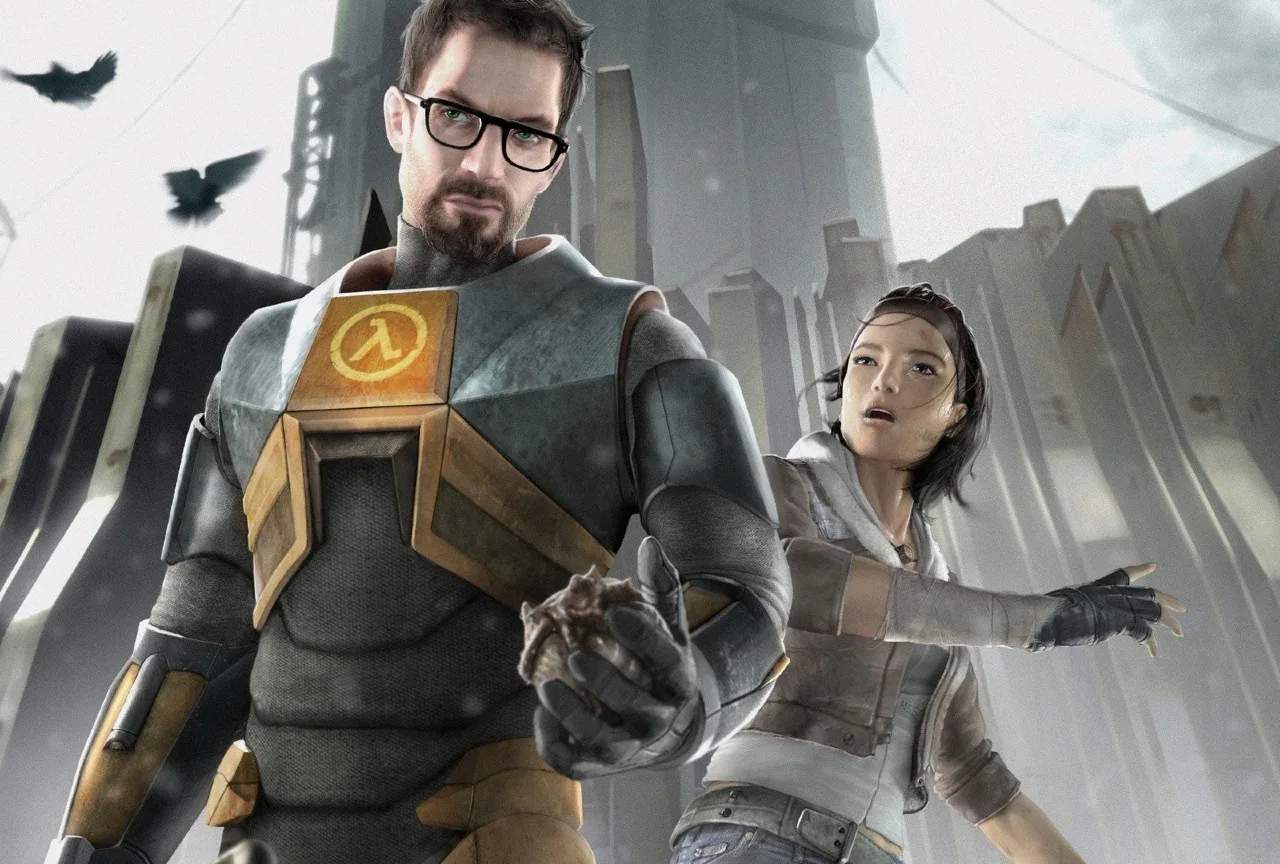
Half-Life 2 uses a standard FPS control scheme. Here are the default key bindings:
| Action | Default Key | Description |
|---|---|---|
| Move Forward | W | Moves Gordon Freeman forward. |
| Move Backward | S | Moves Gordon Freeman backward. |
| Strafe Left | A | Moves Gordon Freeman left. |
| Strafe Right | D | Moves Gordon Freeman right. |
| Jump | Spacebar | Makes Gordon jump. Essential for platforming and avoiding hazards. |
| Crouch | Ctrl | Makes Gordon crouch, allowing access to small spaces and reducing visibility. |
| Sprint | Shift | Allows Gordon to run faster for a short duration. Consumes stamina. |
| Use/Interact | E | Interacts with objects, opens doors, picks up items, and activates switches. |
| Primary Attack | Left Mouse Button | Fires your equipped weapon. |
| Secondary Attack | Right Mouse Button | Activates the weapon's secondary function (e.g., zoom, grenade launch). |
| Reload | R | Reloads your current weapon. |
| Flashlight | F | Toggles Gordon's suit flashlight on/off. Has a limited battery. |
| Gravity Gun (Toggle) | Q | Switches to the Gravity Gun. |
| Weapon Select | Mouse Wheel / 1-9 | Cycles through or directly selects weapons. |
It's highly recommended to customize these bindings in the 'Keyboard' section of the 'Options' menu to suit your playstyle, especially if you prefer different keys for common actions like crouch or sprint.