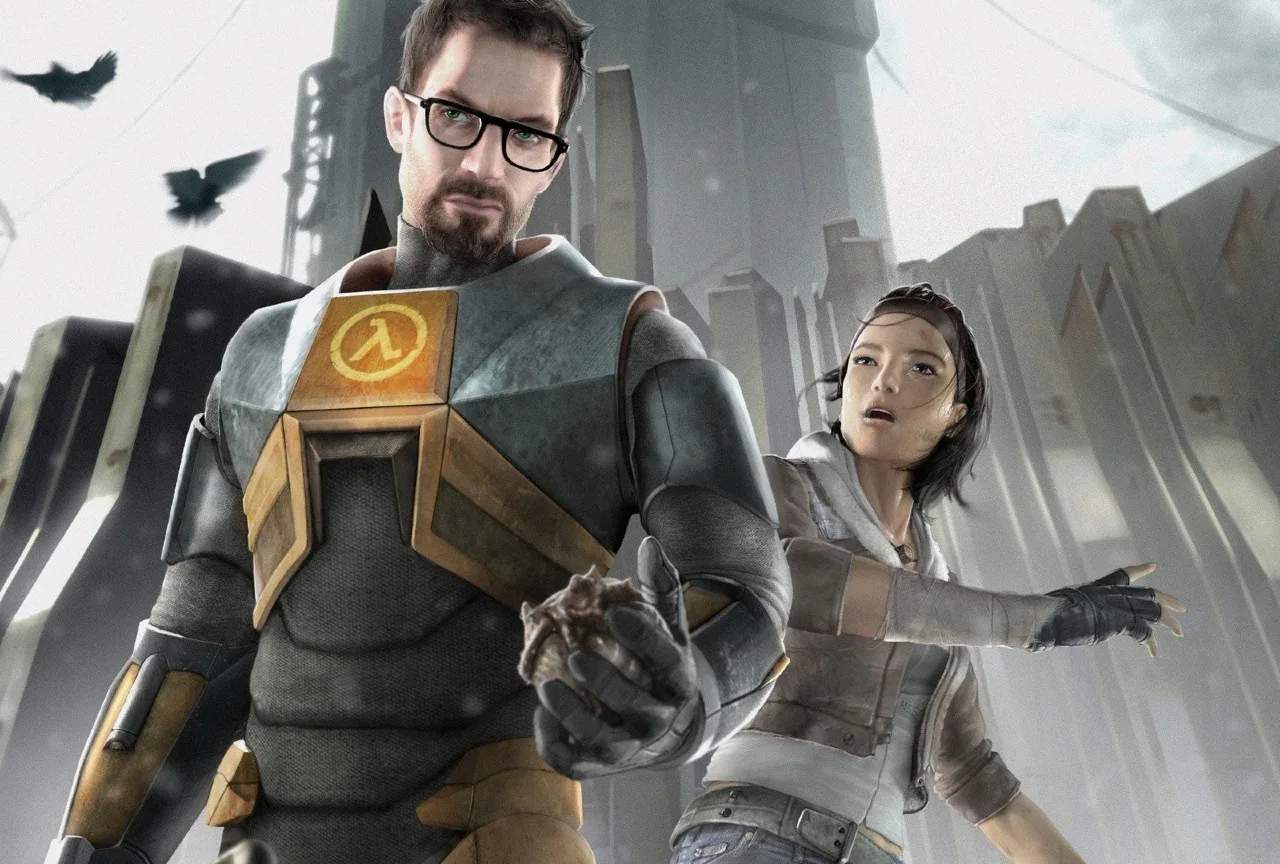
Basic Controls & Movement — Half-Life 2 Guide
Welcome to the world of Half-Life 2! Before Gordon Freeman can embark on his epic journey, it's essential to familiarize yourself with the fundamental controls that govern his movement and interaction with the environment. Mastering these basics will pave the way for a smoother and more immersive experience as you navigate the dystopian City 17 and beyond.
Half-Life 2 utilizes a standard first-person shooter control scheme, familiar to most players. Your primary means of navigation is through the WASD keys. By default:
- W: Move Forward
- S: Move Backward
- A: Strafe Left
- D: Strafe Right
These keys allow you to move Gordon in any direction, giving you full control over his locomotion. Combining these directional inputs with mouse movement provides fluid, omnidirectional movement.
The Mouse is your primary tool for looking around and aiming. Moving the mouse left or right will turn Gordon's view, while moving it up or down will adjust his vertical perspective. This is crucial for surveying your surroundings, aiming at enemies, and interacting with objects.
Jumping and Crouching are essential for traversal and combat:
- Spacebar: Jump. This allows Gordon to leap over obstacles, reach higher platforms, and evade enemy fire.
- Ctrl (Left Ctrl): Crouch. This lowers Gordon's profile, allowing him to move stealthily, fit through small gaps, and take cover behind low objects.
Interacting with the World:
- E: Use/Interact. This is your primary action key. You'll use it to open doors, pick up items, activate switches, talk to NPCs, and operate machinery.
Weapon Management:
- Mouse Wheel or Number Keys (1-9): Switch Weapons. You can cycle through your acquired weapons using the mouse wheel or by pressing the corresponding number key on your keyboard.
- Left Mouse Button: Fire Weapon. This is your primary attack command.
- Right Mouse Button: Secondary Fire/Alternate Fire. Many weapons have an alternate firing mode, such as a grenade launcher on the Assault Rifle or a focused blast on the Shotgun.
Other Important Controls:
- R: Reload. If your weapon runs out of ammunition, pressing R will reload it. It's advisable to reload when you have a moment of safety.
- Q: Last Used Weapon. Quickly switch back to the weapon you were using previously.
- F: Flashlight. Toggle Gordon's HEV suit flashlight on and off to illuminate dark areas.
- Shift (Left Shift): Sprint. Hold down Shift while moving forward to run faster.
Advanced Movement Techniques (Brief Introduction):
While not strictly basic, it's worth noting that mastering movement can significantly enhance your gameplay. Techniques like bunny hopping (timed jumps to maintain momentum) and strafe jumping (combining strafing with jumping) can allow you to move faster and more efficiently, especially in later parts of the game or for speedrunning.
Familiarizing yourself with these controls will ensure you can react quickly and effectively to the challenges presented by the Combine and the hostile environment of Half-Life 2. Practice these movements in a safe area, and you'll be well on your way to becoming a seasoned survivor.