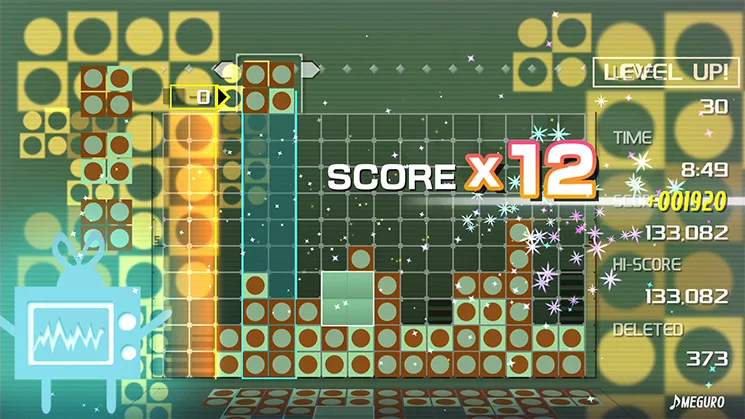
Mastering the controls is the first step to becoming a Lumines pro. The game uses a simple yet effective control scheme, allowing for quick and precise block manipulation.
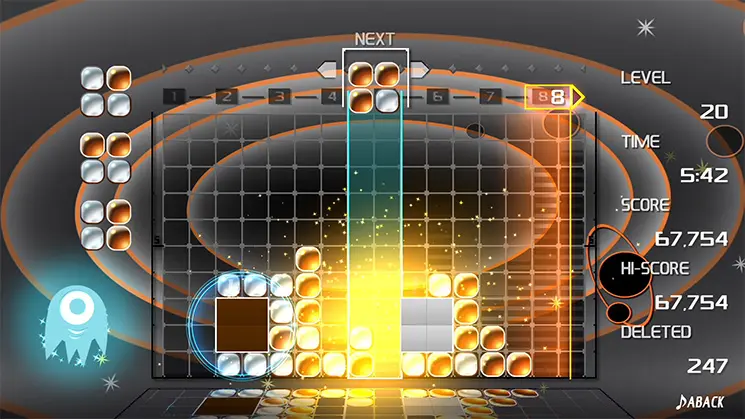
- Left Stick / D-Pad: Move the falling block left or right. This is your primary movement control for positioning blocks strategically.
- A Button (Xbox/Switch) / X Button (PlayStation): Rotate the block clockwise. You can rotate blocks infinitely to find the perfect orientation.
- B Button (Xbox/Switch) / Circle Button (PlayStation): Rotate the block counter-clockwise. This offers an alternative rotation direction for quick adjustments.
- Down on Left Stick / D-Pad: Soft drop the block. This speeds up the block's descent without instantly locking it into place, giving you a bit more time to adjust.
- Up on Left Stick / D-Pad: Hard drop the block. This instantly drops the block to the lowest possible position and locks it in. Use this for quick placements when you're confident in your decision.
- Start / Plus Button: Pause the game and access the options menu.
Practice these controls in the Challenge Mode to get a feel for the timing and responsiveness.