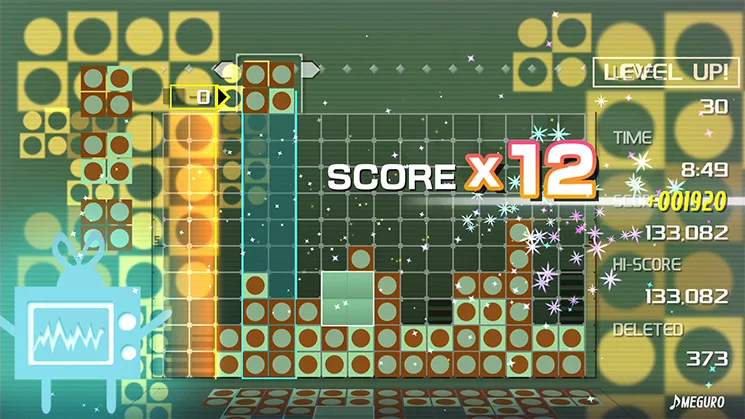
Skin Edit Mode is the closest Lumines Remastered comes to 'building' your own experience. Once you've unlocked various skins by playing Challenge Mode, this mode allows you to create custom playlists of your favorite skins. This is incredibly powerful for tailoring the game's aesthetic and auditory journey to your preferences, or for practicing specific skin transitions.
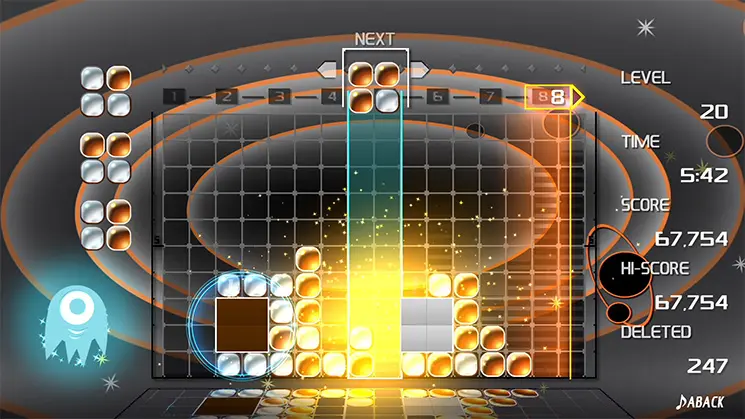
How to Use Skin Edit Mode:
- Access the Mode: From the main menu, select 'Skin Edit'.
- Select Skins: You'll see a list of all unlocked skins. Choose the skins you want to include in your custom playlist. You can select them in any order.
- Arrange Order: Drag and drop skins to arrange them in your desired sequence. This allows you to control the flow of music and Timeline speed changes.
- Save Playlist: Once satisfied, save your custom playlist. You can create multiple playlists for different moods or training purposes.
- Play Custom Playlist: After saving, you can select your custom playlist to play through in a continuous fashion, similar to Challenge Mode but with your chosen skins.
This mode is excellent for creating a relaxing playlist of slower skins, a high-energy playlist of fast skins, or a specific sequence to practice difficult transitions. It's your personal DJ booth for Lumines.