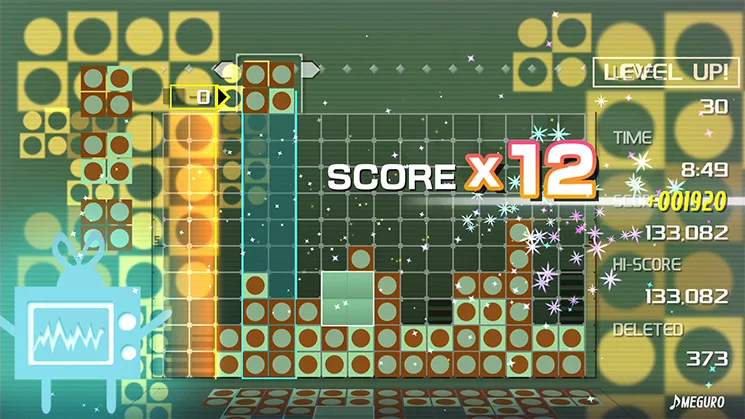
The Timeline is not just a block-clearing mechanism; it's the heartbeat of Lumines. Synchronizing your block drops and clears with the Timeline's rhythm is a crucial advanced technique that can significantly improve your efficiency and chain potential. Each skin's music dictates the Timeline's speed, making it a rhythmic puzzle.
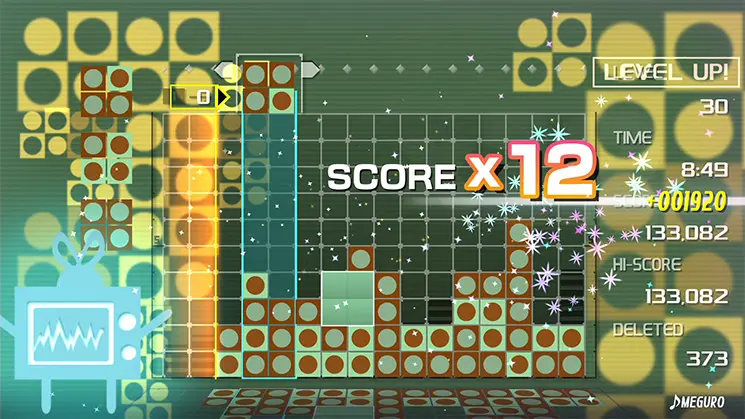
How to Synchronize:
- Listen to the Beat: The Timeline often moves in sync with the music's beat. Try to drop your blocks on the beat, especially when setting up clears.
- Anticipate the Sweep: Always know where the Timeline is and where it's going. Plan your drops so that 2x2 squares are formed just as the Timeline is about to sweep over them.
- Delaying Clears: Sometimes, it's beneficial to intentionally delay a clear. If you have a 2x2 square formed but the Timeline is far away, you might place another block to create a second 2x2 square that will be cleared by the same Timeline pass, creating a chain.
- Rapid Fire Clears: On fast skins, you need to drop blocks and form clears rapidly, almost in a continuous flow, to keep up with the Timeline's speed.
- Practice Different Speeds: Each skin has a unique BPM. Practice adapting your rhythm to different Timeline speeds. Skin Edit Mode is great for this.
Treat the Timeline as a partner in your puzzle-solving. Work with its rhythm, and you'll find yourself making more efficient clears and higher chains.