
Metroid Prime 3: Corruption utilizes the Wii Remote and Nunchuk for an immersive and intuitive control scheme. Mastering these controls is essential for fluid movement, precise aiming, and quick action in combat. Here's a breakdown of the primary functions:
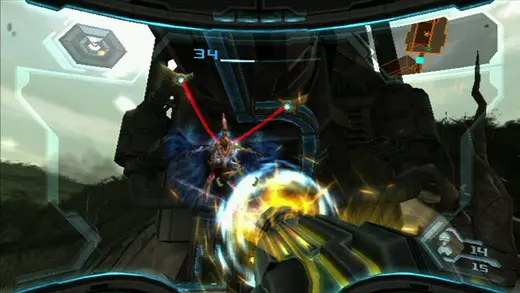
- Wii Remote Pointer: Aiming your Beam Cannon, interacting with objects, and navigating menus.
- A Button: Fire Beam Cannon, confirm selections.
- B Button (Trigger): Lock-on to enemies, scan objects. Holding B allows for free-look when not locked on.
- C Button (Nunchuk): Morph Ball transformation.
- Z Button (Nunchuk): Grapple Beam, Hypermode activation (when available).
- Control Stick (Nunchuk): Movement (forward, backward, strafe left, strafe right).
- Minus Button: Access the Logbook.
- Plus Button: Access the Map.
- D-Pad (Wii Remote): Cycle Beam Weapons (left/right), Cycle Visors (up/down).
- 1 Button: Access the Pause Menu.
- 2 Button: Access the Inventory/Equipment screen.
Practice these controls in a safe area to get a feel for the responsiveness and precision they offer. The ability to quickly switch between weapons and visors, while maintaining movement and aiming, will be vital in later encounters.
Compare controls overview inMetroid Prime Remastered