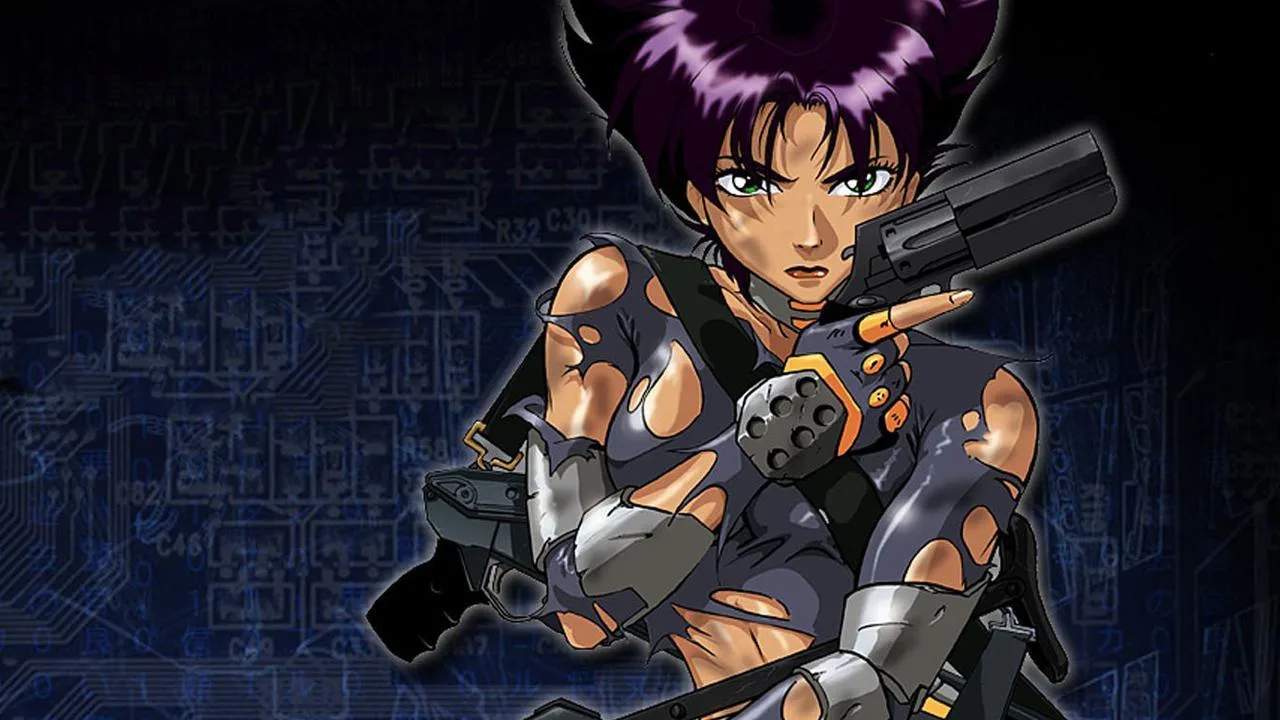
Saving & Loading
Mastering the save and load functions in Oni is crucial for navigating its challenging levels and intricate combat scenarios. Unlike many modern games, Oni utilizes a more classic save system, requiring player input to record progress. Understanding its nuances will prevent lost progress and allow for strategic experimentation.
Saving Your Game
Oni does not feature an auto-save system. You must manually save your game to preserve your progress. This is particularly important before difficult encounters, after completing complex objectives, or when you need to step away from the game.
- Accessing the Save Menu: To save your game, pause the game by pressing the ESC key (on PC) or the START button (on PlayStation 2). This will bring up the in-game menu.
- Selecting "Save Game": From the main pause menu, navigate to the "Save Game" option. Select it to proceed.
- Choosing a Save Slot: You will be presented with several save slots. It is highly recommended to use multiple save slots, especially at critical junctures. This allows you to revert to an earlier point if you make a mistake, encounter a bug, or simply wish to try a different approach to a combat sequence or puzzle. For example, before entering the highly contested "Musashi Manufacturing Plant" in Chapter 3, save in a new slot.
- Confirmation: After selecting a slot, the game will ask for confirmation. Confirm your choice to write your current game state to the chosen slot.
- When to Save:
- After clearing an area: Once you've defeated all enemies in a section and secured an objective, save your progress.
- Before major combat encounters: If you know a tough fight is coming (e.g., facing a Syndicate Heavy Trooper or a Barabus unit), save beforehand. This allows you to retry without replaying large sections.
- Before attempting risky maneuvers: Whether it's a tricky jump or a stealth section, a quick save can be a lifesaver.
- At the end of a play session: Always save before quitting the game to ensure your progress is recorded.
Loading Your Game
Loading a saved game allows you to resume your adventure from a previously recorded point. This is useful for continuing a play session, retrying a failed section, or exploring alternative strategies.
- From the Main Menu: When you first launch Oni, you'll be at the main title screen. Select "Load Game" to access your saved progress.
- From the In-Game Pause Menu: If you are currently playing and wish to load an earlier save, pause the game (ESC or START) and select "Load Game."
- Choosing a Save Slot: A list of your saved games will appear, typically showing the mission name, the time of the save, and the percentage of completion. Select the save slot you wish to load.
- Confirmation: Confirm your selection, and the game will load the chosen state, placing Konoko exactly where she was when that save was made, with the same inventory, health, and enemy states.
- Important Note: Loading a game will overwrite your current unsaved progress. Always ensure you've saved your current game if you wish to preserve it before loading an older save.
Strategic Saving Tips
- "Checkpoint" Saves: While Oni doesn't have automatic checkpoints, you can create your own. After completing a particularly difficult room or objective, immediately save your game in a new slot. This creates a "checkpoint" you can return to.
- Experimentation Saves: Want to try a new combat technique against a tough opponent like a Muro henchman? Save your game, try your strategy, and if it fails, simply load your save to try again without consequence.
- Resource Management: If you find yourself low on health or ammunition before a major encounter, loading an earlier save where you had more resources can be a viable strategy. For instance, if you're about to face the elite Black Ops units in Chapter 10 and only have a few rounds for your Mercury Bow, consider loading a save from earlier in the chapter where you might have conserved more ammunition.
By diligently utilizing the save and load functions, you'll ensure a smoother and more enjoyable experience as you guide Konoko through the treacherous world of Oni.