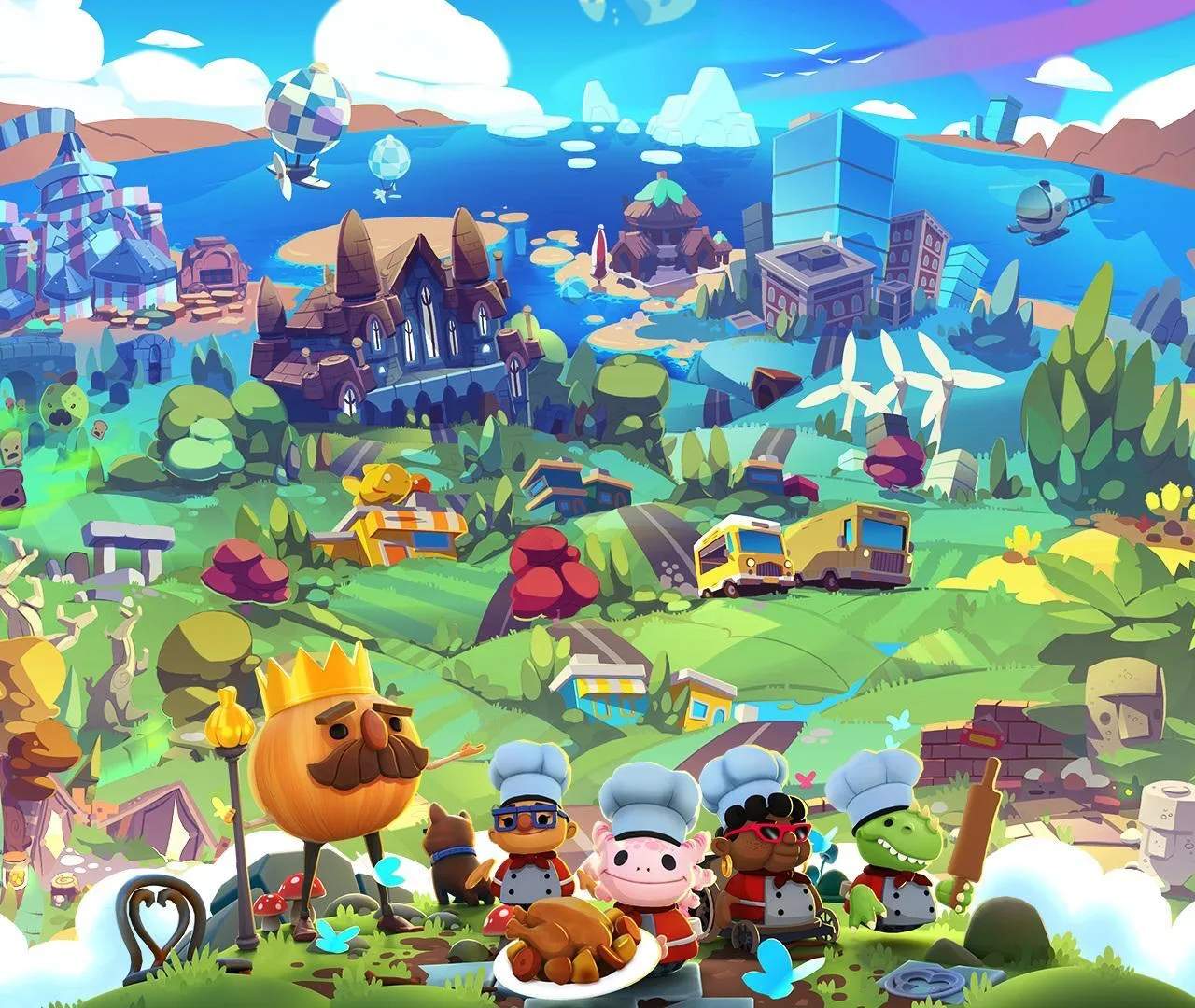
Advanced Movement Techniques
Mastering movement in Overcooked! All You Can Eat is paramount to achieving those coveted four-star ratings and conquering the most chaotic kitchens. Beyond basic walking and dashing, there are several advanced techniques that, when practiced, will shave precious seconds off your runs and dramatically improve your efficiency. This section delves into these crucial maneuvers.
The Dash-Cancel Slide
The Dash-Cancel Slide is a fundamental advanced technique that allows for quicker directional changes and smoother navigation, especially in tight spaces or when needing to quickly pivot after an action. It's particularly effective when carrying ingredients or plates.
- Execution: Initiate a dash (typically by pressing the 'Dash' button, e.g., 'B' on Nintendo Switch, 'Circle' on PlayStation, 'A' on Xbox). Immediately after the dash animation begins, release the 'Dash' button and quickly change your analog stick direction. Your chef will slide a short distance in the new direction, maintaining momentum from the dash but allowing for a sharper turn than a standard dash.
- Practical Applications:
- Ingredient Retrieval: Dash towards a Chopping Board with a Tomato, Dash-Cancel Slide to face the board, chop, then Dash-Cancel Slide again to move towards a Cooking Pot.
- Plate Delivery: After picking up a Prepared Dish from a Serving Hatch, Dash-Cancel Slide around an obstacle like a Sink or Fire Extinguisher to reach the Order Window faster.
- Navigating Conveyor Belts: In levels like the Sushi City or Space Kitchen, use Dash-Cancel Slides to quickly adjust your position on moving platforms without overshooting your target destination.
The Item Toss & Catch
While not strictly a "movement" technique, the Item Toss & Catch significantly impacts movement efficiency by reducing the need for chefs to physically traverse long distances with items. This requires precise timing and coordination, especially in co-op.
- Execution:
- Tossing: Stand near the edge of a gap or a designated "toss zone" (e.g., across a river, over a counter). Hold the 'Pick Up/Drop' button (e.g., 'A' on Nintendo Switch, 'X' on PlayStation, 'B' on Xbox) while facing the intended recipient or landing spot. A trajectory line will appear. Release the button to toss the item.
- Catching: The receiving chef must be positioned in the trajectory of the tossed item. Press the 'Pick Up/Drop' button just as the item is about to reach them. A successful catch will show the item instantly in their hands.
- Strategic Item Tossing:
- Gap Bridging: In the River Raft level, toss Fish from the fishing spot to a chef on the Chopping Board raft, eliminating the need for the fishing chef to cross.
- Ingredient Relay: In sprawling kitchens like the Castle Kitchen, set up a relay system. One chef gathers Lettuce from a distant Ingredient Crate, tosses it to a second chef near the Chopping Board, who then tosses the Chopped Lettuce to a third chef by the Serving Hatch.
- Plate Passing: When a Clean Plate is needed urgently, and the Sink is far from the Serving Hatch, a chef can wash the plate and toss it directly to the chef waiting to serve.
Corner Cutting & Clipping
This technique involves exploiting the game's collision detection to slightly reduce the distance traveled around corners or obstacles. While subtle, consistent application can add up to significant time savings.
- Execution: When approaching a corner or the edge of an object (like a Counter or Table), instead of making a wide turn, aim your chef to brush as closely as possible to the corner. Sometimes, you can even "clip" through a tiny portion of the corner, effectively shortening your path. This is best done with a slight curve in your movement rather than a sharp 90-degree turn.
- Optimal Usage:
- Kitchen Layouts: In kitchens with many tight corners, such as the Haunted House or Volcano Kitchen, consistently cutting corners around Prep Stations and Stoves can optimize ingredient flow.
- Avoiding Obstacles: When a Rat or Fire blocks a path, a well-executed corner cut can sometimes allow you to squeeze past without needing to fully circumnavigate the hazard.
The "Ghost" Chef Maneuver (Co-op Specific)
This advanced co-op strategy leverages the ability of one chef to briefly "push" another chef, allowing for faster movement through congested areas or to quickly reposition a partner.
- Execution: One chef (the "pusher") walks directly into another chef (the "pushed"). The pushed chef will briefly gain a small burst of speed or be nudged slightly in the direction of the pusher. This is most effective when both chefs are moving in roughly the same direction.
- Team Synergy:
- Expedited Travel: If one chef has a long walk with a Chopped Onion to a Pot, a partner can give them a quick "push" from behind to slightly accelerate their journey.
- Unblocking Paths: In a narrow corridor, if one chef is momentarily stuck or needs to be moved out of the way for a critical pass, a quick push can clear the path without requiring the first chef to manually move.
- Synchronized Movement: In levels with moving platforms or tight timing, two chefs can move as a unit, with one constantly pushing the other to maintain optimal speed and positioning.
By integrating these advanced movement techniques into your gameplay, you'll find yourself navigating kitchens with unprecedented speed and precision, leading to higher scores and a more satisfying culinary experience.