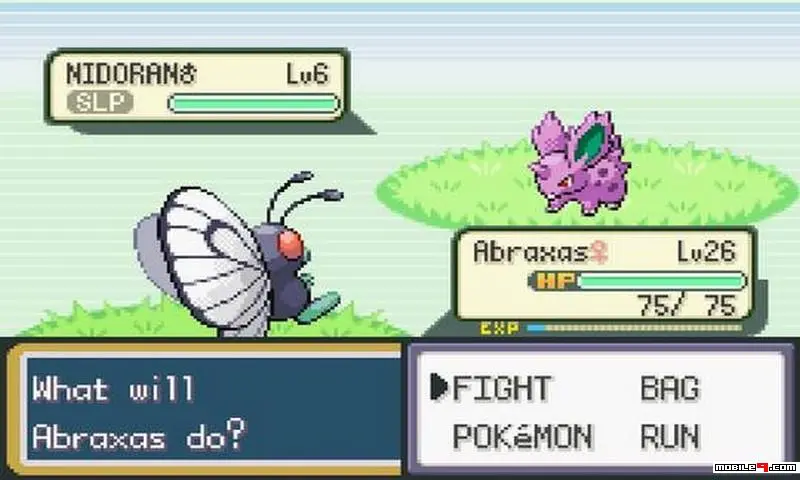
Mastering the controls is the first step to becoming a Pokémon Trainer. The A button is for confirming actions and interacting with people/objects, while the B button cancels actions or runs. The D-pad moves your character. The Start button opens the main menu, and Select can be customized for quick access to an item. The UI is straightforward: your Pokémon's health and status are displayed during battle, and the menu provides access to your Pokémon, Bag, Pokedex, and Save options.