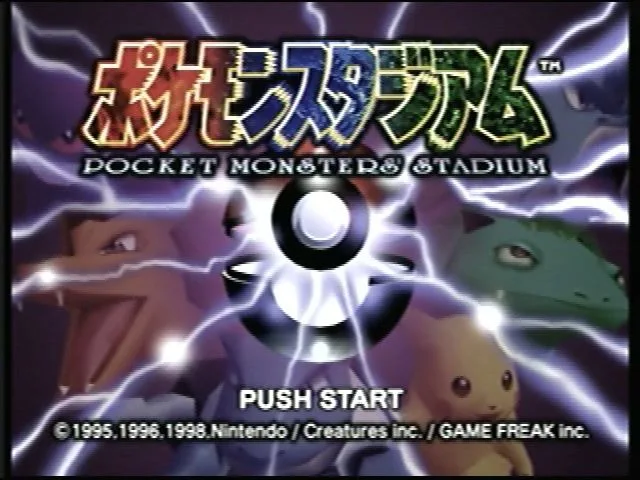
Learn about the rental Pokémon and their moves available in Pokémon Stadium. We'll guide you through your options for battling in the stadium and beyond!
Hey there! So, you're diving into Pokémon Stadium and wondering about the Pokémon you can use, right? Especially the ones you can rent? Let's break it down. In Pokémon Stadium, you have two main ways to go about building your team for battles: you can either transfer your own Pokémon from a Generation I core series game (though Mew is an exception, so you can't bring that one over) or you can use the rental Pokémon provided by the game. Unlike the main series games, your Pokémon won't level up or evolve here, and there are no items to use during battles. It's all about strategy with the Pokémon you pick! When you jump into the 'Battle Now!' mode, things are pretty straightforward. It's a quick battle, either solo or with a friend, and it lasts for two rounds. The game randomly assigns you six Pokémon from two specific teams, and your opponent gets the same. All these rental Pokémon are set at Level 50. You and your opponent each choose three Pokémon for the first round. If you win that round, you move on to the next with your remaining Pokémon. If you run out of Pokémon, you lose the match. After a battle in 'Battle Now!', if you started with the first team, your available team will switch to the second option for the next go-around, and vice-versa. It's a neat way to keep things fresh! Now, if you've managed to unlock Round 2 (which you do by clearing 'Vs. Mewtwo'), things get a little tougher. When Round 2 is active, you'll be using a pool of three Pokémon from two different predefined teams instead of six. You can toggle Round 2 on or off from the main menu by pressing C-Right. Keep in mind, the specific teams available might change depending on whether it's Round 1 or Round 2, and which of the two possible teams you're looking at.100% Human-Written. AI Fact-Checked. Community Verified. Learn how AntMag verifies content