
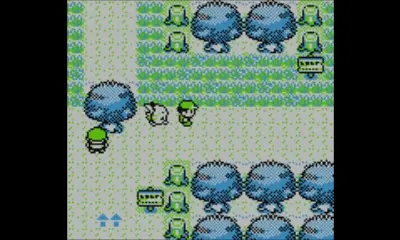
The game's UI is straightforward but essential to understand. When you're exploring the world, the screen displays your character, the environment, and sometimes a small text box at the bottom for dialogue or notifications.
Main Menu (Start Button)
- POKéMON: View your current party, check their stats, moves, and current status. You can also switch their order.
- BAG: Access your items. Items are categorized into 'ITEMS' (general items like Potions, Poké Balls), 'KEY ITEMS' (important plot-related items), and 'TM/HM' (Technical Machines and Hidden Machines for teaching moves).
- POKéDEX: Review information on all the Pokémon you've seen and caught. It provides details like habitat, type, and height/weight.
- SAVE: Crucially, save your game progress. Do this often!
- OPTION: Adjust game settings like text speed, battle animation, and sound.
- EXIT: Closes the main menu.
During battles, the UI changes to show your Pokémon's health, your opponent's Pokémon, and a menu for choosing actions like 'FIGHT', 'ITEM', 'POKéMON', or 'RUN'. Familiarize yourself with these menus to navigate your adventure smoothly.
Compare understanding the user interface (ui) inPokémon Crystal