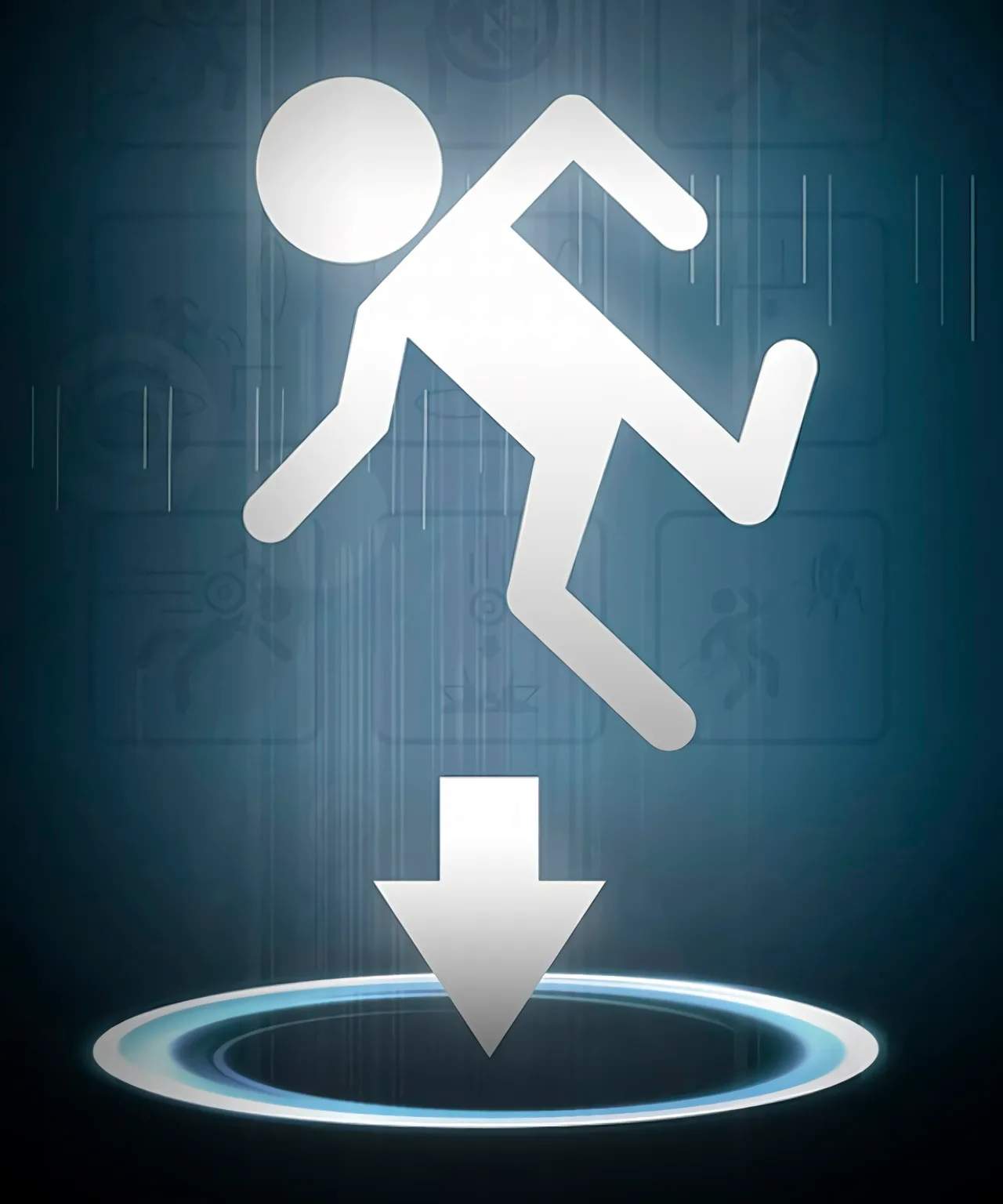
Gameplay Mechanics Overview
Welcome to Aperture Science! To navigate the challenging test chambers and ultimately escape GLaDOS's clutches, you'll need a firm grasp of Portal's core mechanics. This section breaks down the essential tools and techniques at your disposal.
The Aperture Science Handheld Portal Device (ASHPD)
Your primary tool, often simply called the "Portal Gun," is capable of creating two distinct portals: an orange portal and a blue portal. These portals are linked, meaning anything entering one will exit the other. Mastering their use is fundamental to solving every puzzle.
- Primary Fire (Left Click): Creates a blue portal.
- Secondary Fire (Right Click): Creates an orange portal.
- Portal Placement: Portals can only be placed on specific surfaces – typically white, clean walls, floors, and ceilings. You'll quickly learn to identify these "portal-able" surfaces. Attempting to fire on non-portal-able surfaces (e.g., grates, glass, black panels) will have no effect.
- Portal Persistence: Portals remain active until you fire a new portal of the same color, or until they are obstructed by certain environmental changes (e.g., a moving panel closing on them).
- Strategic Placement: Think ahead! Consider the trajectory of objects, your own momentum, and the path to your objective when placing portals.
Momentum Conservation and Flinging
One of Portal's most ingenious mechanics is the conservation of momentum. When you enter a portal, you exit the other with the same speed and direction relative to the exit portal's orientation. This allows for "flinging" yourself across vast distances or gaining significant height.
- The Basic Fling:
- Find a high platform or a long drop.
- Place one portal (e.g., blue) on the floor directly below you or at the bottom of a pit.
- Place the second portal (e.g., orange) on a wall or ceiling that will launch you towards your target.
- Walk or fall into the first portal. You will exit the second portal with the momentum gained from your fall, propelling you forward or upward.
- Advanced Flinging: Experiment with placing portals on angled surfaces to control your trajectory more precisely. Remember, the angle at which you enter one portal will be the angle at which you exit the other.
Object Interaction
Beyond portals, you'll frequently interact with various objects to solve puzzles.
- Picking Up Objects (E key by default): Many objects, such as the Weighted Storage Cube, can be picked up and carried. This is crucial for activating buttons or blocking laser grids.
- Dropping Objects (E key by default, or Left Click while holding): Release an object you're carrying. Be mindful of where it lands!
- Weighted Storage Cubes: These are your most common companions. They are used primarily to activate the large, square red buttons found throughout the chambers. Place a cube on a button to keep it pressed, often opening a door or activating a platform.
- Weighted Companion Cube: A special variation of the Weighted Storage Cube, introduced in Test Chamber 17. While functionally identical to a regular cube in terms of activating buttons, it holds a unique narrative significance. Treat it with care!
- Sentry Turrets: These automated defense systems will fire upon you if you enter their line of sight.
- Strategy: They can be knocked over by flinging objects at them, or by using portals to drop objects (or yourself) onto them. Once knocked over, they are disabled. You can also pick them up and carry them away from your path, or even use them to block laser grids if necessary.
- Energy Pellets: These glowing orbs travel along predetermined paths. Your goal is often to redirect them using portals to hit a receiver, which then activates a mechanism (like opening a door).
- Redirection: Place portals strategically in the pellet's path and near the receiver. The pellet will travel through the portals, maintaining its momentum and direction.
Environmental Hazards and Features
Aperture Science is full of dangers and helpful elements:
- Acid Pits: Falling into these instantly kills you. Always check your footing and portal exits.
- Crushing Panels: Some chambers feature moving panels that can crush you or objects. Time your movements carefully.
- Laser Grids: These red grids are deadly to touch. They often block pathways and require clever portal placement to bypass or to use objects (like cubes or turrets) to block the beam.
- Buttons and Switches: Beyond the Weighted Storage Cube buttons, you'll encounter various switches that activate doors, platforms, or other mechanisms.
- Elevators: These are your primary means of transitioning between test chambers. Step onto them once the exit is clear.