The User Interface in Post Trauma is designed to be minimalistic, immersing you deeper into the game's oppressive atmosphere. While sparse, understanding the key elements is vital for managing your resources and health. Here's a breakdown:
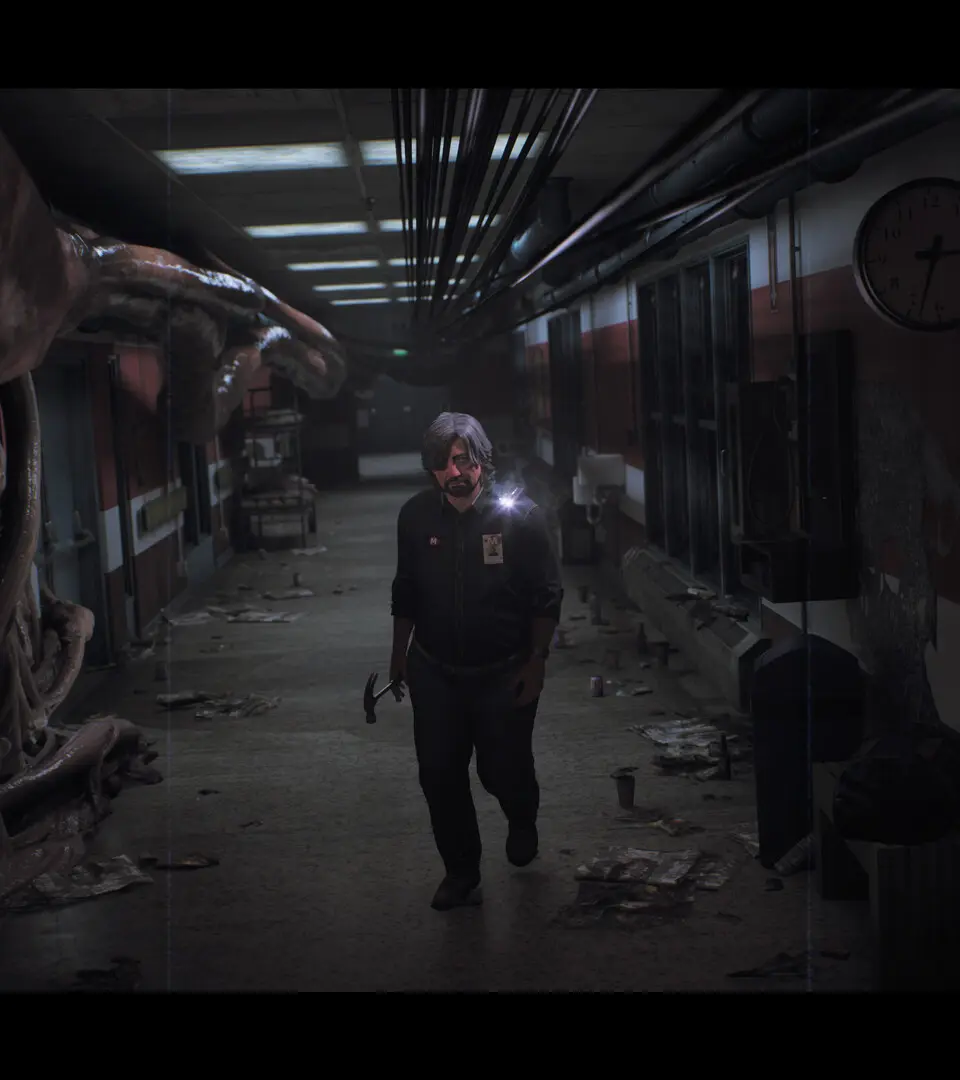
- Health Bar: Typically located in a corner of the screen, this bar indicates your current health. It will often be represented by a visual cue, such as a character's deteriorating appearance or a subtle on-screen effect, rather than a numerical value. Pay close attention to its status, as healing items are scarce.
- Stamina Bar: Appears when sprinting or performing strenuous actions. Depletion leads to exhaustion, preventing further sprinting until it recovers.
- Inventory Icon/Prompt: A small icon or text prompt will appear when you are near an interactable item, indicating you can pick it up or examine it.
- Flashlight Battery Indicator: Often a small icon near the flashlight's beam, showing its remaining power. When it starts to blink or dim, it's time to find new batteries.
- Current Objective: Occasionally, a subtle text prompt might appear to remind you of your current goal, especially after significant plot points.
The game prioritizes environmental storytelling over intrusive UI elements, so always be observant of your surroundings for clues and dangers.