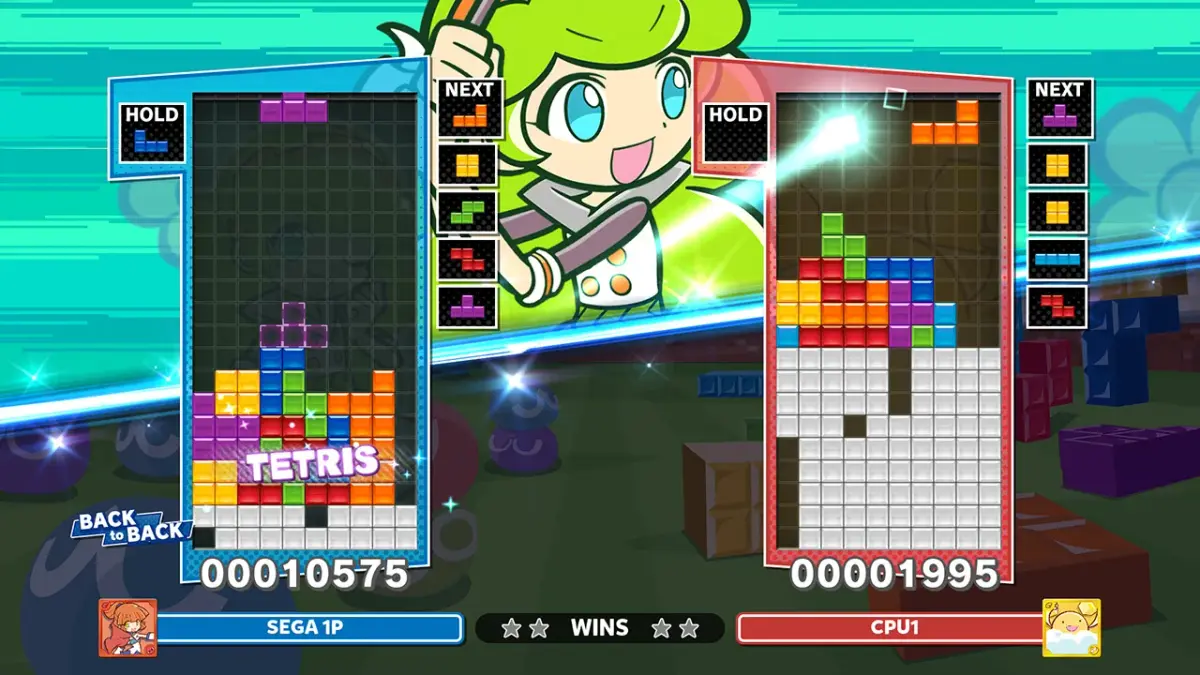
Navigate Puyo Puyo Tetris 2's menus: Single Player, Multiplayer, Exercise, and Options. Learn key assignments and difficulty settings.
Upon starting Puyo Puyo Tetris 2, you are presented with four main menu options:
- Play the Single Player (Scenario) Mode.
- Play the Multiplayer Mode.
- Play the Exercise Mode.
- Select Option Mode.
The Option Mode allows you to configure various settings:
- Key Assignment: Customize your control inputs.
- Select Difficulty Level in Scenario Mode: Adjust the challenge for the single-player campaign.
- Select number of game match in Multiplayer Mode: Determine the length of your multiplayer sessions.
- Sampling On/Off: Toggle a specific game setting.
- Input Test: Verify your controller inputs are registering correctly.
Tips
- Explore the Option Mode early to set up controls and difficulty that best suit your playstyle.
- The Multiplayer Mode settings let you fine-tune match length before you begin playing against others.
100% Human-Written. AI Fact-Checked. Community Verified. Learn how AntMag verifies content