
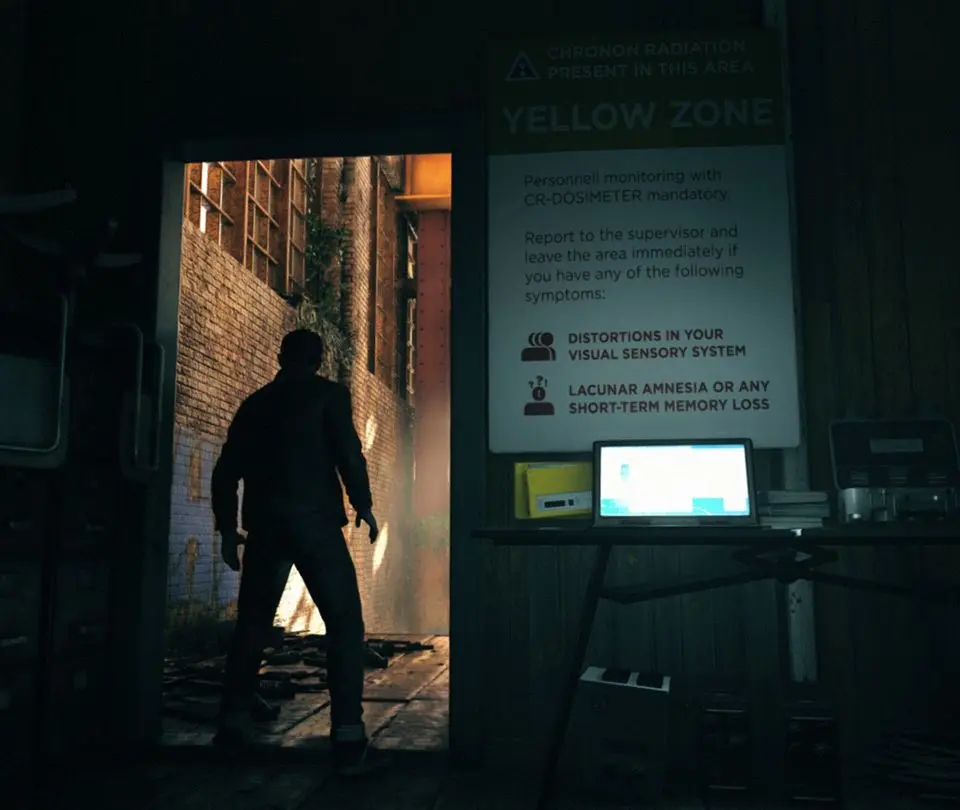
Understand Quantum Break's HUD and UI elements, including health, ammo, time power indicators, and objective markers.
The User Interface (UI) in Quantum Break is designed to be minimalistic and unobtrusive, providing players with all the necessary information without cluttering the screen. This clean des ensures that the focus remains on the visually stunning environments and the intense action. At the core of the HUD, players will find their health bar, which clearly indicates Jack Joyce's current physical condition. Adjacent to this is the current weapon display, showing which firearm Jack is wielding, along with its ammunition count. This is crucial for managing resources during combat. A vital component of the UI is the indicators for Jack's time powers' cooldowns. These visual cues show when abilities like Time Stop, Time Dodge, and Time Blast are available for use and when they are recharging, allowing players to strategically plan their power usage. Collectibles, such as Chronon Sources or intel documents, are often indicated on the HUD when they are nearby, guiding players towards valuable items. Objective markers are also present, providing clear direction on where to go or what to do next, ensuring players don't get lost in the game's expansive environments. Pay close attention to on-screen prompts for interactions, such as when to take cover, perform a melee takedown, or interact with specific environmental objects, as these are essential for executing certain actions and progressing through the game.
Beyond the immediate combat information, the UI also subtly conveys other important details. For instance, when Jack is affected by temporal anomalies or enemy time powers, visual cues on the screen might change, such as a distortion effect or a color shift, alerting You to the environmental hazard. The ammo count is displayed prominently, encouraging players to be mindful of their ammunition reserves and to switch weapons or seek out ammo pickups when necessary. The cooldown timers for time powers are typically represented by circular icons that fill up as the ability recharges, providing a clear visual representation of their readiness. The game also employs subtle audio cues to supplement the visual information, such as the distinct sound of a time power becoming available or the warning sound of an incoming enemy attack. The objective markers are usually presented as icons or directional arrows on the edge of the screen, guiding players towards their next goal without being overly intrusive. The overall des philosophy of Quantum Break's UI is to provide essential information efficiently, allowing players to immerse themselves in the game's narrative and action without being overwhelmed by complex interfaces. This minimalist approach ensures that the player's attention is directed towards the gameplay and the unfolding story, making the experience more engaging and fluid.
Key UI Elements and Their Functions:
- Health Bar: Displays Jack Joyce's current health status.
- Weapon & Ammo Display: Shows the equipped weapon and remaining ammunition.
- Time Power Cooldown Indicators: Visual cues for the readiness of abilities like Time Stop and Time Dodge.
- Collectible Markers: Alerts players to the presence of nearby items like Chronon Sources.
- Objective Markers: Provides directional guidance for current mission objectives.
- On-Screen Prompts: Indicates context-sensitive actions for interactions and maneuvers.
- Environmental Hazard Indicators: Visual cues for temporal anomalies or enemy time effects.
100% Human-Written. AI Fact-Checked. Community Verified. Learn how AntMag verifies content