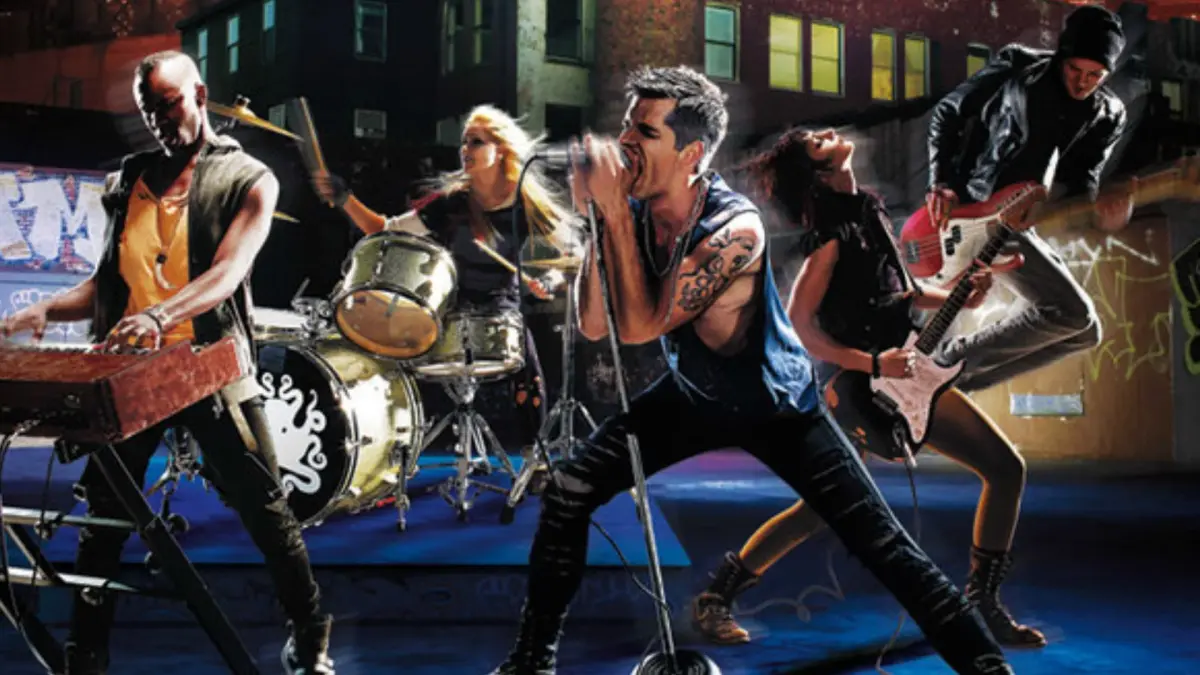
Learn the ins and outs of playing guitar and bass in Rock Band 3. Discover tips for beginners, understand the differences between bass and guitar, and get ready to shred!
Hey there! So you're diving into Rock Band 3 and want to get a handle on the guitar or bass? Awesome choice! It can seem a little daunting at first, especially if you're coming from games like Guitar Hero, but don't worry, I've got your back. This guide will break down the basics and get you rocking in no time.
First off, let's talk about the big question: Bass or Guitar? Harmonix decided to skip dedicated solo bass careers in Rock Band 3. You can only pick bass in Practice or Quickplay modes if you're playing solo. Otherwise, you'll need to jump into multiplayer to lay down those bass lines. Bass is generally considered easier, which can be a great starting point if you're new to rhythm games. Guitar, on the other hand, offers more opportunities for big points, especially with those flashy lead solos. It can also be incredibly fun! Honestly, if you're thinking about singing and playing at the same time, I'd lean towards recommending bass to start. But if you're all about the lead licks, give guitar a shot. Getting good at guitar will definitely help you understand the mechanics and prepare you for what they call 'advanced bass techniques' – though don't ask me what those are, maybe there's a secret bass solo out there!
If you're serious about getting the best experience, I really suggest making a trip to Guitar Center. You'll want to grab a cheap mic stand with a clip for your microphone. Bring your mic along to make sure you get a clip that fits perfectly, or ask the staff for help. Just remember, the stand usually comes with the base, but you'll need to buy the clip separately – don't forget this crucial piece!
Rock Band 3 features a cool, unique interface. For vocals, you'll see a pitch-sensitive 'Arrow indicator' that moves up for higher notes and down for lower ones. When a song starts, feel free to hum or speak at different pitches to get a feel for the range you'll need. You won't lose points for this, and it's a great way to warm up your voice and get used to the on-screen prompts. As the notes slide across the screen, try to match your pitch to the indicator. You don't even have to sing the actual lyrics – humming along or even making a 'meow' sound works! If the arrow is below the words, you need to sing higher; if it's pointing down, you're singing too high. Nail a whole phrase with the right pitch, and your multiplier will go up. If there are no notes showing, like during some parts of Beastie Boys' 'No Sleep Till Brooklyn', just make any prolonged noise into the mic when the words pass, and you'll get credit. To activate Overdrive, just shout something like 'Timmah!' or cheer. Holding the last note of a phrase often works too. A short, single syllable word usually won't cut it. Activating Overdrive doubles your multiplier and the band's multiplier, so use it wisely! And remember, during those epic 'Big Rock Endings', you *have* to sing or say something, or you'll lose all those hard-earned points!
For guitar and bass players, the game uses a scrolling mode by default, but there's also 'Static Mode'. In Static Mode, all the lyrics for a phrase appear on screen at once, similar to traditional karaoke. Many players find this mode easier, so definitely try both out to see what clicks for you!
Sometimes, during long instrumental sections like guitar solos, you'll have the option to play along with optional 'Tambourine' or 'Cowbell' parts. For these, you can just tap the mic, snap or clap, hit the mic against your leg, or even blow into it when the beat passes the target bar. It's a fun little way to stay engaged!
100% Human-Written. AI Fact-Checked. Community Verified. Learn how AntMag verifies content