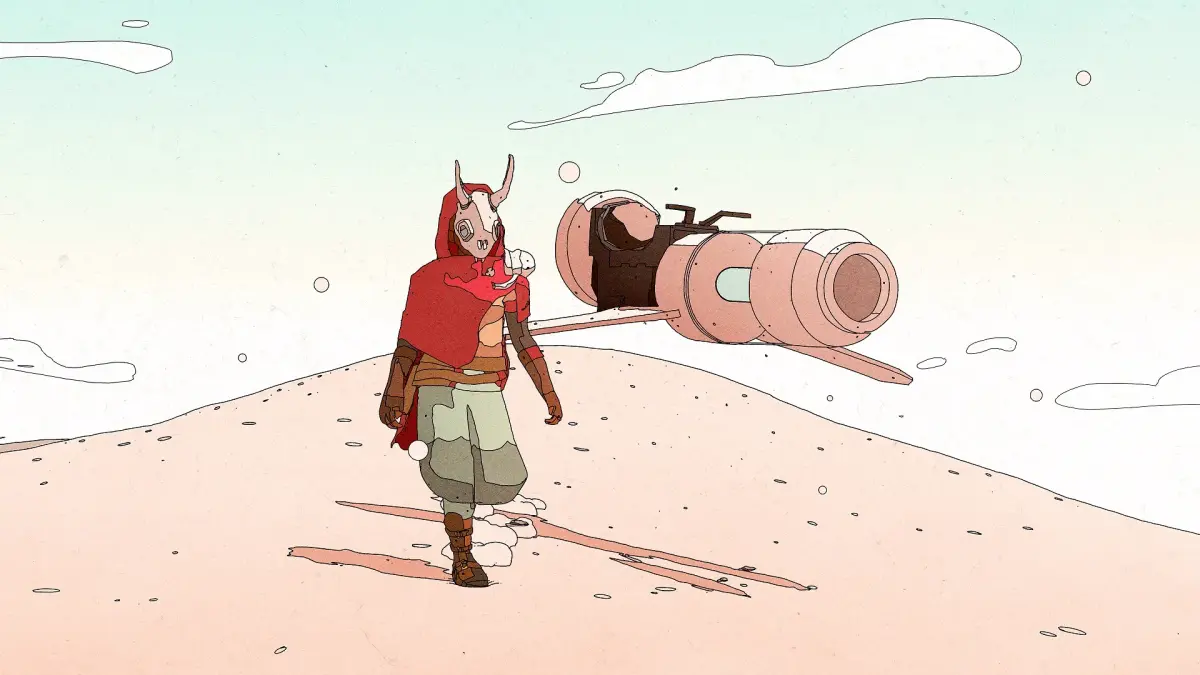
Sable is a 2021 indie adventure game where you explore a vast desert on a hoverbike. It’s a striking, open-world experience focused on discovery and finding your own path. You'll spend your time traversing diverse landscapes, meeting unique characters, and uncovering the secrets of a forgotten world.
This guide will help you navigate Sable’s challenges, from locating all the collectibles scattered across its expansive map to mastering the game’s various endings. We’ll cover strategies for overcoming difficult encounters and provide tips for achieving the game’s hidden achievements, ensuring you can fully experience everything this beautiful journey has to offer.
Getting Started & Core Mechanics
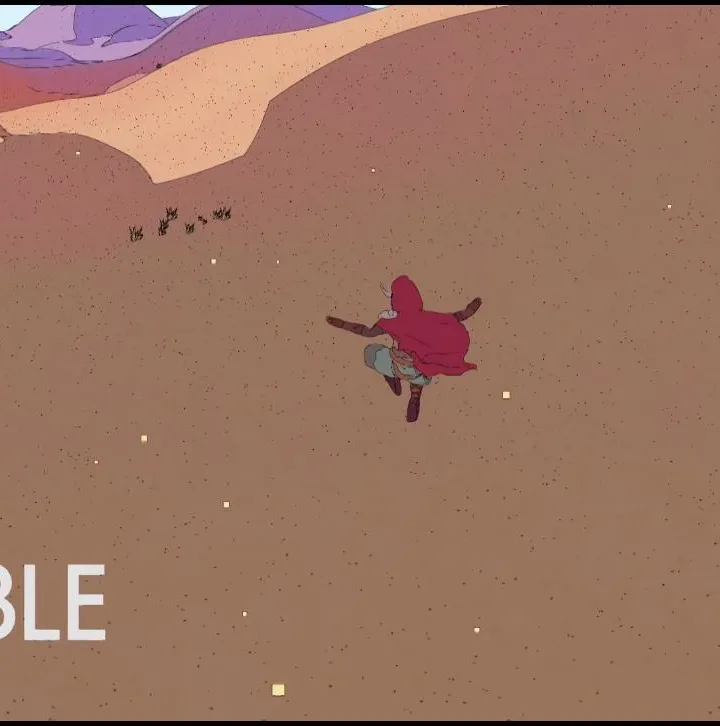
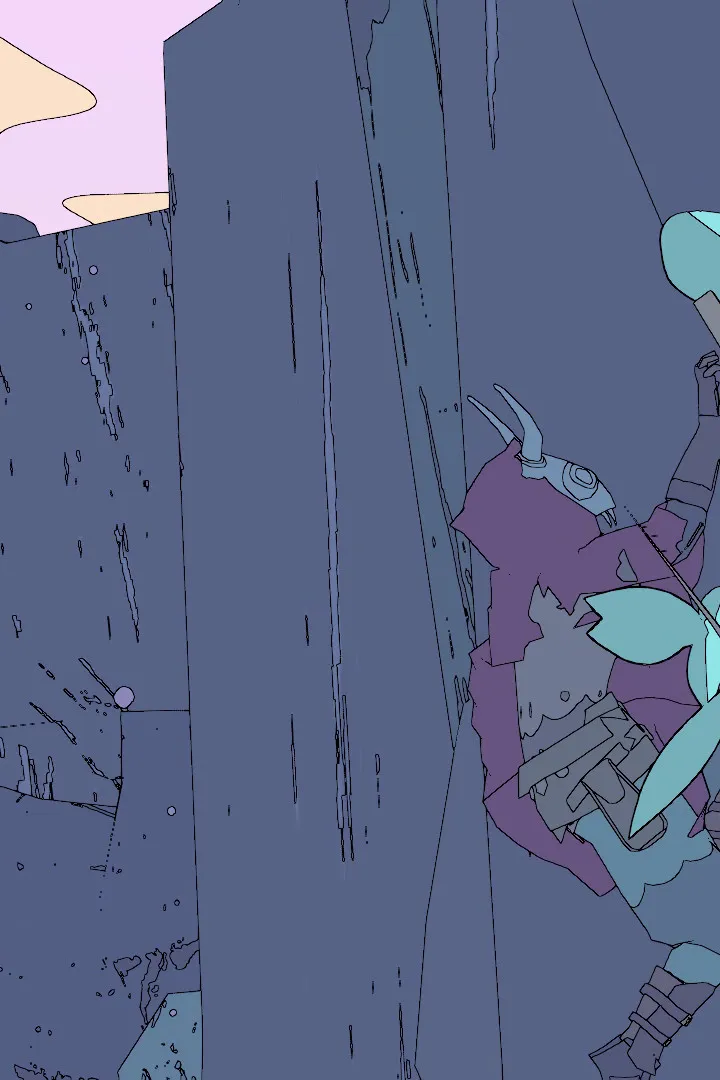
Master Sable's core mechanics, including hoverbike traversal and climbing. Learn how to manage your journey and find Chum Eggs.
Getting Started & Core Mechanics
Master Sable's core mechanics, including hoverbike traversal and climbing. Learn how to manage your journey and find Chum Eggs.
Installation & Setup
Install Sable on PC, Mac, or consoles. Learn how to set up your controls and optimize graphics for your Sable adventure.
Installation & Setup
Install Sable on PC, Mac, or consoles. Learn how to set up your controls and optimize graphics for your Sable adventure.
System Requirements (PC/Mac)
Check Sable's PC and Mac system requirements. Ensure your hardware meets minimum or recommended specs for smooth gameplay.
For players on PC and macOS, understanding the system requirements is paramount to ensuring a smooth and enjoyable experience with Sable. While the game is known for its unique art style, which may not demand the absolute highest-end hardware, meeting the minimum specifications will prevent performance issues and allow you to appreciate the game's visual des. The developers have provided specific guidelines to help you determine if your system is capable of running Sable. These requirements typically cover aspects such as the operating system version, processor (CPU), graphics card (GPU), random access memory (RAM), and available storage space. It is always recommended to check the official store page where you purchased Sable for the most up-to-date and precise system requirements.
The minimum system requirements for Sable are designed to allow the game to run at a playable frame rate, likely at lower graphical settings. This usually involves a specific version of Windows or macOS, a mid-range processor from recent generations, a graphics card with a certain amount of VRAM, and a baseline amount of system RAM. For instance, a common minimum requirement might specify an Intel Core i5 processor or equivalent, an NVIDIA GeForce GTX 750 Ti or AMD Radeon R7 260X graphics card, and at least 8GB of RAM. Storage space is also a factor, so ensure you have enough free gigabytes on your drive for the game's installation. Meeting these minimums will get you into the game, but for a more visually rich experience, you'll want to aim for the recommended specifications.
The recommended system requirements for Sable are what you should aim for if you want to experience the game with higher graphical settings, smoother frame rates, and overall better performance. These typically involve a more powerful CPU, a more capable GPU with more VRAM, and potentially more system RAM. For example, recommended specs might suggest an Intel Core i7 processor, an NVIDIA GeForce GTX 1060 or AMD Radeon RX 580 graphics card, and 16GB of RAM. Adhering to these recommended specifications will allow you to fully appreciate Sable's distinctive art direction and fluid animations without encountering stuttering or lag. If your system falls between the minimum and recommended requirements, you may need to experiment with the in-game graphics settings to find the optimal balance for your hardware.
Controller Layouts & Keybindings
Master Sable's controls with our guide on controller layouts and keybindings. Learn hoverbike and on-foot controls for efficient Badlands traversal.
Navigating the vast desert world of Sable is an experience best enjoyed with intuitive controls. The game is designed with controller input in mind, and understanding the default layout is the first step to mastering your journey. Your hoverbike controls will be central to your traversal, allowing you to accelerate, brake, and steer across the diverse landscapes. Similarly, on-foot controls will govern your movement, jumping, and interaction with the environment and its inhabitants. Familiarizing yourself with these bindings will significantly enhance your ability to explore efficiently and react quickly to any challenges or opportunities that arise. The game offers a consistent control scheme across its various platforms, ensuring a similar feel whether you're playing on PC, PlayStation, or Xbox.
For players on PC and macOS, Sable offers robust keybinding customization. While a default keyboard and mouse layout is provided, players are encouraged to rebind keys to suit their personal preferences. This is particularly useful for actions that require quick access, such as activating your hoverbike, initiating dialogue, or using any special abilities you might acquire. The game's menu system allows you to easily view the current keybindings and ass new keys to specific actions. Common adjustments might include moving frequently used actions to more accessible keys or remapping movement controls. Experimenting with different keybindings can lead to a more comfortable and responsive gameplay experience, allowing you to focus on the exploration and narrative elements of Sable.
Beyond basic movement and interaction, certain actions in Sable may have dedicated button assignments or keybinds. For instance, interacting with objects, opening your inventory, or accessing your journal will likely be mapped to specific buttons or keys. The game also features mechanics that might require specific button combinations or quick presses. Pay close attention to any on-screen prompts that indicate control inputs. If you find yourself struggling with a particular control scheme, don't hesitate to revisit the settings menu. The ability to customize your controller layout or keybindings is a powerful tool for tailoring Sable to your playstyle, ensuring that your interactions with the world, from traversing the Badlands to speaking with characters in Sansee, are as seamless as possible.
100% Human-Written. AI Fact-Checked. Community Verified. Learn how AntMag verifies content