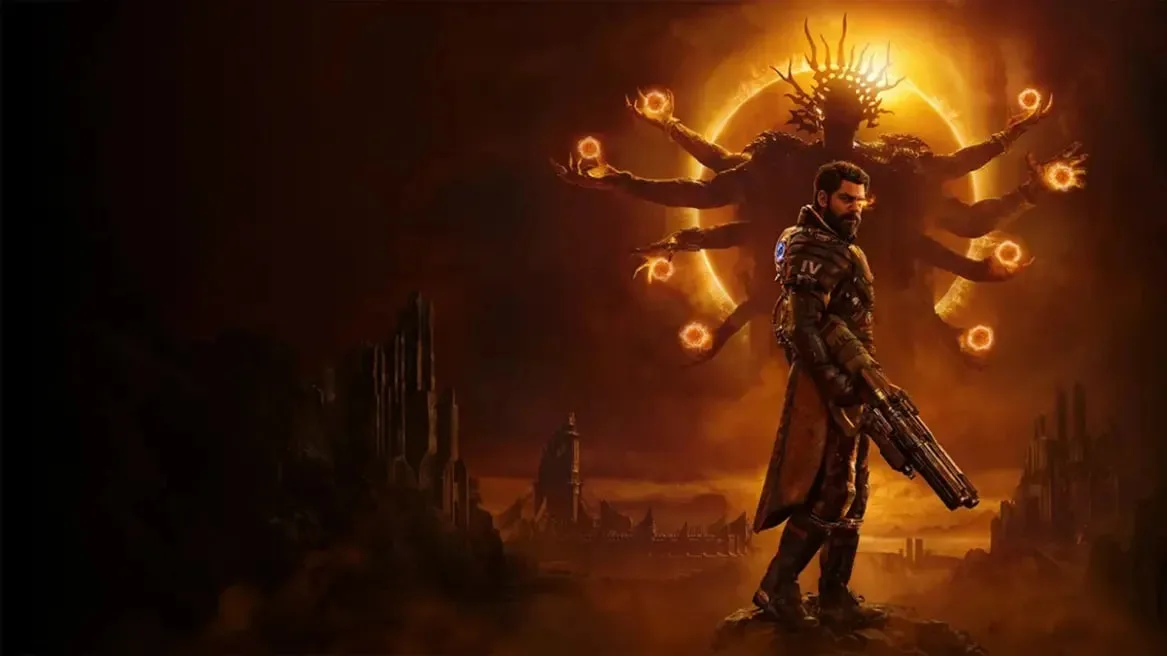

Optimize your Saros experience on PS5. Adjust brightness, contrast, and colorblind modes in Display settings and fine-tune audio with independent volume contro.
Saros on PlayStation 5 offers a range of settings to tailor your experience. Within the main menu, navigate to 'Settings' and then 'Display'. Here you can adjust brightness, contrast, and colorblind modes. The 'Audio' tab allows for independent volume control of master, music, dialogue, and sound effects, crucial for immersing yourself in the haunting atmosphere of Carcosa. Under 'Controls', you'll find options to invert camera axis, adjust sensitivity for both analog sticks, and customize button mapping for a personalized feel. Performance settings allow you to choose between a higher frame rate or enhanced visual fidelity, a common choice for action titles on the PS5. Remember to explore these options early to ensure optimal comfort and gameplay.
100% Human-Written. AI Fact-Checked. Community Verified. Learn how AntMag verifies content