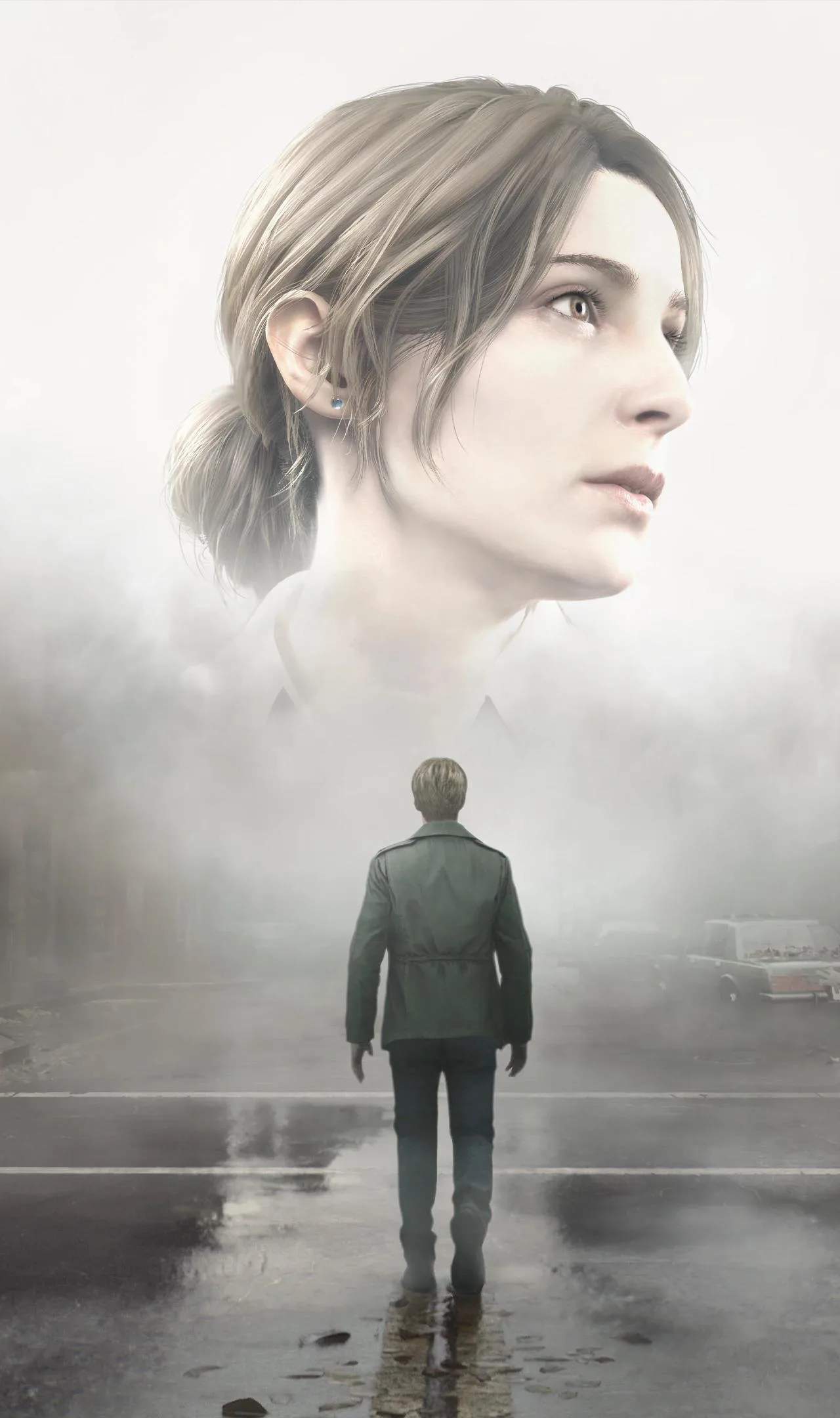
While the remake aims for a polished experience, no game is entirely immune to bugs and glitches. This section outlines common issues players might encounter in Silent Hill 2 (Remake) and offers potential workarounds or explanations, ensuring you can minimize disruptions to your terrifying journey.
Visual Anomalies
Players might occasionally experience minor visual glitches such as textures not loading correctly, flickering lights, or objects appearing in unexpected places. These are often temporary and can sometimes be resolved by reloading the area or restarting the game. If a visual bug prevents progression, it might be worth checking for game updates.
Audio Desync or Stuttering
Sound is critical in Silent Hill 2. If you encounter audio desync, where sound effects don't match the visuals, or audio stuttering, try adjusting your audio output settings on your platform. Sometimes, simply restarting the game can resolve these temporary audio issues. Ensure your audio drivers are up to date if playing on PC.
Collision Issues
Occasionally, players might experience issues with collision detection, where James gets stuck on geometry, falls through the world, or passes through solid objects. If this happens, try moving in a different direction or performing a dodge. If you become permanently stuck, reloading a previous save is usually the only solution. Report such instances to the developers.
Quest or Item Progression Bugs
The most frustrating bugs are those that affect quest progression or prevent you from picking up essential items. If a key item doesn't appear or a puzzle doesn't trigger correctly, double-check your inventory and quest log. Sometimes, leaving the area and returning can reset the trigger. If the issue persists, it might be a known bug that requires a patch.
Performance Drops and Stuttering
While not strictly bugs, performance issues like frame rate drops or stuttering can feel like glitches. These are often related to system resources or specific in-game events. For PC players, adjusting graphics settings is the primary solution. Console players might find that closing other applications or restarting the console helps. See the 'Performance Issues & Solutions' section for more detailed advice.