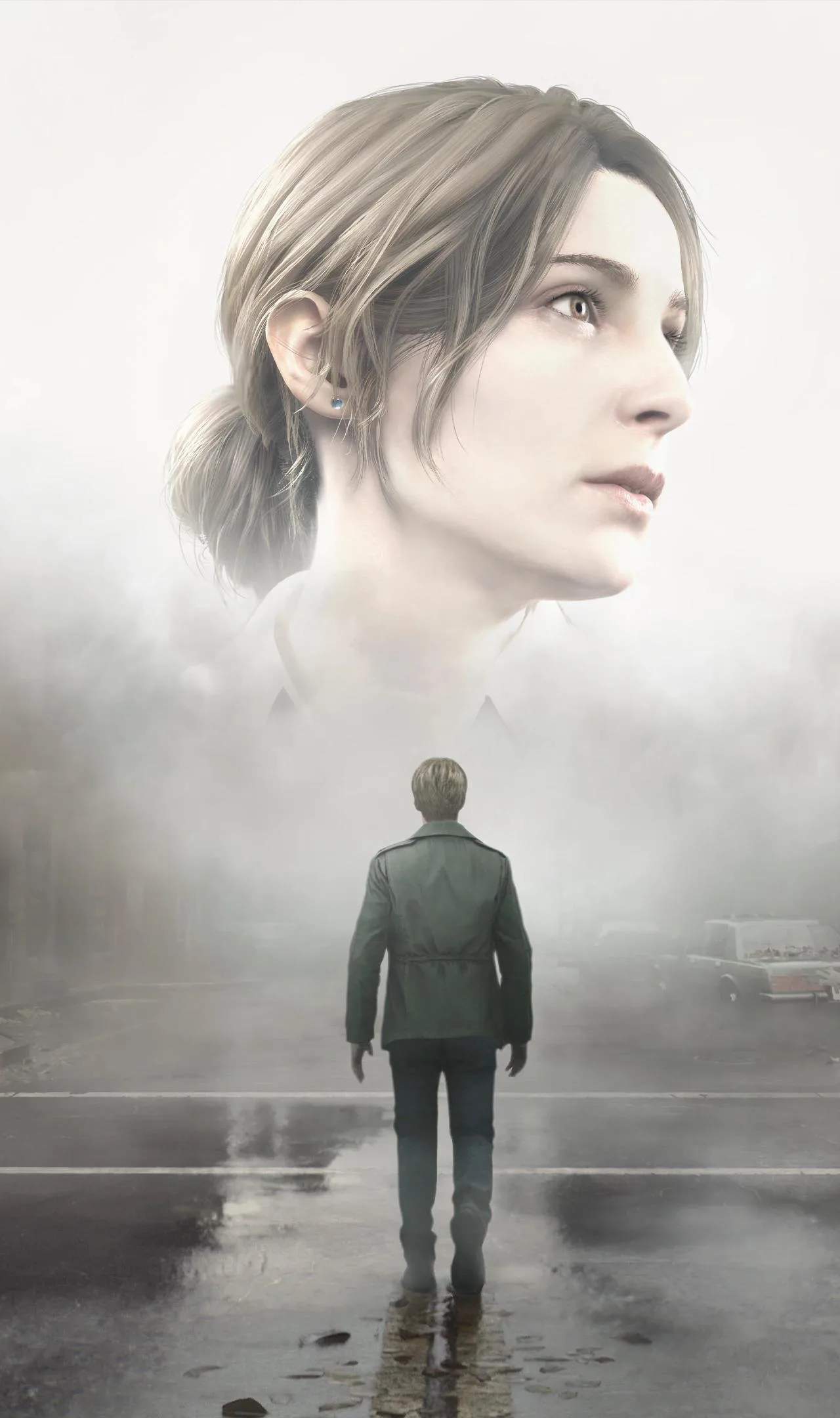
To ensure a smooth and stable experience with Silent Hill 2 (Remake), maintaining your system's drivers and performing regular maintenance is essential. Outdated drivers can lead to performance issues, crashes, and graphical glitches, hindering your immersion in the game's terrifying world.
Graphics Driver Updates
Your graphics card drivers are the most critical for gaming performance. Manufacturers like NVIDIA, AMD, and Intel frequently release updates that:
- Optimize Performance: Drivers are often tailored to specific new game releases, providing sificant frame rate improvements and stability.
- Fix Bugs: Updates address known issues and bugs that can cause crashes or graphical anomalies.
- Enhance Features: New driver versions may introduce or improve support for advanced graphics technologies.
How to Update Graphics Drivers:
- Identify Your Graphics Card: Determine the manufacturer (NVIDIA, AMD, Intel) and model of your graphics card. You can usually find this information in your system's Device Manager or by using system information tools.
- Visit Manufacturer's Website: Go to the official website of your graphics card manufacturer.
- Download Latest Drivers: Navigate to the support or drivers section and download the latest stable driver package for your specific card and operating system.
- Perform a Clean Installation: During the installation process, select the option for a "clean install" or "custom installation" and choose to remove previous driver versions. This helps prevent conflicts.
- Restart Your PC: After the installation is complete, restart your computer.
Other Important Drivers
While graphics drivers are paramount, other drivers can also impact game performance and stability:
- Audio Drivers: Ensure your sound card drivers are up-to-date for optimal audio immersion.
- Chipset Drivers: These drivers manage communication between your motherboard components and can affect overall system stability.
- Network Drivers: Important for online features or if you encounter network-related issues.
You can typically find these drivers on your motherboard manufacturer's website or through Windows Update.
System Maintenance Tips
Beyond driver updates, regular system maintenance can keep your PC running smoothly:
- Disk Cleanup: Regularly use the Disk Cleanup tool to remove temporary files and free up space.
- Defragmentation (HDD only): If you are using a traditional Hard Disk Drive (HDD), defragmenting it can improve loading times. SSDs do not require defragmentation.
- Scan for Malware: Use reputable antivirus software to scan your system for malicious programs that can consume resources and cause instability.
- Monitor Temperatures: Overheating components can lead to performance throttling and crashes. Ensure your PC has adequate cooling.
Verifying Game Files
If you encounter persistent issues with Silent Hill 2 (Remake), most game launchers (like Steam) offer a "Verify integrity of game files" option. This process checks for corrupted or missing game files and redownloads them, which can resolve many common problems.