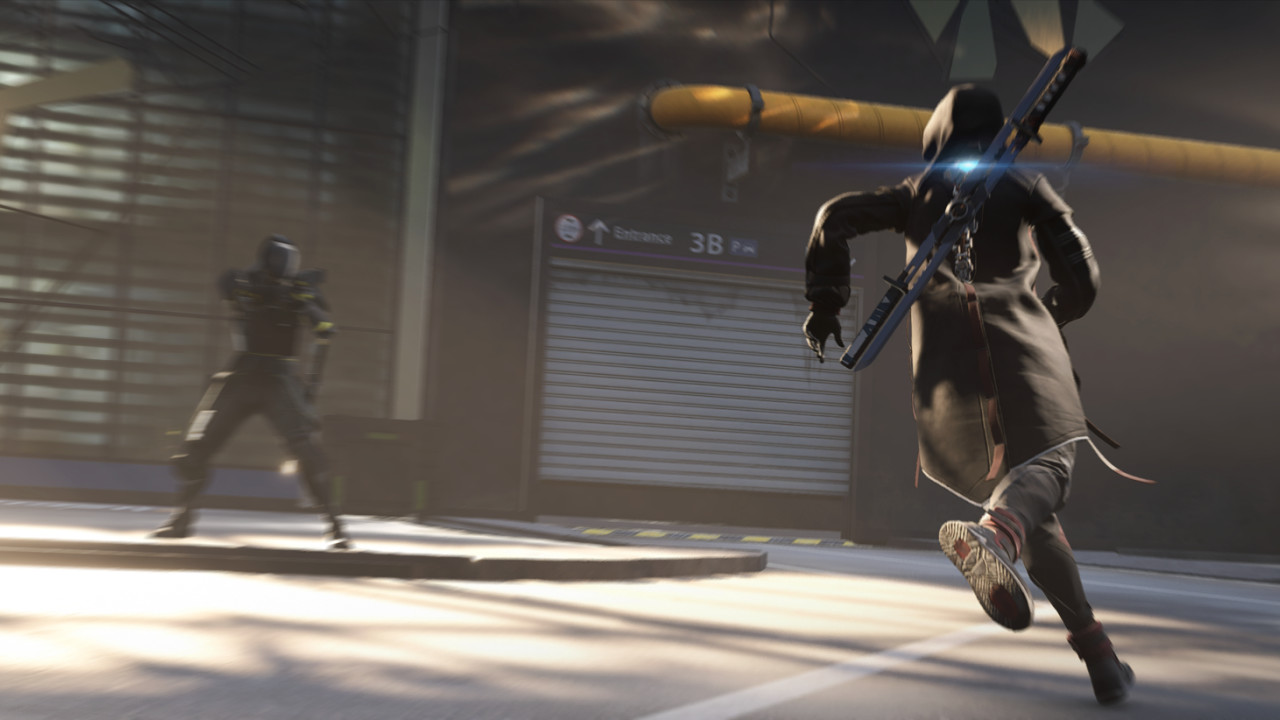

Encountering performance issues in Spine. Learn solutions to fix lag and stuttering, ensuring a smooth puzzle-solving experience with consistent frame rates.
Experiencing performance issues in Spine, such as frame rate drops, stuttering, or long loading times, can significantly detract from the gameplay experience. These problems can occur on any platform, but are often more prevalent or noticeable on PC due to the wide range of hardware configurations. For console players on Xbox Series S/X and PlayStation 5, ensuring the game is installed on an SSD (Solid State Drive) is crucial for reducing loading times. If you are experiencing consistent frame rate drops, especially in graphically intensive areas like the Rock Candy Mines, try closing other background applications on your console that might be consuming resources. Sometimes, a simple console restart can also clear temporary performance bottlenecks.
On PC, performance optimization is a multi-faceted approach. The first step is to ensure your system meets or exceeds the recommended system requirements for Spine. If you are running on lower-end hardware, you may need to significantly adjust your graphics settings. Lowering settings such as texture quality, shadow detail, anti-aliasing, and ambient occlusion can have a substantial impact on frame rates. Resolution scaling is another powerful tool; reducing the rendering resolution below your monitor's native resolution can provide a significant performance boost, though it will impact visual clarity. Experiment with different combinations of settings to find a balance between visual fidelity and smooth gameplay. For instance, if you notice stuttering when many enemies are on screen, reducing the number of on-screen characters or the complexity of their models might help.
Beyond graphics settings, other factors can influence performance. Ensure your graphics drivers are up-to-date, as manufacturers frequently release optimizations for new games. Overheating can also cause performance throttling; ensure your PC has adequate cooling and that fans are clean and functioning properly. If loading times are excessively long, even with an SSD, consider defragmenting your drive (for HDDs) or ensuring you have sufficient free space. For players encountering persistent issues, checking online forums and communities dedicated to Spine can provide valuable insights into specific performance problems and their solutions, often shared by other players with similar hardware. Reporting these issues to the developers can also help them identify and address widespread performance concerns in future patches.
100% Human-Written. AI Fact-Checked. Community Verified. Learn how AntMag verifies content