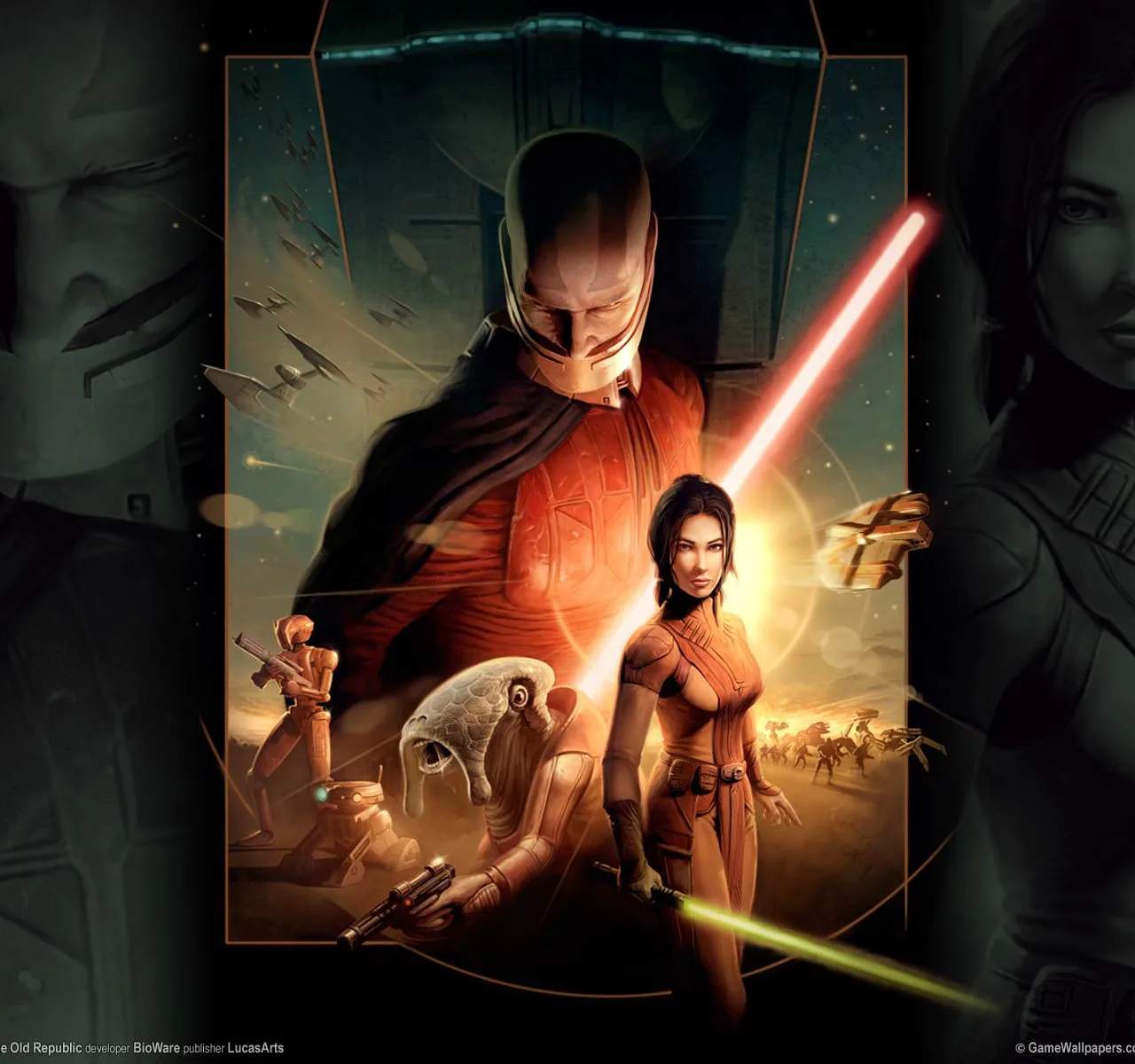
Mastering the interface and controls of Star Wars: Knights of the Old Republic is essential for a smooth and immersive gameplay experience. From navigating menus to executing combat maneuvers, understanding how to effectively interact with the game's systems will sificantly enhance your enjoyment.
User Interface & Controls: Navigating the Old Republic
Knights of the Old Republic features a user-friendly interface desed to provide easy access to all the necessary game functions. Whether you're playing with a mouse and keyboard or a controller, familiarizing yourself with the layout and keybindings is the first step to becoming a proficient player.
Key UI Elements
- Heads-Up Display (HUD): This is your primary in-game interface, displaying vital information such as your character's health and Force power bars, your selected companion's status, the mini-map, and quick-slot access to abilities.
- Character Sheet: Accessible through a dedicated button, this screen displays your character's attributes, skills, feats, Force powers, and equipped gear. It's crucial for managing your character's development.
- Inventory Screen: Here, you can view and manage all the items you've collected, including weapons, armor, consumables, and quest items. You can also equip gear from this screen.
- Party Management: This interface allows you to view the status of your companions, switch between party members, and manage their equipment.
- Journal: The game's journal keeps track of your active quests, provides summaries of completed objectives, and logs important story information.
- Dialogue and Interaction Menus: When interacting with NPCs or objects, context-sensitive menus will appear, offering dialogue options, action choices, or information.
Core Controls (PC - Mouse & Keyboard)
- Movement: Use the WASD keys to move your character.
- Camera Control: Hold the right mouse button and move the mouse to rotate the camera. The mouse wheel zooms in and out.
- Action/Attack: Left-click on an enemy to attack.
- Use Skill/Force Power: Ass skills and Force powers to hotkeys (1-0) for quick access, or select them from the HUD.
- Interact: Right-click on objects or NPCs to interact with them.
- Menu Access: Specific keys (e.g., 'C' for Character, 'I' for Inventory, 'J' for Journal) open various game menus.
- Pause: The Spacebar pauses the game, allowing you to issue commands to your party or manage the battlefield.
Combat Controls
Combat in KOTOR is real-time with a tactical pause system. During combat:
- Targeting: Click on an enemy to target them.
- Issuing Commands: While paused, you can queue up actions for your character and companions, such as attacks, Force powers, or item usage.
- Combat Stances: Some feats allow you to enter specific combat stances that provide bonuses but may also have drawbacks.
Experiment with the controls and UI to find a comfortable setup. The game's tutorial sections and in-game tooltips can provide further assistance.