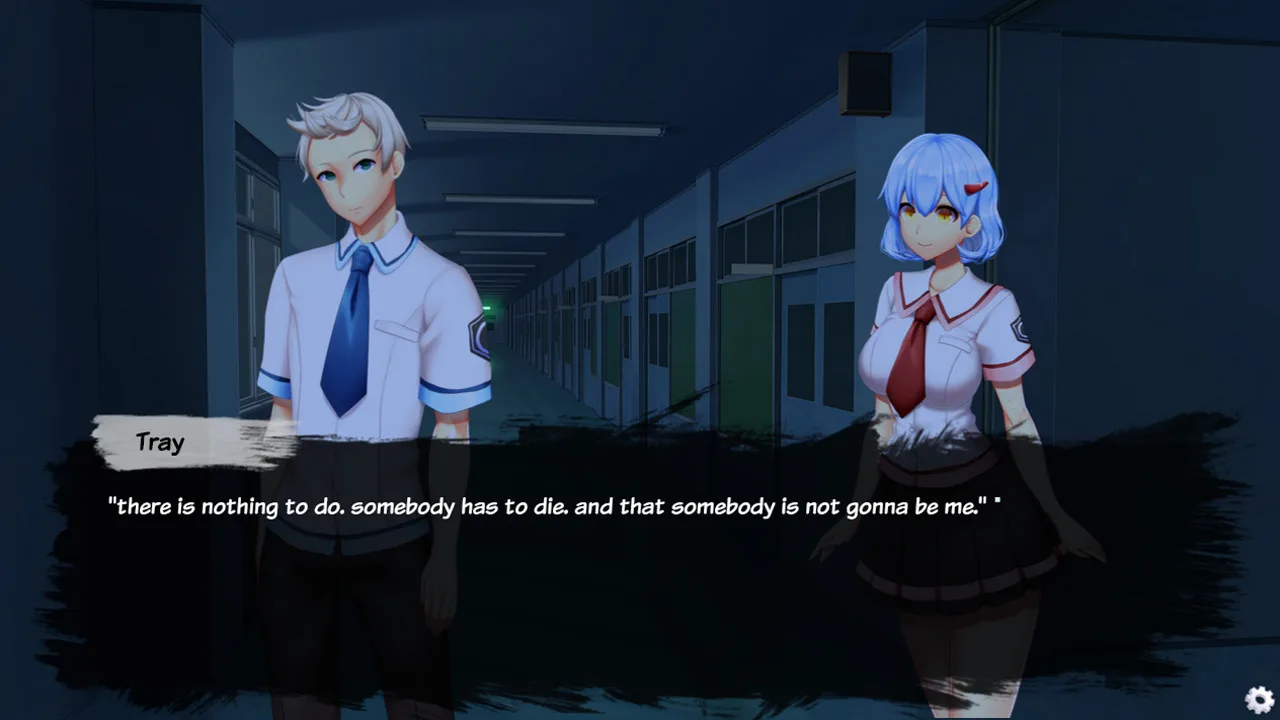
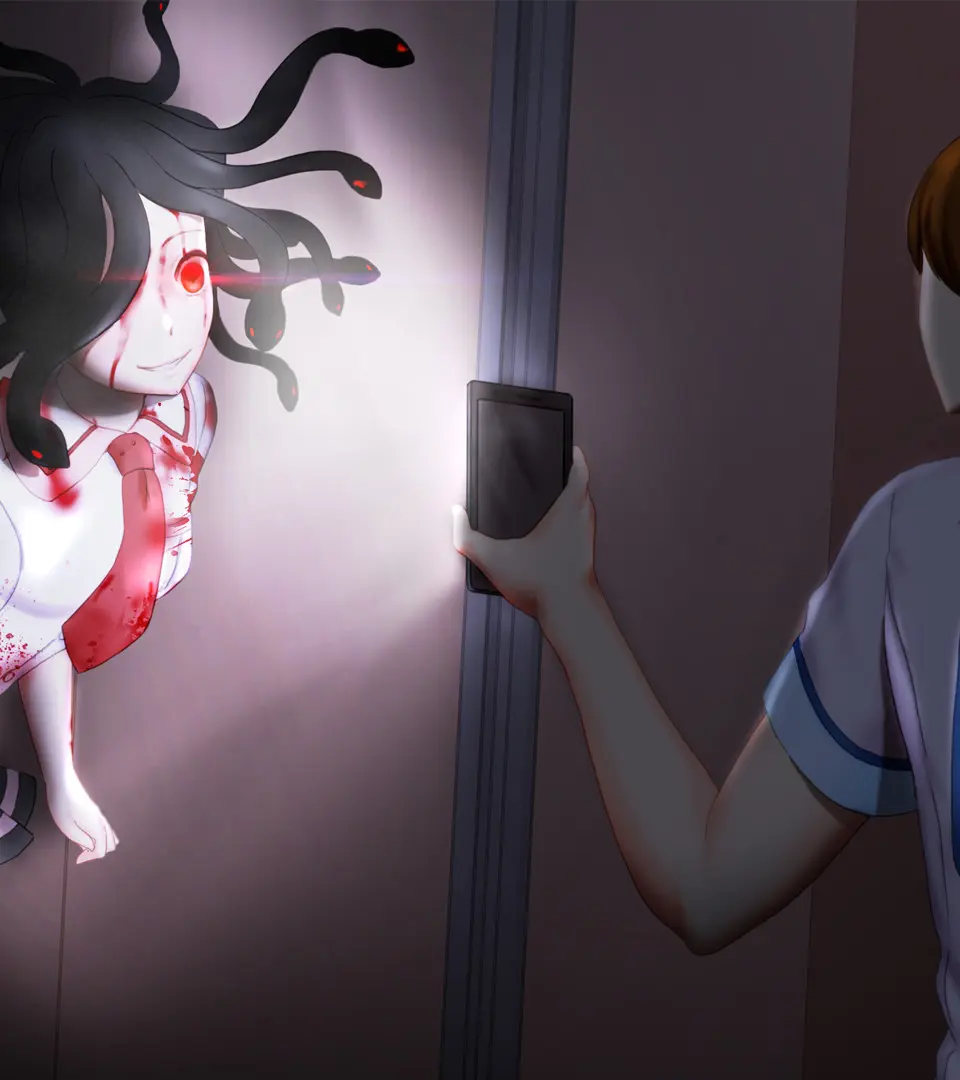
Learn to navigate Summer Nightmare's User Interface (UI) with our guide. Understand controls, inventory, and core mechanics to escape the Endless Nightmare.
This guide section focuses on understanding the User Interface (UI) and core mechanics of Summer Nightmare. Mastering these elements is crucial for navigating the dreamscape and escaping the Endless Nightmare.
| Action | Button/Key |
|---|---|
| Movement | WASD |
| Interact | Spacebar |
| Run (Limited Stamina) | Shift |
| Use Inventory Item | E |
| Open Inventory/Map | Tab |
Initial Inventory:
- Flickering Lantern: Provides limited light and can ward off minor spectral entities.
- Torn Journal: Tracks objectives and lore.
- Lullaby Charm: 3 uses to temporarily pacify certain enemies.
Core Mechanics:
- Dream Residue: Ethereal currency used at "Dream Weaving" points for crafting and upgrades.
- Memory Shards: Collectible fragments vital for narrative progression and unlocking the true ending.
- Fear Level: A meter indicating psychological distress. Higher levels increase environmental hostility and enemy aggression.
Stamina Management: Running consumes stamina, which regenerates slowly. Conserve sprints for urgent situations.
100% Human-Written. AI Fact-Checked. Community Verified. Learn how AntMag verifies content