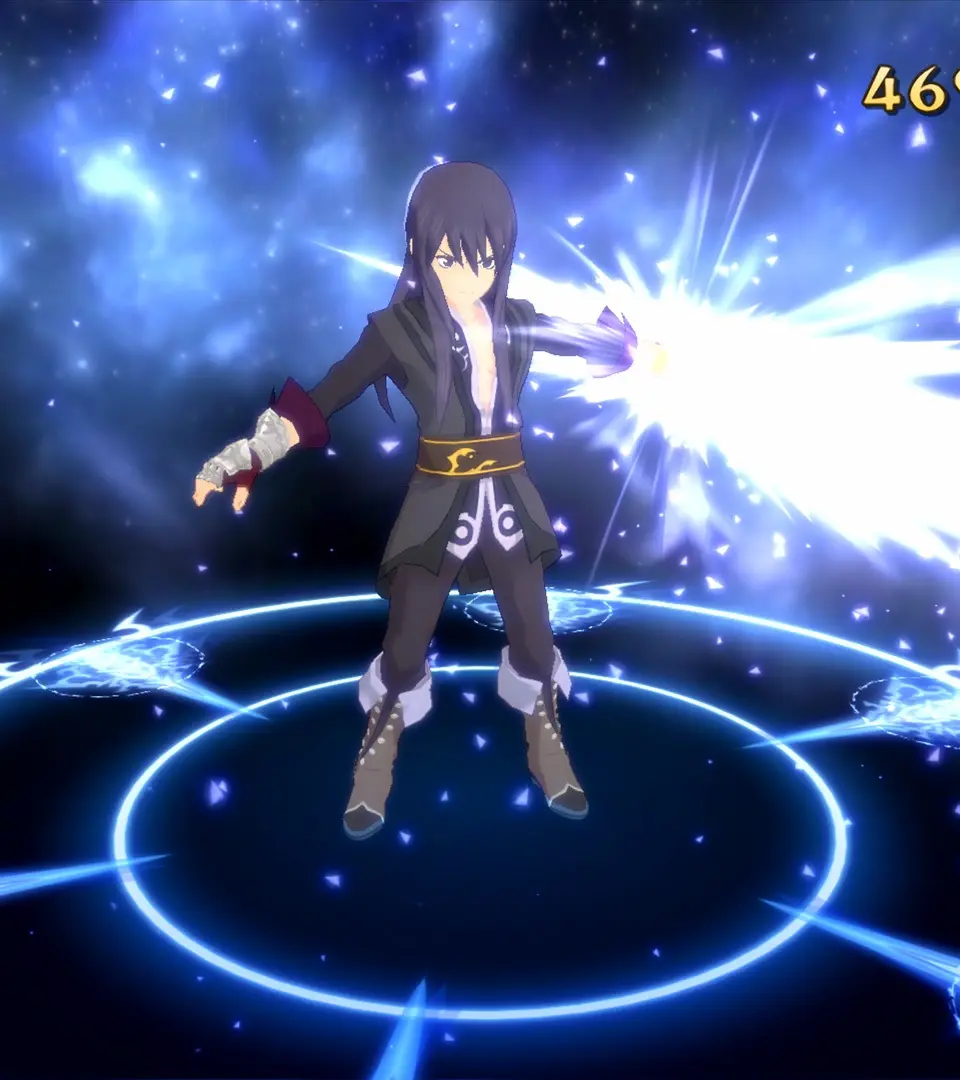
The UI in Tales of Vesperia provides crucial information about your party's status, objectives, and the world around you. On the field, you'll see a mini-map in the corner, indicating your current location and nearby points of interest. The bottom of the screen often displays your current objective. In battle, the UI becomes more dynamic, showing character HP/TP bars, Over Limit gauges, and a command window for artes. The main menu, accessed via the 'Start' or 'Options' button, allows you to manage your party, equipment, skills, items, and save your game. Take time to explore each tab of the main menu to understand its functions, as efficient menu navigation is key to managing your party's readiness.