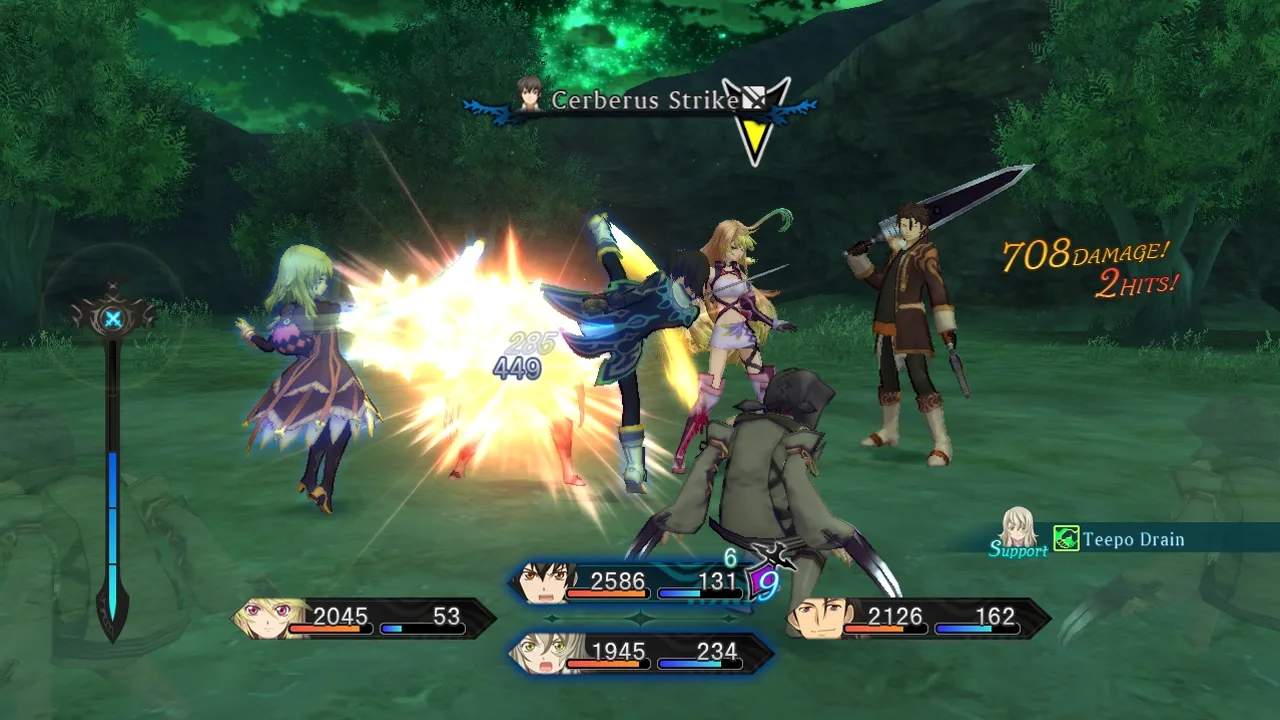
Tales of Xillia utilizes a standard JRPG control scheme. Here's a breakdown of the default PlayStation 3 controls:
- Left Analog Stick: Move character
- Right Analog Stick: Rotate camera
- X Button: Interact/Confirm
- Circle Button: Cancel/Back
- Square Button: Open Menu
- Triangle Button: Use Field Skill (e.g., Milla's Spirit Shift, Jude's Snap Pivot)
- L1 Button: Guard (in combat)
- R1 Button: Link Partner (in combat)
- L2 Button: Toggle Map (on field)
- R2 Button: Free Run (hold to run in any direction)
- Start Button: Pause Game/Open Main Menu
- Select Button: Open Chat Log
Mastering Free Run is essential for efficient exploration and dodging enemy attacks in combat. Practice linking with partners early on to understand the benefits of linked artes.
Compare controls & basic movement inTales of Phantasia