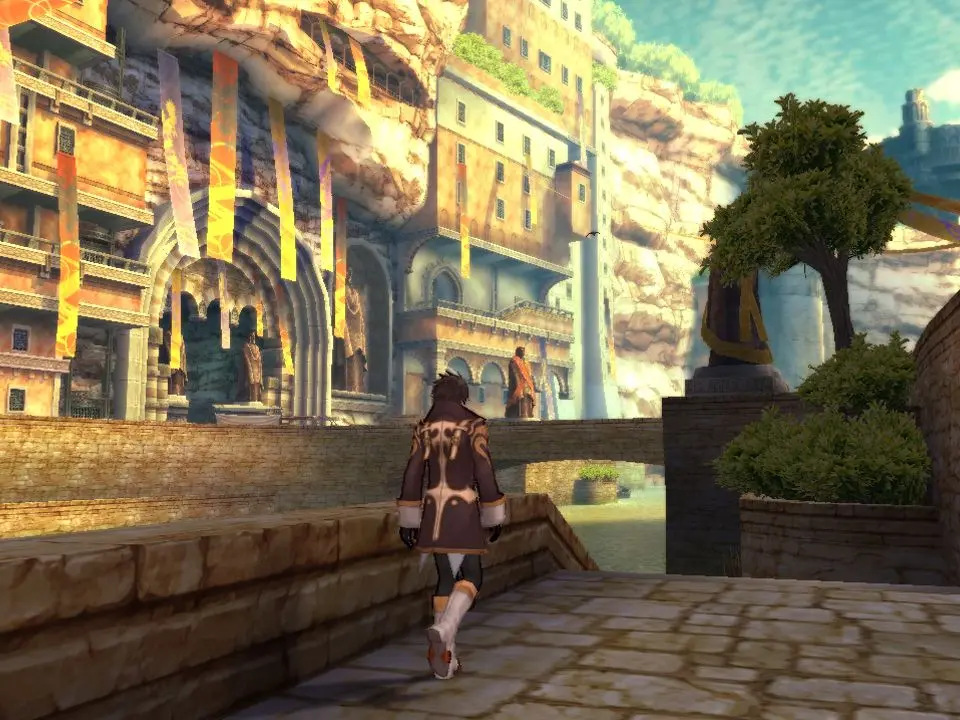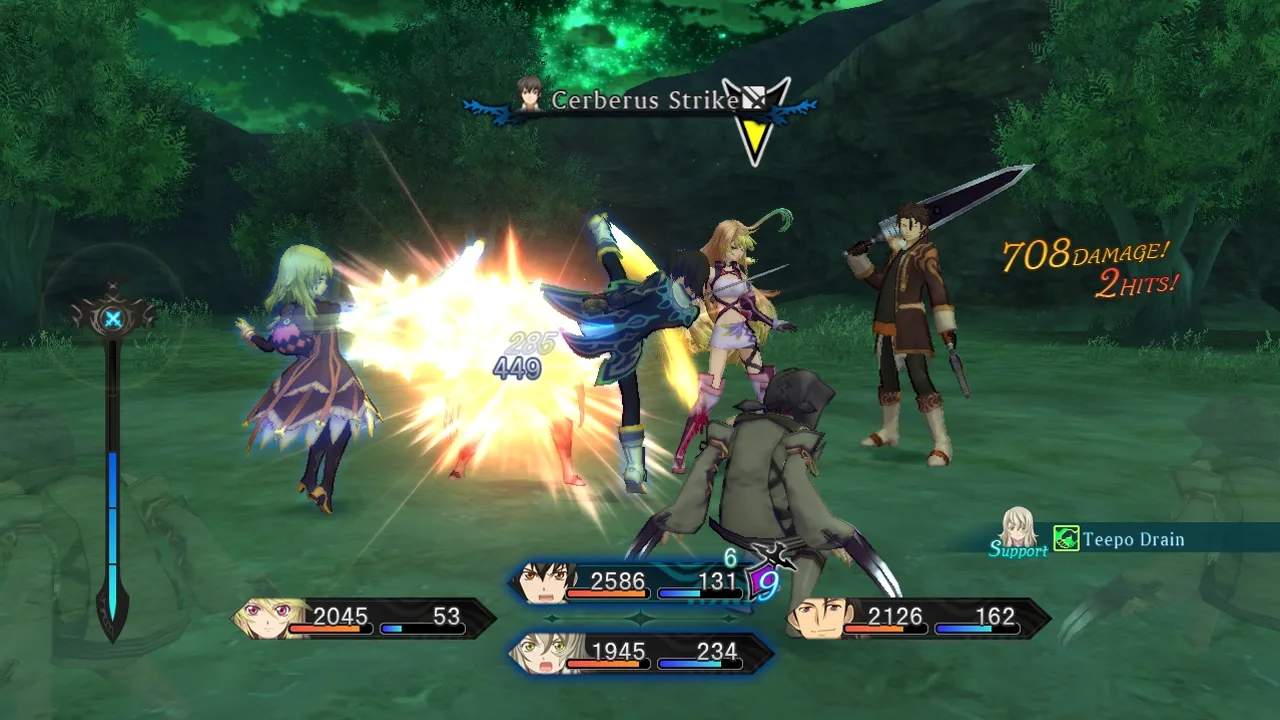
The game's UI provides vital information during exploration and combat. On the field, you'll see a mini-map, your current objective, and character portraits with HP/TP bars. In combat, the UI becomes more dynamic, displaying character HP/TP, Over Limit gauges, Linked Artes gauges, and enemy HP. Pay close attention to the enemy's elemental weaknesses and resistances, which are often displayed near their HP bar once you've analyzed them. The main menu, accessed via the Square button, is where you'll manage your party, equipment, skills, and items. Familiarize yourself with each tab to efficiently prepare for battles and optimize your characters.